Unwanted telemarketing inquiries, fraudulent automated robocalls, and deceptive SMS phishing links (commonly referred to as "smishing") have escalated into an epidemic of digital noise. For millions of mobile phone subscribers, an incoming ring or message notification no longer signals an urgent communication from a family member, medical clinic, or delivery courier; all too often, it heralds an automated recording masquerading as the Internal Revenue Service, a fictitious vehicle warranty extension service, or an urgent bank fraud impersonation scheme.
Beyond being an irritating daily nuisance that disrupts focus, spam communication represents a serious cybersecurity threat designed to extract personal identity information, banking credentials, and verification codes. Fortunately, the Android ecosystem has deployed sophisticated, multi-layered defensive shields. From carrier-level network verification protocols to on-device machine-learning heuristics, learning how to stop spam calls on Android empowers you to silence nuisance callers permanently while ensuring that legitimate emergency communications continue to reach you uninterrupted.
Based on official telecommunications industry standards (including the FCC's STIR/SHAKEN framework), Android operating system documentation, mobile security research, and verified user community feedback, this comprehensive editorial guide explains the exact configurations and strategic practices needed to eliminate spam calls and texts from your Android smartphone.
Editorial Note: TechVantageAPK publishes strictly educational cybersecurity guides. All settings discussed here use native Android features and verified carrier services. We do not promote third-party cracked utilities, premium APK dialers, or unverified software tools. Carrier spam blocking features and plan inclusions may vary—always check your mobile provider's official customer portal for specific service terms.
Understanding Modern Spam: Robocalls, Spoofing, and Smishing
To defend your smartphone effectively, it is helpful to examine how spammers exploit modern telephony infrastructure.
Caller ID Spoofing and Neighbor Spoofing
The legacy Public Switched Telephone Network (PSTN) was conceived decades ago without built-in cryptographic authentication. Telemarketers exploit Voice over IP (VoIP) software to inject fabricated telephone numbers into caller ID data packets. A pervasive tactic is "neighbor spoofing," wherein automated dialers generate an incoming caller ID matching your local area code and three-digit central office prefix. Spammers rely on the psychological likelihood that consumers will answer an unfamiliar number if it appears to originate from their local neighborhood.
The STIR/SHAKEN Regulatory Framework
In response to unchecked spoofing, telecommunications regulators and major mobile network operators (such as T-Mobile, AT&T, and Verizon) deployed the STIR/SHAKEN cryptographic verification protocol. Under STIR/SHAKEN, originating telephone carriers digitally sign outgoing calls with cryptographic certificates. When the call arrives at your Android device, the receiving carrier verifies the certificate. If verified, Android displays a visible Caller ID Verified badge or green checkmark alongside the caller name, confirming that the telephone number displayed on your screen is genuine.
Smishing (SMS Phishing) Threats
Because spam call filtering has improved dramatically, malicious actors have shifted aggressively toward SMS channels. Smishing attacks typically deliver urgent text messages claiming that an unpaid highway toll is overdue, a postal package cannot be delivered without address verification, or a bank account has been suspended. These messages contain deceptive hyperlinks designed to clone official login portals and harvest credentials. Implementing an aggressive SMS spam filter Android users can rely on is critical for personal data security.
Phase 1 — Built-In Google Phone App Defenses
For smartphones operating stock Android, Google Pixel devices, Motorola, Nothing, and many modern Nokia devices, the default dialer application is Google Phone. Google Phone contains arguably the most sophisticated spam and robocall defense engine in consumer telecommunications.
Enabling Caller ID & Spam Protection
Google maintains a vast, real-time database of confirmed telemarketing and robocall numbers derived from user reporting and machine-learning call pattern detection. To verify that native spam protection Google Phone is active:
- Open the Phone app.
- Tap the three vertical dots (overflow menu) in the top-right corner and select Settings.
- Under the Assistance or General header, tap on Caller ID & spam.
- Ensure the toggle for See caller and spam ID is turned On. This displays warning labels (such as "Suspected Spam") when an unverified number calls.
- Turn the toggle for Filter spam calls to On.
When Filter spam calls is enabled, Android automatically silences and intercepts suspected spam calls. Your phone will not ring, vibrate, or wake the display; the call is discarded silently in the background, though a discreet log remains accessible in your call history if you ever need to verify a missed ring.
Google Pixel Call Screen: Automated Interactive Assistant
If you operate a Google Pixel device (Pixel 6 through Pixel 9 series), you have access to Google's flagship defensive tool: Call Screen. Powered by on-device Tensor AI, Call Screen answers unknown calls on your behalf before your device rings.
Under Phone Settings > Call Screen, you can configure protection levels:
- Maximum Protection: Automatically screens all unknown numbers, private numbers, and suspected spam. Google Assistant answers, asks the caller to state their name and reason for calling, and provides you with a real-time, live written transcript of the caller's response.
- Silent Screening: If the caller is an automated robocall recording, Google Assistant detects the acoustic signature and hangs up automatically without disturbing you.

Phase 2 — Samsung Smart Call & One UI Defenses
Samsung Galaxy devices feature their own proprietary dialer integrated with Smart Call, powered by Hiya's global telecommunications intelligence network.
Configuring Smart Call on Samsung Galaxy Devices
To block robocalls Android users experience on Samsung handsets:
- Launch the standard Samsung Phone app.
- Tap the three-dot menu in the upper-right corner and choose Settings.
- Tap on Caller ID and spam protection.
- Slide the master toggle to On.
- Tap the entry to reveal granular sub-options:
- Toggle on Block spam and scam calls.
- Choose between Block all spam and scam calls (recommended) or Only block high-risk scam calls.
When configured to block all spam, incoming calls identified as aggressive telemarketers or debt collection scams are rejected at the network handshake level, sparing you unwanted rings.
Samsung Bixby Text Call
Similar to Google's Call Screen, modern Samsung Galaxy phones running One UI 5, 6, or 7 feature Bixby Text Call. When an unfamiliar number calls, tapping the Bixby Text Call button prompts Samsung's voice assistant to answer. The assistant asks the caller why they are calling, transcribes their speech into live text on your screen, and allows you to type quick replies that Bixby reads back to the caller aloud.
Phase 3 — Carrier-Level Spam Blocking Utilities
While on-device software filters provide excellent defense, filtering calls at the cellular carrier network level—before the transmission even reaches your phone's antenna—provides the ultimate protection. Major US wireless carriers offer free network-level spam identification tools that should be activated alongside your phone's native settings.
1. T-Mobile: Scam Shield
T-Mobile operates Scam Shield, an industry-leading network defense that analyzes billions of calls across T-Mobile's core network infrastructure. T-Mobile customers can dial a universal shortcode directly from their keypad to activate Scam Block for free:
- Open your phone dialer, enter #662#, and press Call.
- A network confirmation message will notify you that Scam Block is enabled, automatically intercepting suspected scam calls at the tower level.
- You can download T-Mobile's free Scam Shield app from the Google Play Store to inspect blocked logs and manage whitelist allowances.
2. AT&T: ActiveArmor Mobile Security
AT&T provides AT&T ActiveArmor, a carrier security service built into their wireless network. By downloading the official ActiveArmor app from Google Play, users on qualifying plans can configure:
- Automatic blocking of calls identified as fraud risks.
- Flagging nuisance telemarketers as "Spam Risk" on incoming caller ID.
- Sending unknown callers directly to voicemail.
3. Verizon: Call Filter
Verizon operates Verizon Call Filter. The free tier includes automatic spam detection, a neighborhood spoofing blocker, and personal block lists. Downloading the official Call Filter app from Google Play allows you to set spam risk thresholds (High, Medium, or Low Risk) to determine which calls are rejected automatically versus flagged on your screen.
Phase 4 — Hardening Android SMS Spam Protection
Stopping fraudulent text messages requires activating dedicated SMS filtering mechanisms. Modern messaging apps employ machine-learning classification models that parse incoming text syntax, sender shortcodes, and embedded URLs locally on your device without compromising message privacy.
Enabling Spam Protection in Google Messages
Google Messages is the default SMS and RCS messaging application on most modern Android devices. Its built-in spam filter is exceptionally accurate at catching smishing attempts.
To verify that SMS spam protection is active:
- Launch the Messages app.
- Tap your profile avatar icon in the upper-right search bar and choose Messages settings.
- Scroll down and select Spam protection.
- Verify that the toggle for Enable spam protection is switched to On.
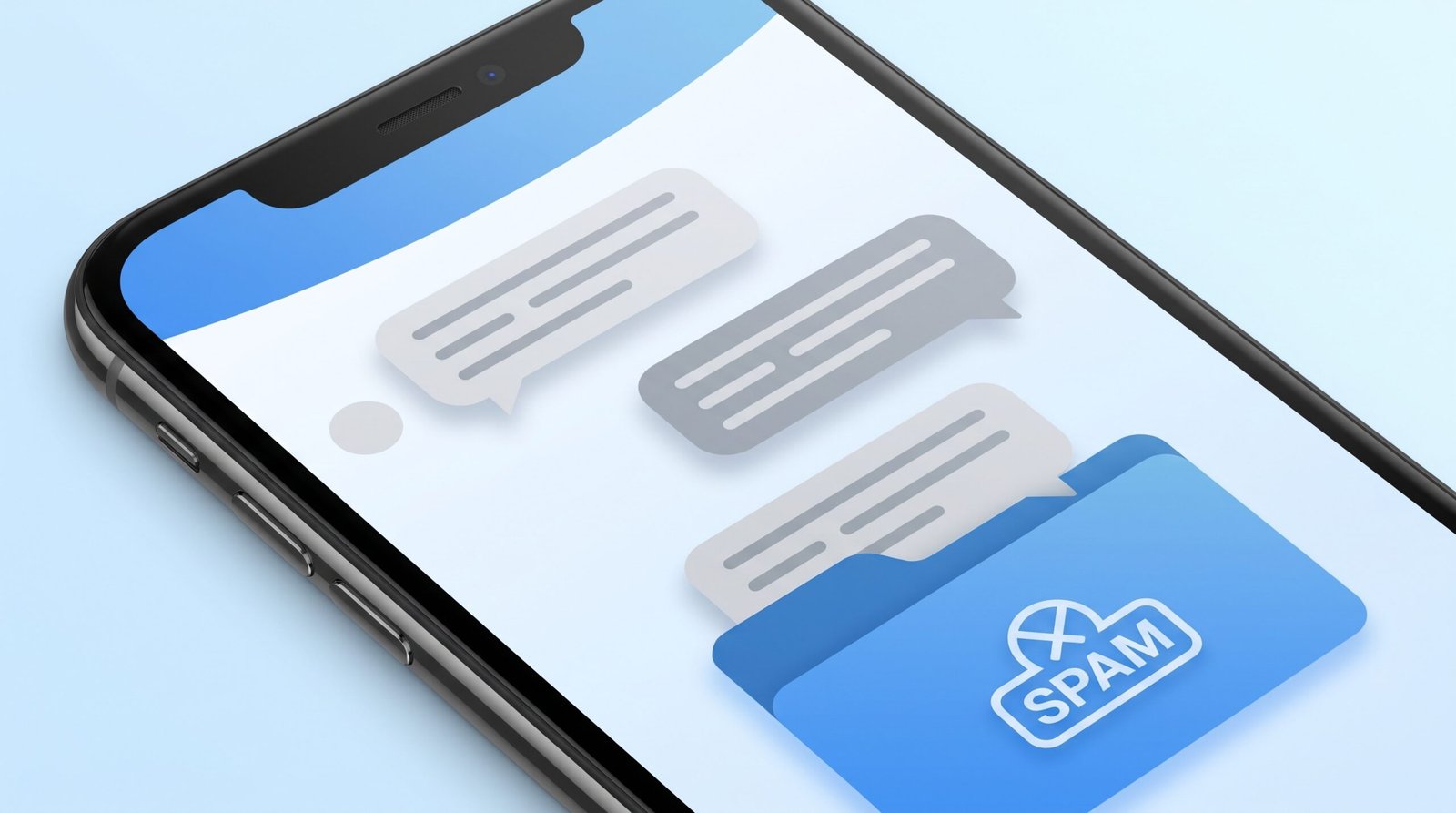
When active, suspected spam texts are automatically shunted into a hidden Spam & blocked archive folder without sounding an alert. Furthermore, if an incoming message contains an unverified, suspicious hyperlink, Google Messages will display a prominent warning banner advising you not to click the link.
Blocking and Reporting Spam Texts Manually
If an unsolicited text bypasses automated filters:
- Open the offending message thread.
- Tap the three-dot menu and select Details (or tap the sender's phone number at the top).
- Select Block & report spam.
- Ensure the checkbox for Report spam to Google and your carrier is checked, then tap OK.
Reporting spam submits an encrypted cryptographic hash of the message to global telecommunications threat databases, helping protect millions of other Android users from the same fraudulent campaign.
Phase 5 — Advanced Techniques: Silence Unknown Callers & Do Not Disturb
For users subjected to relentless, targeted robocall storms—or individuals who never receive unexpected legitimate calls from numbers outside their contact book—Android provides decisive nuclear options.
Silencing All Unknown Callers
Within the Google Phone app settings, navigate to Blocked numbers and toggle on Unknown (labeled Block calls from unidentified callers). On Samsung Galaxy devices, open Phone Settings > Block numbers and toggle on Block calls from unknown numbers.
Important Distinction: In Android terminology, "Unknown" typically refers specifically to callers who deliberately mask their caller ID (displaying "Private", "Restricted", or "Anonymous"). It does not block calls from legitimate phone numbers simply because they are not saved in your address book.
Using Do Not Disturb as a Bulletproof Whitelist
If you want to guarantee that only people saved in your address book can ring your phone, configure Android's native Do Not Disturb (DND) profile:
- Go to Settings > Sound & vibration > Do Not Disturb.
- Under What can interrupt Do Not Disturb, tap on People.
- Under Calls, select Contacts only or Starred contacts only.
- Under Messages, select Contacts only.
- Ensure the toggle for Allow repeat callers is enabled. This ensures that if a legitimate emergency arises and someone calls twice within a 15-minute window, their call will break through the filter.
National Regulatory Registries: The National Do Not Call Registry
While technical filters block offshore cybercriminals who ignore legal boundaries, registering your telephone number with official regulatory consumer protection databases curtails legitimate commercial telemarketing cold-calls.
Registering with the US Federal Trade Commission (FTC)
If you reside in the United States, register your mobile number on the National Do Not Call Registry (donotcall.gov) or by calling 1-888-382-1222 from the phone you wish to register. Commercial telemarketers operating within the United States are legally required to scrub their calling lists against this national registry every 31 days. While this will not deter illegal offshore scammers, it dramatically cuts down on aggressive domestic insurance brokers, real estate cold-callers, and survey agencies.
Multi-Tier Spam Defense Architecture Summary
Defense Tier | Implementation Layer | Primary Function | User Benefit |
Carrier Network Filter | Cellular Tower (T-Mobile, AT&T, Verizon) | STIR/SHAKEN certificate validation | Stops spoofed calls before they reach your phone. |
Google / Samsung Dialers | On-Device Operating System | Caller ID & Spam identification | Silences suspected telemarketing rings automatically. |
Pixel / Bixby Call Screen | Device AI Assistant | Answers and screens unknown callers | Transcribes voice responses live without disturbing you. |
Messages Spam Filter | Google Messages App | Heuristic smishing detection | Isolates phishing texts into hidden spam folders. |
Do Not Disturb Whitelist | System Sound Engine | Restricts incoming rings to address book | Provides 100% silence from unsaved numbers during focus. |

Frequently Asked Questions (FAQ)
Does answering a spam call make you receive more spam?
Yes, absolutely. Automated robodialers routinely dial millions of randomly generated telephone number combinations. When you answer the call—even if you remain silent or yell at the automated voice—the dialer system notes that your number connects to an active, monitored line. Your phone number is immediately flagged as "verified active" and sold to secondary telemarketing databases, resulting in an exponential increase in future spam.
Is it safe to reply "STOP" to spam text messages?
Only reply "STOP" to legitimate commercial services you recognize (such as your pharmacy, bank, or a retailer you deliberately signed up for). If the message originates from an unknown, suspicious number or phishing campaign, replying "STOP" confirms to the scammer that your number is active and monitored by a human, triggering further attacks. For suspicious unknown texts, do not reply—simply block and report the message.
Are third-party call blocker apps (like Truecaller or Hiya) necessary?
For most modern Android users, third-party blocker apps are no longer necessary. Native tools like Google Phone's spam filter and Samsung's Smart Call offer exceptional protection without the privacy trade-offs associated with third-party apps, which often require uploading your entire contact address book to their external commercial databases.
What does "Caller ID Verified" mean on my Android screen?
When an incoming call displays a checkmark or "Verified" badge, it indicates that the caller's telephone service provider has cryptographically validated their identity through the FCC-mandated STIR/SHAKEN protocol. This proves that the telephone number displayed on your screen is authentic and has not been forged via caller ID spoofing.
Can spammers leave voicemails even if their call is blocked?
Yes. When your smartphone rejects a call at the handset level, the cellular carrier's network interprets the rejection as a "busy" or "declined" signal and routes the caller to your carrier voicemail box. To eliminate spam voicemails, use carrier-level blocking apps (like T-Mobile Scam Shield or Verizon Call Filter), which sever the call before it reaches voicemail.
Will blocking spam calls prevent important doctor or hospital calls?
Legitimate medical practices, hospitals, and pharmacies generally operate certified telephone lines that pass STIR/SHAKEN verification. However, because hospital departments often call from non-public branch lines, avoiding extreme filters (like blocking all numbers not in your contacts) ensures you do not miss critical healthcare communications.
Conclusion: Restoring Peace and Security to Your Phone
You do not have to surrender to endless robocalls and fraudulent SMS messages. By taking a proactive, multi-layered defensive approach, you can eliminate unwanted interruptions and reclaim your peace of mind.
To achieve maximum protection today:
- Verify that Caller ID & spam protection is active inside your Phone app.
- Enable Spam protection inside Google Messages.
- Activate your mobile network carrier's free network-level blocker (such as T-Mobile's #662# Scam Block).
- Never engage with unknown callers or reply to unsolicited smishing links.
With these robust native defenses operating silently in the background, your Android smartphone will once again function as an efficient, trusted communication tool.