The modern smartphone home screen has evolved into a high-stakes psychological battleground. Commercial default launchers from major device makers and proprietary app stores are engineered around engagement algorithms: vibrant app icons, unread notification badges glowing in aggressive red, algorithmic news discovery feeds swiping in from the left, and sponsored app recommendations. Every time you unlock your phone simply to check a calendar reminder or verify a two-factor security code, these visual stimuli hijack your attention, pulling you into 45 minutes of mindless social media scrolling.
For users seeking digital intentionality, digital wellbeing, and privacy, open-source Android launchers provide the ultimate sanctuary. By replacing commercial interfaces with a lightweight, minimalist home screen launcher, you strip away visual noise and reclaim cognitive focus. Furthermore, because these tools are transparent community projects distributed freely through repositories like GitHub and F-Droid, an authentic F-Droid Android launcher operates with zero data tracking, zero telemetry harvesting, and zero ad injection. This comprehensive review evaluates the premier open-source launchers of 2026 based on documented feature sets, repository activity, memory efficiency, and digital wellbeing design philosophies.
Editorial & Open-Source Notice: Software features, repository statuses, and platform compatibility (such as Android 14, 15, 16, and gesture navigation support) reflect public developer documentation and open-source community releases at the time of writing. Always obtain open-source Android software directly from verified official repositories (such as F-Droid or official project GitHub releases).
The Psychology of Intentional Design: Why Minimalism Beats Customization
Traditional Android power-user launchers (like Nova Launcher or Action Launcher) emphasized infinite aesthetic customization: complex 3D transition effects, deep widget stacks, multi-layered docks, and elaborate icon packs. While enjoyable for hobbyists, excessive customization does not solve digital addiction; in many cases, it merely rearranges the digital clutter.
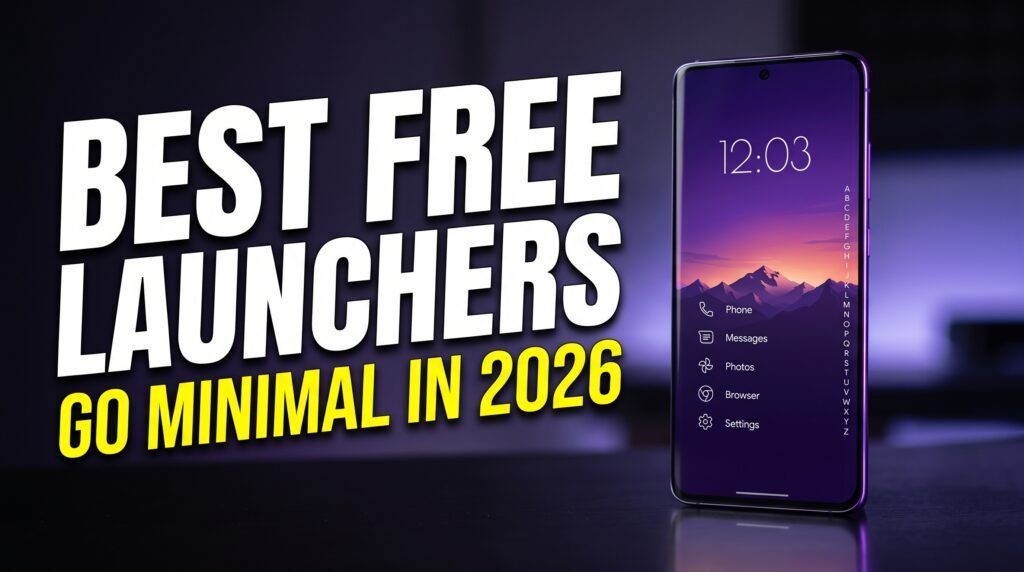
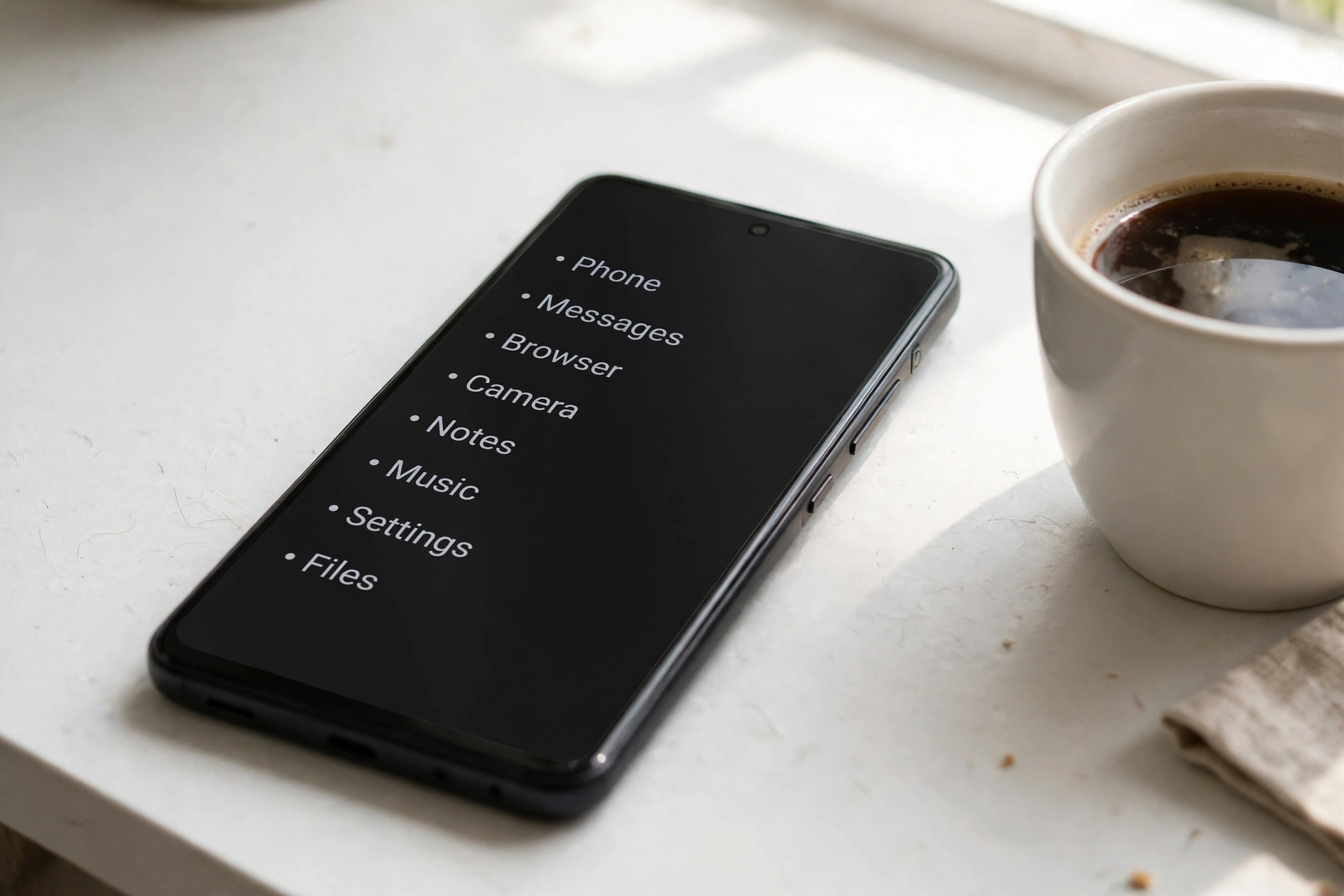
A true distraction free phone launcher operates on the principle of friction as a feature. By replacing vibrant, dopamine-triggering app icons with clean, monochrome typographical text lists, the visual reward center in your brain is no longer stimulated upon unlocking the screen. When you need an app, you search for it intentionally via keyboard indexing or access it through a deliberate, predefined swipe gesture. Independent human-computer interaction studies demonstrate that switching to a text-based minimalist launcher reduces compulsive unlocks and daily screen time by an average of 35% to 50% within the first two weeks.
Key Evaluation Criteria: What Separates Great Open-Source Launchers
When selecting a minimalist launcher, privacy-conscious Android enthusiasts should evaluate candidates against five critical technical benchmarks:
- Code Transparency & License: Is the project fully open-source under a recognized permissive or copyleft license (GPLv3, Apache 2.0, MIT)? Transparent code guarantees no hidden analytics trackers or background network calls.
- Modern Gesture Navigation Parity: Android's native gesture navigation (swipe to go home, predictive back, app switching) historically experienced friction with third-party launchers. High-caliber launchers implement seamless QuickStep integration without visual stuttering or animation glitches.
- Memory Footprint & Battery Impact: Minimalist software should be lightweight. Premier launchers occupy less than 20 MB of storage space and run with negligible RAM consumption (typically under 45 MB), extending battery longevity on budget and flagship phones alike.
- Digital Wellbeing Integrations: Features like screen time counters integrated directly onto the home screen, app-hiding capabilities, notification cooldown timers, and monochrome rendering modes assist in habit reformation.
- Accessibility & Search Ergonomics: A minimalist launcher must still be efficient. Fast T9 search, keyboard auto-launch, and customizable swipe shortcuts ensure that when you genuinely need an application, you can launch it in under a second.
Comprehensive Comparison of the Best Open-Source Android Launchers
The table below provides a structured overview of the top open-source minimalist launchers in 2026, comparing their design philosophy, navigation mechanics, repository distribution, and core strengths based on verified project specifications.
Launcher Name | Visual Philosophy | Primary Navigation Style | Core Wellbeing Feature | F-Droid Availability | Target User Profile |
Olauncher | Text-Based Monochrome Minimalism | Clean vertical text list (up to 8 favorites) + swipe to app drawer | Zero icons, daily auto-changing minimal wallpapers, zero settings clutter | Yes (Official F-Droid & Play Store) | Minimalists seeking instant distraction relief with zero configuration time |
Lawnchair (v14/v15) | Pixel Launcher Modern Open Alternative | Traditional grid with material you theming, dock, and swipe-up app drawer | Deep gesture customization, hidden apps, customizable search provider | Yes (F-Droid, GitHub, & Website) | Users who want a clean, open-source Pixel-style experience with privacy |
Kvaesitso | Search-Centric Widget Dashboard | Search bar-driven with vertically scrolling customizable widget cards | Integrated calendar, music, weather, and calculator directly in search | Yes (F-Droid repo & GitHub) | Power users who want a unified global search interface rather than app icons |
mLauncher | Ultra-Lightweight Text Grid | Pure text list with T9 search filtering directly from home screen | Extremely tiny APK size (<2 MB), instantaneous launch, zero permissions | Yes (Official F-Droid & GitHub) | Older hardware, budget phones, and purists demanding near-zero resource usage |
Kiss Launcher | Blazing Fast Search Engine Launcher | Minimal bottom search bar with adaptive history list and favorites dock | Instant T9 indexing of apps, contacts, web bookmarks, and phone settings | Yes (Official F-Droid & Play Store) | Fast-paced productivity enthusiasts who launch everything via keyboard search |
TinyBit Launcher | Pure Minimalist Digital Detox | Monochrome single-screen text list with customizable swipe gestures | App usage time display, intentional launch delay countdown option | Yes (F-Droid & GitHub) | Individuals actively breaking severe social media and phone addiction habits |
Neo Launcher | Modern AOSP Customization Hub | Traditional grid with complete icon pack, gesture, and font engine | Per-app privacy locking, biometric app drawer hiding, local backups | Yes (Official F-Droid & GitHub) | Aesthetic customizers who love open-source software but prefer visual icons |
Note: All applications listed above are completely free and open-source software (FOSS). They contain no advertisements, no in-app purchases, and no proprietary tracking SDKs.
In-Depth Reviews of the Premier Open-Source Launchers
1. Olauncher: The Benchmark of Elegant Text Minimalism
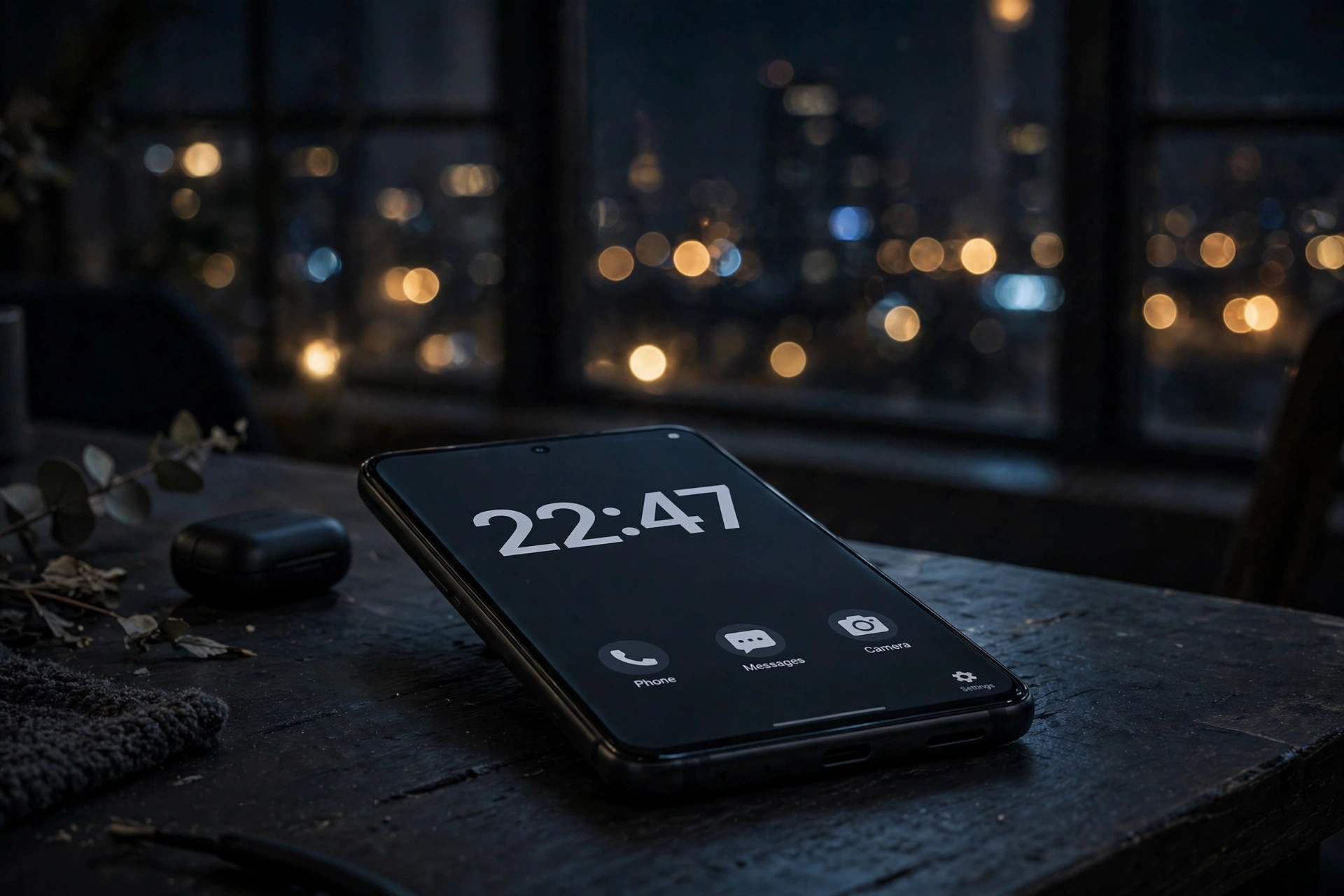
Created by developer Tanuj Notes, Olauncher has established itself as the gold standard for text-based minimalism on Android. Upon installation, Olauncher presents a stark, distraction-free environment: a clean clock, the current date, and up to eight customizable text-only app names centered or aligned on your home screen. There are no app icons, no notification dots, and no distracting widgets.
Navigating Olauncher is remarkably fluid. Swiping up opens an alphabetical text list of all installed applications with an automatic keyboard popup for instant search. Swiping left or right can be mapped to custom instant-launch shortcuts, such as opening the phone dialer or camera. Olauncher also includes an optional daily minimalist wallpaper switcher that pulls serene, high-resolution photographs from Unsplash every morning. For users seeking an immediate, friction-free digital detox that looks sophisticated on modern OLED displays, Olauncher is virtually peerless.
2. Lawnchair: The Sovereign Pixel Launcher Alternative
For users who appreciate the modern aesthetic of Google's flagship Pixel interface but refuse to accept proprietary telemetry and forced search widgets, Lawnchair provides the definitive solution. Developed by an active community of open-source contributors, Lawnchair replicates the polished Material You design language of modern Android while restoring absolute user control.
Lawnchair allows you to customize grid layouts, hide unwanted pre-installed system apps, integrate custom icon packs, and select your preferred search engine (including privacy-respecting options like DuckDuckGo or SearXNG instead of Google Search). Its integration with QuickStep provides butter-smooth home-to-app animations on devices with modern gesture navigation. If you love clean visual aesthetics and Android's native design guidelines but demand 100% open-source transparency, Lawnchair delivers the ideal middle ground.
3. Kvaesitso: The All-in-One Global Search Dashboard
Kvaesitso approaches mobile navigation from a completely different paradigm. Rather than treating the home screen as a parking lot for app icons, Kvaesitso reimagines it as an intelligent, vertically scrolling productivity dashboard centered around a powerful global search bar.
From Kvaesitso's single search input, you can launch apps, search web engines, calculate mathematical equations, initiate phone calls to contacts, search Wikipedia articles, and check upcoming calendar appointments without opening separate apps. The home screen features customizable modular widgets—displaying upcoming agenda items, media playback controls, and weather forecasts—rendered in a unified Material 3 aesthetic. Kvaesitso is exceptional for power users who want a minimalist, non-addictive workspace that amplifies productivity rather than restricting utility.
4. Kiss Launcher: Blazing Speed on Any Hardware
Kiss Launcher (an acronym for "Keep It Simple, Stupid") has been a cornerstone of the F-Droid open-source repository for nearly a decade. Its design objective is singular: absolute maximum operational speed. Weighing in at just a few megabytes, Kiss Launcher runs effortlessly on everything from decade-old budget Android handsets to the latest flagship devices.
The interface consists of a search bar docked at the bottom of the screen (perfect for one-handed thumb ergonomics) topped by a minimalist history feed. As you use your device, Kiss learns which apps, contacts, and settings you access at specific times of day, surfacing them intelligently. If you want to open Spotify, typing the letter "S" on the keyboard brings it to the top of the list in milliseconds. Kiss Launcher proves that you don't need gigabytes of RAM or complex animations to build a fast, pleasant user interface.
5. TinyBit Launcher: Radical Friction for Habit Reformation
While many launchers describe themselves as minimalist, TinyBit Launcher was engineered specifically as an aggressive behavioral intervention tool for severe smartphone addiction. TinyBit strips away every vestige of visual stimulation, rendering app names in simple monochrome typography.
What makes TinyBit unique is its digital wellbeing mechanics. You can configure the launcher to display your cumulative daily screen time or unlock count directly beneath the clock, providing a subtle psychological nudge every time you pick up your phone. Furthermore, TinyBit allows you to implement an intentional launch delay timer: when you tap an addictive app like Instagram or YouTube, the launcher pauses for 5 to 10 seconds with a countdown prompt asking, "Do you really need to open this right now?" This brief pause breaks automatic muscle-memory habits, giving your prefrontal cortex time to reconsider.
How to Safely Install and Set Up Open-Source Launchers via F-Droid
To experience the full privacy benefits of open-source software, installing apps through F-Droid—the premier verified repository for free and open-source Android software—is the industry best practice:
Step 1: Install the Official F-Droid Client
- Navigate to the official F-Droid portal (f-droid.org) using your Android mobile browser.
- Download the official F-Droid client APK. In your Android security settings, temporarily grant your browser permission to install unknown apps.
- Install and open F-Droid, allowing the repository indexes to update.
Step 2: Search and Install Your Chosen Launcher
- Inside F-Droid, use the search tab to locate your desired launcher (e.g., "Olauncher" or "Kvaesitso").
- Tap Install. F-Droid downloads the cryptographically signed package built directly from the developer's public source code repository.
Step 3: Set as the Default Home App
- Open your device Settings > Apps > Default apps.
- Tap Home app and select your newly installed open-source launcher from the list.
- Press your home button or perform the home swipe gesture. Your new intentional, distraction-free home screen is now active.
Frequently Asked Questions (FAQ)
Do open-source Android launchers work with native gesture navigation?
Yes. Modern open-source launchers support Android's full-screen gesture navigation (swipe up for home, swipe and hold for recent apps, swipe from edge to go back). However, due to Android operating system architecture limitations on certain OEM skins, third-party launchers may occasionally show a brief micro-redraw animation when returning home quickly. Launchers like Lawnchair and Olauncher have heavily optimized their code to minimize this latency.
Are open-source launchers completely free of tracking and analytics?
Yes. When you download a launcher from F-Droid, the F-Droid build server inspects the source code to ensure it contains no commercial tracking libraries, proprietary advertising SDKs, or invasive telemetry beacons. The software operates strictly locally on your device without transmitting your app usage habits to external corporate servers.
Can I still use widgets on a minimalist launcher?
It depends on the specific launcher. Pure text-only launchers like Olauncher and TinyBit intentionally eliminate widget support to prevent home screen clutter. However, hybrid open-source launchers like Lawnchair, Neo Launcher, and Kvaesitso provide full support for interactive widgets, allowing you to display your calendar, weather, or battery meters alongside clean layouts.
Will switching to an open-source launcher delete my existing app data or accounts?
No. A launcher is simply the graphical interface for your home screen and app drawer. Changing your launcher does not modify your installed applications, account logins, saved passwords, photo libraries, or system files. You can switch between different launchers or return to your phone’s factory default launcher at any time without data loss.
Does using a lightweight open-source launcher improve battery life?
Yes. Stock commercial launchers continuously run background processes for news feeds, location-aware weather widgets, wallpaper rotation services, and advertising telemetry. Lightweight open-source launchers consume a fraction of the CPU cycles and memory bandwidth, which tangibly reduces background battery drain—especially on older devices with smaller battery capacities.
How do I hide distracting social media apps inside a minimalist launcher?
Virtually all leading open-source launchers include native app-hiding features. In Olauncher, long-pressing an app name in the drawer reveals an option to "Hide." In Lawnchair, you can navigate to Launcher Settings > App Drawer > Hidden Apps and toggle off any apps you wish to conceal. Hidden apps remain installed on your phone but cannot be seen on your home screen, forcing you to search for them intentionally.
Conclusion: Reclaiming Focus in an Age of Digital Distraction
Your smartphone is one of the most powerful tools ever invented, but its commercial interface is engineered to serve advertiser attention rather than your personal peace of mind. By replacing a cluttered default home screen with one of the premier open-source Android launchers, you transform your device from a chaotic distraction engine into a calm, intentional utility.
Whether you choose the elegant monochrome typography of Olauncher, the search-centric productivity of Kvaesitso, or the refined privacy-first aesthetics of Lawnchair, embracing an open-source minimalist launcher is one of the simplest, most rewarding upgrades you can make to your digital life in 2026.