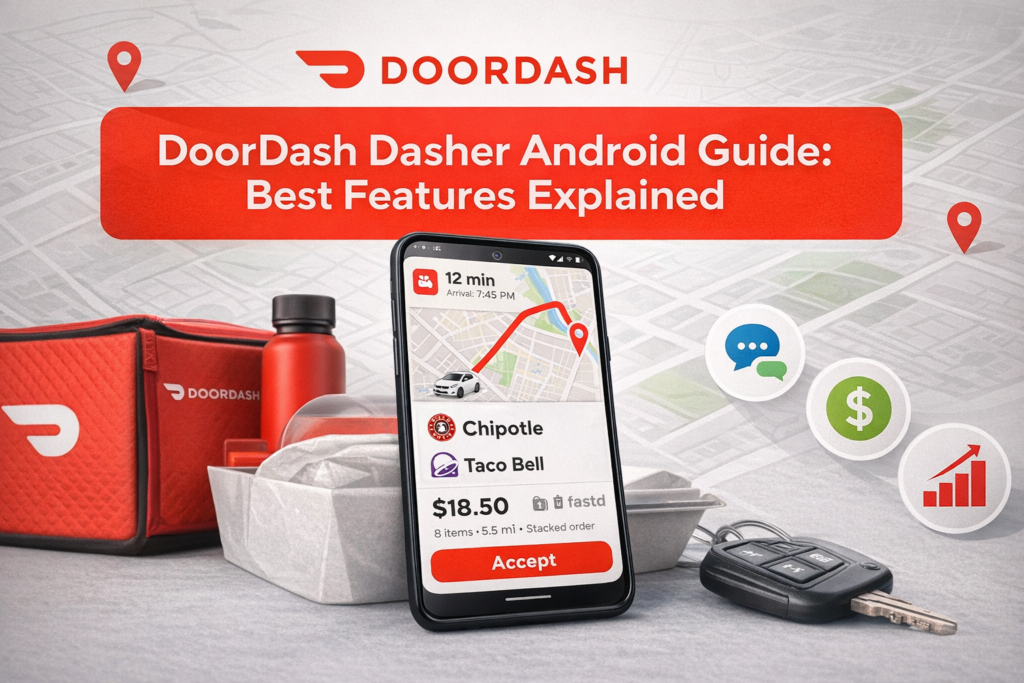
The DoorDash Dasher app is an essential tool for delivery drivers, helping manage orders, track earnings, and navigate efficiently. In 2026, the Android app has introduced new features that improve workflow, optimize deliveries, and enhance earnings potential.
This guide explains all the best features of the DoorDash Dasher Android app, along with tips to use them effectively to maximize productivity and earnings.
Getting Started with the DoorDash Dasher Android App
Step 1: Download and Install the App
-
Available on Google Play Store
-
Compatible with Android 8.0 or higher
-
Requires at least 100 MB of free space
Step 2: Sign Up or Log In
-
Provide personal details and bank information
-
Submit driver license and insurance information
-
Complete background check for eligibility
Once verified, you can start accepting delivery orders and tracking earnings directly from your Android device.
Top Features of DoorDash Dasher Android App
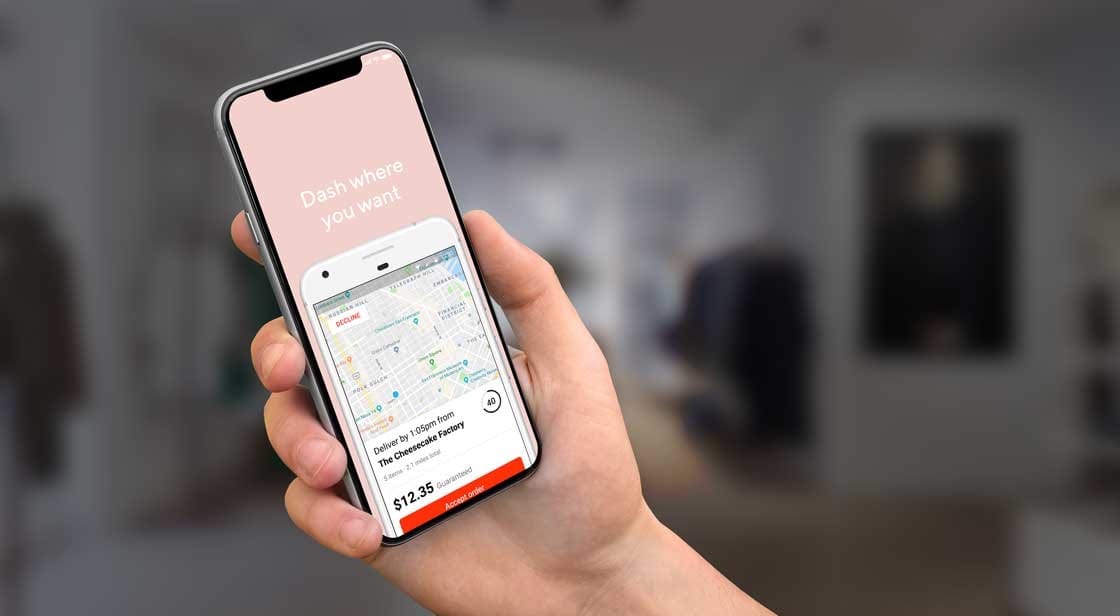
1. Order Dashboard
The dashboard shows all available orders in your area, including:
-
Restaurant name
-
Pickup location
-
Delivery address
-
Estimated earnings per order
It allows dashers to choose orders based on convenience, pay, and distance.
2. Real-Time Navigation
The app integrates with GPS to provide:
-
Turn-by-turn navigation
-
Real-time traffic updates
-
Alternate route suggestions
Efficient navigation saves time, reduces fuel costs, and increases deliveries per shift.
3. Earnings and Bonuses Tracking
The Android app provides detailed earnings info:
-
Base pay per delivery
-
Customer tips
-
Promotions and peak pay bonuses
-
Weekly payout summary
Tracking earnings helps dashers identify high-value blocks and optimize their schedule.
4. Order Details and Customer Preferences
For each order, the app provides:
-
Special instructions from customers
-
Itemized order lists
-
Notes for substitutions or allergies
Accurate attention to these details increases customer satisfaction and tips.
5. Hotspots & Peak Hours
The app highlights areas with high demand:
-
Restaurants with frequent orders
-
Time windows with peak pay opportunities
Focusing on hotspots improves earnings efficiency.
6. In-App Support
The Android app allows dashers to:
-
Contact support for missing or damaged items
-
Resolve payment or order issues
-
Access FAQs and tutorials
Fast support reduces downtime and ensures smooth operations.
7. Multi-Delivery Optimization
Dashers can see multiple orders along the same route to:
-
Combine pickups and drop-offs
-
Reduce driving time
-
Maximize per-hour earnings
This feature is especially useful in dense urban areas.
Tips to Maximize Efficiency Using Android App
-
Prioritize high-value orders – consider distance and pay
-
Use route suggestions – minimize idle time
-
Update order status promptly – keep customers informed
-
Monitor bonuses and peak pay – focus shifts on high-demand periods
Security and Privacy Features
DoorDash Dasher Android app ensures:
-
Encrypted login and payment information
-
Secure storage of personal data
-
Permission control for location and notifications
This keeps driver and customer information safe.
DoorDash Android vs iOS App Features
While the core features are similar:
-
Android app often receives updates faster
-
Better integration with Android widgets
-
Supports Android Auto for in-car navigation
-
Customizable notifications and alerts
Android dashers benefit from enhanced multitasking and larger device compatibility.
Common Mistakes to Avoid
-
Ignoring order instructions
-
Accepting low-profit, long-distance deliveries
-
Not updating the app for the latest features
-
Skipping peak pay and promotions
Avoiding these errors ensures maximum efficiency and higher earnings.
Future of DoorDash Dasher Android App in 2026
The app continues to evolve with:
-
AI-based route optimization
-
Enhanced order batching for multiple deliveries
-
Smarter earnings analytics
-
Voice command integration for hands-free operation
These updates will further improve efficiency and earnings potential.
Conclusion
The DoorDash Dasher Android app is a crucial tool for any delivery driver in 2026. From real-time navigation and order tracking to earnings dashboards and customer updates, mastering the Android app helps dashers work efficiently, reduce mistakes, and maximize profits. Proper usage can significantly enhance both productivity and customer satisfaction.