
Fitness tracking has evolved rapidly, and Android users now expect more than simple step counters. Modern apps must deliver accuracy, insights, and usability without draining battery life or overwhelming users. This Stride Android Guide explains how the Stride app works on Android devices, how to set it up properly, and how to use its features to improve daily activity and long-term fitness goals.
Whether you are new to fitness tracking or switching from another app, this guide will help you use Stride effectively and avoid common mistakes.
What Is Stride for Android?
Stride is a fitness and activity-tracking application designed to help users monitor movement, improve physical health, and stay consistent with daily goals. On Android, Stride integrates smoothly with device sensors to track steps, distance, calories burned, and active time.
Unlike basic pedometer apps, Stride focuses on data clarity and habit formation. It converts raw activity data into easy-to-understand progress reports that motivate users without unnecessary complexity.
Why Stride Is Popular Among Android Users
Android users value flexibility, customization, and performance. Stride delivers on these expectations by offering lightweight performance, intuitive design, and compatibility with a wide range of devices.
Key reasons for its popularity include:
-
Accurate step and activity tracking
-
Minimal battery consumption
-
Clean and user-friendly interface
-
Customizable fitness goals
-
Reliable background tracking
Because of these benefits, many users search for a reliable Stride Android Guide to get the most out of the app.
How to Install and Set Up Stride on Android
Step 1: Download and Install
Install Stride from the Google Play Store. Ensure your Android version meets the app’s requirements for optimal performance.
Step 2: Grant Necessary Permissions
Stride requires access to motion sensors and activity data. Granting these permissions ensures accurate tracking.
Step 3: Create or Sign In to an Account
You can create an account using email or sign in if you already have one. This allows data syncing and backup.
Step 4: Set Activity Preferences
Choose your preferred units, daily step goals, and notification settings. Personalizing these options improves usability.
Once setup is complete, Stride begins tracking activity automatically.
Core Features of Stride on Android
Step and Distance Tracking
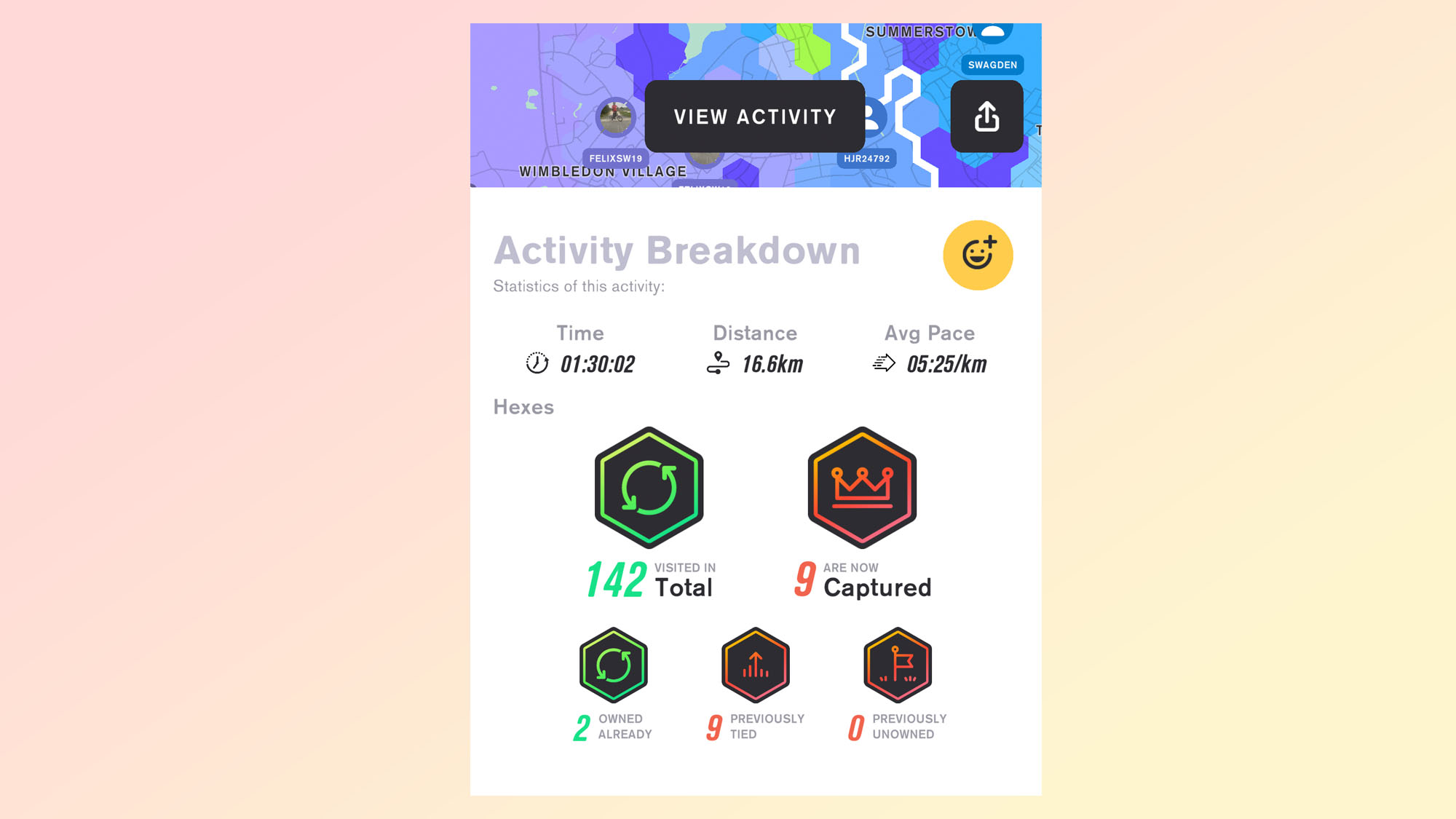
Stride uses built-in sensors to record steps and distance throughout the day. Tracking continues in the background, even when the app is not open.
Calorie Burn Estimation
The app estimates calories burned based on movement patterns and user data. While estimates vary, they provide a useful reference point.
Daily and Weekly Activity Reports
Stride generates summaries that show trends over time. These insights help users understand consistency and progress.
Goal Setting and Progress Monitoring
Users can set daily step targets and monitor completion rates. This feature encourages accountability.
Notification and Reminder System
Stride sends reminders to stay active, which is helpful for users with sedentary routines.
How to Use Stride Effectively for Better Results
Using Stride correctly makes a noticeable difference. This section of the Stride Android Guide focuses on practical usage tips.
Keep Your Phone With You
Stride relies on device sensors. Keeping your phone in your pocket or bag ensures accurate tracking.
Enable Background Activity Tracking
Disable battery optimization restrictions for Stride to allow continuous monitoring.
Review Activity Reports Regularly
Checking daily and weekly summaries helps identify patterns and areas for improvement.
Adjust Goals Gradually
Start with realistic goals and increase them gradually to avoid burnout.
Stride vs Other Android Fitness Apps
Stride competes with many fitness apps, but it stands out in simplicity and reliability.
| Feature | Stride | Typical Fitness Apps |
|---|---|---|
| Battery Efficiency | High | Medium |
| Interface Simplicity | Clean | Often cluttered |
| Background Tracking | Stable | Inconsistent |
| Learning Curve | Low | Moderate |
This makes Stride a strong choice for users who want essential tracking without unnecessary features.
Who Should Use Stride?
Beginners
New users benefit from the straightforward interface and easy setup.
Casual Walkers
Stride is ideal for users focused on daily steps rather than intense workouts.
Office Workers
Sedentary professionals can use reminders and tracking to stay active.
Minimalist Fitness Users
Those who prefer simplicity over advanced analytics will appreciate this Stride Android Guide approach.
Privacy and Data Security
Stride prioritizes user privacy. Activity data is stored securely, and users maintain control over their information. The app does not require excessive permissions beyond activity tracking.
This ensures peace of mind while using the app daily.
Common Issues and How to Fix Them
Inaccurate Step Counts
Ensure motion permissions are enabled and carry your phone consistently.
App Not Tracking in Background
Disable battery optimization for Stride in Android settings.
Sync Problems
Check internet connectivity and log out and back in if needed.
Addressing these issues improves overall performance.
Frequently Asked Questions
Is Stride free on Android?
Stride offers free core features with optional premium upgrades depending on the version.
Does Stride drain battery?
No, it is optimized for low battery consumption.
Can Stride track workouts?
Stride focuses mainly on steps and daily movement rather than detailed workout sessions.
Does Stride work offline?
Yes, activity tracking works offline and syncs when connected to the internet.
Final Thoughts
Fitness tracking does not need to be complicated. Stride offers a balanced solution for Android users who want reliable activity monitoring without distractions. This Stride Android Guide shows how the app simplifies daily fitness tracking while encouraging healthier habits.
By setting realistic goals, reviewing progress, and using reminders wisely, users can turn everyday movement into long-term wellness. Stride proves that consistency, not complexity, is the key to staying active in 2026 and beyond.