Is WhatsApp Really End-to-End Encrypted? (2026 Explainer)
Is WhatsApp really end to end encrypted? We explain how WhatsApp encryption works, what is NOT encrypted, backups, metadata, and what it means for you.
Is WhatsApp Really End-to-End Encrypted? (2026 Explainer)
WhatsApp tells its two billion users that messages are protected with end-to-end encryption. But headlines about data sharing with Meta, unencrypted backups, and metadata collection leave many wondering: is WhatsApp really end to end encrypted, or is the lock icon just marketing?
The short answer is that the encryption itself is real and strong: WhatsApp uses the Signal protocol, the gold standard of messaging cryptography, and neither WhatsApp nor Meta can read the content of your encrypted chats in transit. But encryption is only one layer. Backups, metadata, business chats, and linked devices all create gaps where your privacy depends on settings, not math. This explainer covers exactly what is encrypted, what is not, and how to close the gaps.
WhatsApp Encryption FAQ
How do I verify encryption with a contact? Open the chat > contact name > Encryption > compare the 60-digit number or scan the QR code in person. Match means no interception.
Does WhatsApp read my messages for ads? No — Meta states message content is not used for ads. Metadata (who/when) feeds ad targeting on Facebook/Instagram, which is the actual concern.
What changed with usernames? WhatsApp is rolling out usernames as an alternative to phone numbers — when available in your region, it removes the biggest metadata exposure of all.
WhatsApp Encryption: What Is Not Covered
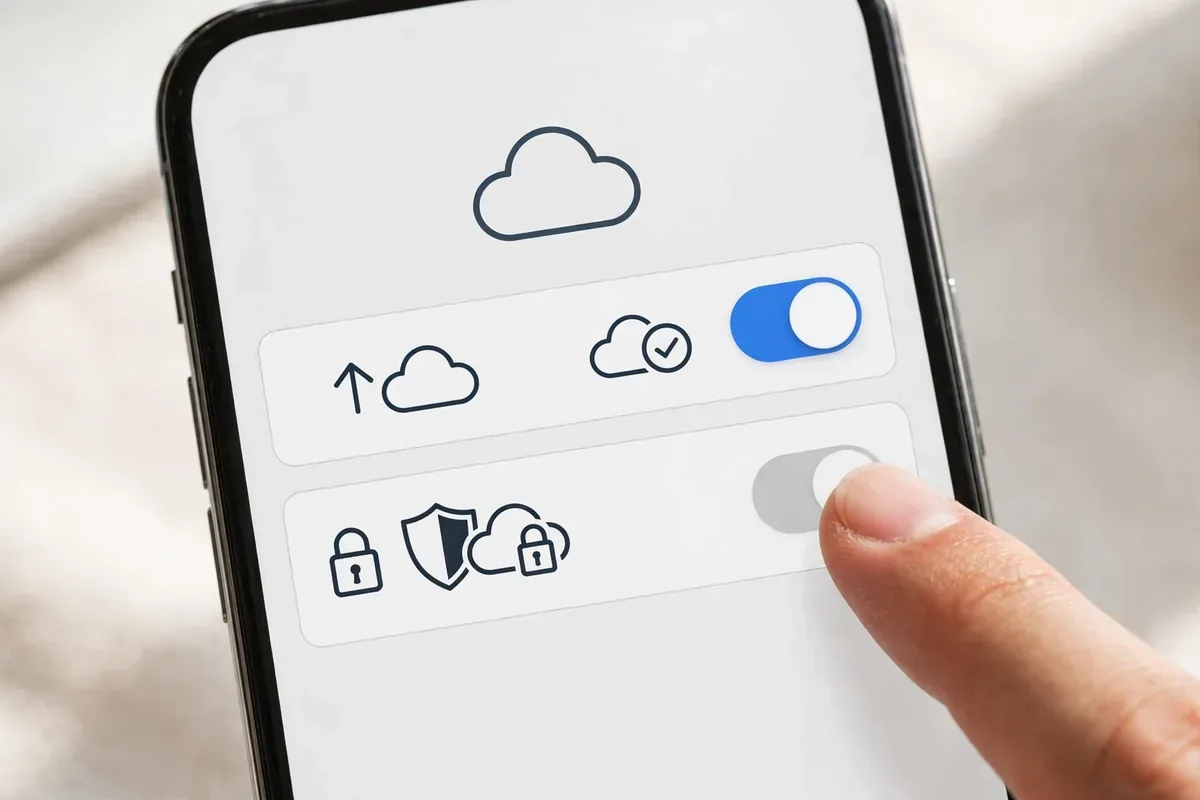
End-to-end encryption protects message content in transit, but the metadata around your messages is a different story. WhatsApp’s privacy policy states it collects who you talk to, when, for how long, your device model, IP address, and rough location — none of that is encrypted, because the company needs it to run the service. Backups are the second gap: if you back up chats to Google Drive, those backups were historically stored unencrypted on Google’s servers. Since 2021 you can enable end-to-end encrypted backups under Settings > Chats > Chat backup > End-to-end encrypted backup, protected by a password or 64-digit key — turn this on today if you have not.
Business chats are the third exception. When you message a business account, that company can see everything you send and may share it with third-party providers for customer service tools. Finally, anyone can screenshot or forward your messages — encryption never protected against the person on the other end. So the honest summary: WhatsApp encryption is real and strong for message content between individuals, but metadata, cloud backups without the extra toggle, and business conversations all sit outside that protection.
How WhatsApp’s End-to-End Encryption Works
is whatsapp really end to end encrypted illustration
When people ask “is WhatsApp really end to end encrypted,” they are asking about a specific technical guarantee: that messages are scrambled on the sender’s device and can only be unscrambled on the recipient’s device, with no intermediary able to read them.
WhatsApp implements this with the Signal protocol, developed by the nonprofit Signal Foundation and widely considered the best-tested messaging encryption in existence:
Key exchange. When you start a chat, your devices exchange cryptographic keys. Each conversation gets unique session keys.
Per-message encryption. Every message is encrypted on your phone before it leaves, using keys only you and the recipient hold.
Forward secrecy. Keys rotate constantly, so even if one key were compromised, it would unlock only a tiny slice of conversation, not the whole history.
Server blindness. WhatsApp’s servers relay only ciphertext. The company genuinely cannot decrypt messages in transit, which is also why it can truthfully tell governments it cannot hand over message content.
Independent cryptographers have reviewed the protocol, and no fundamental break has ever been demonstrated. On the cryptography alone, the answer to “is WhatsApp really end to end encrypted” is yes.
Verifying Encryption: Security Codes
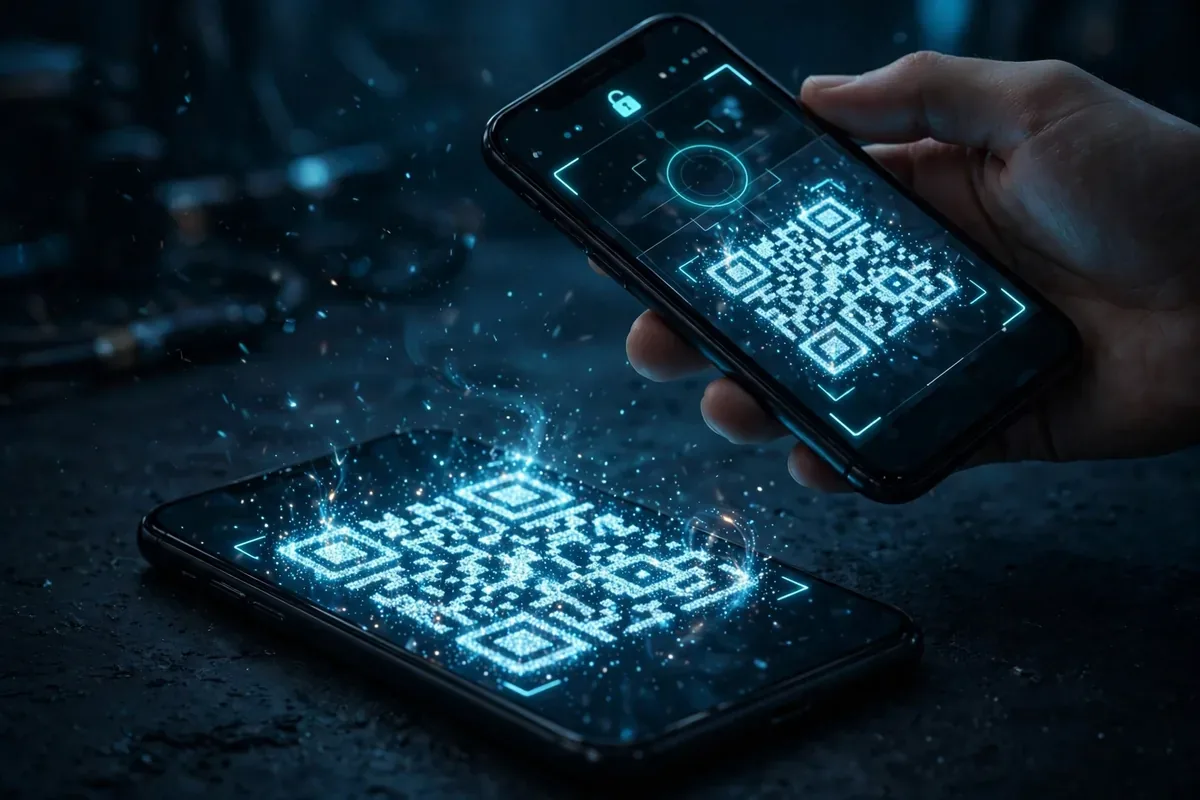
WhatsApp lets you verify that no one is intercepting your chats. Open a conversation, tap the contact’s name, then Encryption. You will see a QR code and a 60-digit number. If you and your contact compare these (in person or via another channel) and they match, the connection is secure. Enable security notifications in Settings, Account, Security notifications to be alerted if a contact’s security code changes, which can indicate a new device or a potential interception.
What Is NOT End-to-End Encrypted
Here is where the honest answer gets complicated. Encryption protects message content in transit, but several things around your messages are not covered:
Cloud backups. By default, WhatsApp backups to Google Drive are NOT end-to-end encrypted. Anyone with access to your Google account, or a government with legal process against Google, can read backed-up chats. WhatsApp offers optional end-to-end encrypted backups (protected by a password or 64-digit key); turn this on in Settings, Chats, Chat backup, End-to-end encrypted backup.
Metadata. WhatsApp collects who you talk to, when, how often, your contacts, location data, device info, and more. Metadata can be as revealing as content: it maps your entire social graph.
Data sharing with Meta. Since 2021, WhatsApp shares account and metadata with Meta for advertising and product purposes. Message content stays encrypted, but the surrounding data feeds Meta’s profile of you.
Business chats. Messages with businesses may be handled by third-party providers (like Meta’s cloud API), where the business, not just the recipient, can read them. WhatsApp labels these chats, but few users notice.
Linked devices. WhatsApp on desktop or web mirrors your phone’s decryption. A linked device left logged in at work or on a shared computer exposes your chats to anyone at that screen.
Screenshots and recipients. Encryption cannot stop the person you are talking to from screenshotting, forwarding, or photographing your messages.
So is WhatsApp really end to end encrypted? The messages are. Your backups, metadata, and business conversations are a different story.
WhatsApp vs Signal vs Telegram: Encryption Comparedis whatsapp really end to end encrypted illustration
Feature
WhatsApp
Signal
Telegram
Default end-to-end encryption
Yes (Signal protocol)
Yes (Signal protocol)
No (only Secret Chats)
Encrypted cloud backups
Optional (must enable)
Local only
Cloud chats not E2E
Metadata collection
Extensive (shares with Meta)
Minimal
Moderate
Open-source clients
No
Yes
Partial
Business message handling
Third parties may read
N/A
N/A
Our full comparison at WhatsApp vs Telegram vs Signal: 9 Key Differences (2026) goes deeper. The takeaway: WhatsApp’s encryption is genuinely strong, but Signal collects far less metadata and Telegram’s default chats are not end-to-end encrypted at all.
The Metadata Problem, Explained Simply
Critics argue metadata makes the encryption question almost beside the point. Consider what WhatsApp’s metadata reveals: your entire contact list, who you message at 2 a.m., which groups you belong to, how your communication patterns change, and your location history. Intelligence agencies have a saying: “we kill people based on metadata.” For advertisers, metadata builds a profile nearly as detailed as message content would.
This is the strongest honest critique of the claim behind “is WhatsApp really end to end encrypted.” The encryption is real, but Meta’s business model runs on the data around the encryption. If your threat model includes Meta’s profiling, WhatsApp’s encryption does not protect you from the company that owns the app.
It helps to see this with a concrete example. Imagine two people planning a surprise party over WhatsApp. The messages themselves are encrypted, so Meta cannot read “the party is Saturday.” But Meta knows the two people messaged each other 40 times this week, knows both their locations converged at a party-supply store, and knows a group chat named “Saturday Plan” was created with eight members. The surprise is not a secret from the profiling system; only the literal words are hidden. When you ask “is WhatsApp really end to end encrypted,” remember that encryption protects content, while the patterns of your life remain visible.
There is a second metadata subtlety: sealed sender. Signal, the app whose protocol WhatsApp uses, goes further with a feature that hides even who is messaging whom from its own servers. WhatsApp has not implemented sealed sender, which means WhatsApp’s servers always know the sender and recipient of every message. For most users this is an acceptable trade, but it is a real technical difference between “WhatsApp encryption” and “Signal encryption” that privacy experts consider meaningful.
Group Chats and Broadcast Lists: Special Cases
is whatsapp really end to end encrypted illustration
Group chats deserve their own note because they are where most WhatsApp activity happens. Every message in a group is end-to-end encrypted to all members, which is good. But groups multiply the metadata: membership lists, admin changes, join and leave events, and message timing across dozens of people create a rich social map. Group invite links are another weak point; anyone with the link can join, and links get forwarded far beyond their intended audience. For sensitive coordination, keep groups small, disable “everyone can add” permissions, and remember that each member is a potential screenshot source no encryption can prevent.
Broadcast lists, by contrast, send individual encrypted messages to each recipient, so recipients cannot see each other. They leak less social-graph data than groups and are the better choice for one-to-many announcements you want kept private.
How to Maximize WhatsApp Privacy on Android
Close the gaps with these settings:
Enable encrypted backups: Settings, Chats, Chat backup, End-to-end encrypted backup. Create a strong password and store it in a password manager.
Turn on disappearing messages: Set a default timer (24 hours, 7 days, or 90 days) in Settings, Privacy, Default message timer.
Lock the app: Use WhatsApp’s fingerprint lock (Settings, Privacy, Fingerprint lock) and Android’s app pinning for shared devices.
Verify security codes for sensitive contacts and enable security notifications.
Limit profile visibility: Settings, Privacy: set Last seen, Profile photo, About, and Status to “My contacts” or “Nobody.”
Disable read receipts if you want less social metadata leaking.
Review linked devices regularly and log out unknown sessions.
Consider Signal instead if you are a journalist, activist, lawyer, or anyone whose communications need protection from metadata analysis as well as content interception. Signal’s sealed sender technology even hides who is messaging whom from Signal’s own servers. For everyday chats with friends and family, WhatsApp’s encryption is more than adequate; for sensitive work, the metadata difference matters.
Authoritative background: WhatsApp documents its security architecture at whatsapp.com/security, and the EFF’s secure messaging guidance at eff.org explains threat models clearly.
FAQ
Is WhatsApp really end to end encrypted in 2026?
Yes, for message content in transit. WhatsApp uses the Signal protocol, and message content cannot be read by WhatsApp, Meta, or governments in transit. But backups, metadata, and some business chats are not covered by that guarantee.
Can Meta read my WhatsApp messages?
Meta states it cannot read end-to-end encrypted message content. It does receive extensive metadata: who you contact, when, and account information, which it uses for advertising and product purposes.
Are WhatsApp backups encrypted?
Not by default. Google Drive backups are stored unencrypted unless you enable end-to-end encrypted backup in Chat backup settings. This is the single biggest gap most users do not know about.
Is WhatsApp safer than Telegram?
For default chats, yes: WhatsApp encrypts everything by default while Telegram only encrypts opt-in Secret Chats. But Telegram collects less advertising metadata. Signal beats both on overall privacy.
What happens if someone changes their security code?
It usually means they reinstalled WhatsApp or switched phones. Enable security notifications to be alerted. If you were mid-sensitive-conversation, verify the new code with them through another channel before continuing.
Can police access my WhatsApp messages?
They cannot compel WhatsApp to decrypt in-transit messages, since the company lacks the keys. But they can potentially access unencrypted cloud backups via legal process against Google, seize an unlocked phone, or obtain metadata. Encrypted backups and disappearing messages raise the bar significantly.
Conclusion
Is WhatsApp really end to end encrypted? The cryptography is genuine, battle-tested, and properly implemented. Your messages in transit are safe from WhatsApp, Meta, hackers, and governments alike.
But encryption was never the whole privacy story. Unencrypted cloud backups, extensive metadata shared with Meta, business-chat exceptions, and linked devices are where real exposure happens. The fix is a ten-minute settings pass: encrypted backups on, disappearing messages on, profile locked down, permissions audited. Do that, and WhatsApp’s famous lock icon finally means what it promises.
Qamar Abbas is the founder and CEO of Qamar Digital Ventures LLC, a New Mexico-based web design and SEO agency. He writes hands-on, research-backed guides about Android apps, APK guides and mobile how-tos for a US audience, tested on real devices and updated regularly.





What do you think?
Share your experience or ask a question. A useful conversation starts with you.
Join the discussion