PIN vs Pattern vs Password: Which Lock Screen Is Safest?
Your lock screen is the front door of your digital life. Every photo, message, bank account, and password on your phone sits behind it. Yet most people choose their lock method for convenience without understanding the security differences. In the PIN vs pattern vs password debate, the gap between the strongest and weakest option is enormous.
This guide compares the three classic Android lock methods on crackability, real-world attacks (smudge, shoulder surfing, brute force), and usability, then gives you the optimal setup for 2026, including where biometrics fit in.
Lock Screen FAQ
Is a longer PIN always better? Up to a point — each extra digit multiplies combinations by 10. A 6-digit PIN (1M combos) is the sweet spot; beyond 8 digits you gain little against real attacks (which target shoulder surfing, not brute force).
Does changing my PIN regularly help? Marginally. Regular changes mostly protect against someone who glimpsed it once. More impactful: never enter it where cameras or people can see.
Why does Android delay after wrong attempts? Escalating delays (30 seconds, then longer) make automated guessing infeasible — 10,000 PIN combinations at 30 seconds each would take days. This is what makes even 4-digit PINs viable.
Should kids’ tablets use the same rules? For kids, usability wins — a simple PIN they remember beats a strong one they write on a sticky note. The threat model for a child’s tablet is different from yours.
What is the single biggest lock-screen mistake? Reusing your banking PIN as your lock-screen PIN. Anyone who shoulder-surfs the lock screen then knows your bank PIN too. Keep them different.
How Long Each Lock Type Takes to Crack
The numbers make the ranking concrete. A 4-digit PIN has 10,000 combinations; automated tools try them in minutes if the phone has no attempt limits, though modern Android enforces escalating delays and wipes after too many failures on most setups. A 6-digit PIN has a million combinations — practically uncrackable by guessing, but vulnerable to shoulder surfing. An Android pattern has 389,112 possible combinations, fewer than most people assume, and the smudge trail on your screen can reveal it to anyone who looks at an angle.
A strong alphanumeric password (12+ characters, mixed case and symbols) is in a different league: even with the phone’s hardware-backed keystore rate-limiting, brute force is infeasible. The tradeoff is daily convenience — which is why the realistic recommendation is a 6-digit PIN or longer for the lock screen plus biometrics for speed. Biometrics are convenience, not security: a fingerprint unlocks in 0.3 seconds but can be compelled physically, while a password cannot. Use biometrics for the 100 daily unlocks and a strong fallback PIN for the threat model that matters.
What Thieves Actually Do With a Locked Phone
Contrary to movie plots, thieves rarely crack lock screens — they bypass them. The common real-world attacks: watching you type your PIN in a bar then snatching the phone unlocked, SIM-swapping your number to reset your accounts, and phishing “find my phone” texts to steal your Google credentials. Every one of these is defeated by precautions, not by a stronger lock type: shield your PIN entry in public, set a SIM PIN, and never enter credentials from a link in a text message. The lock screen keeps honest people out; your habits keep thieves out.
The Contenders
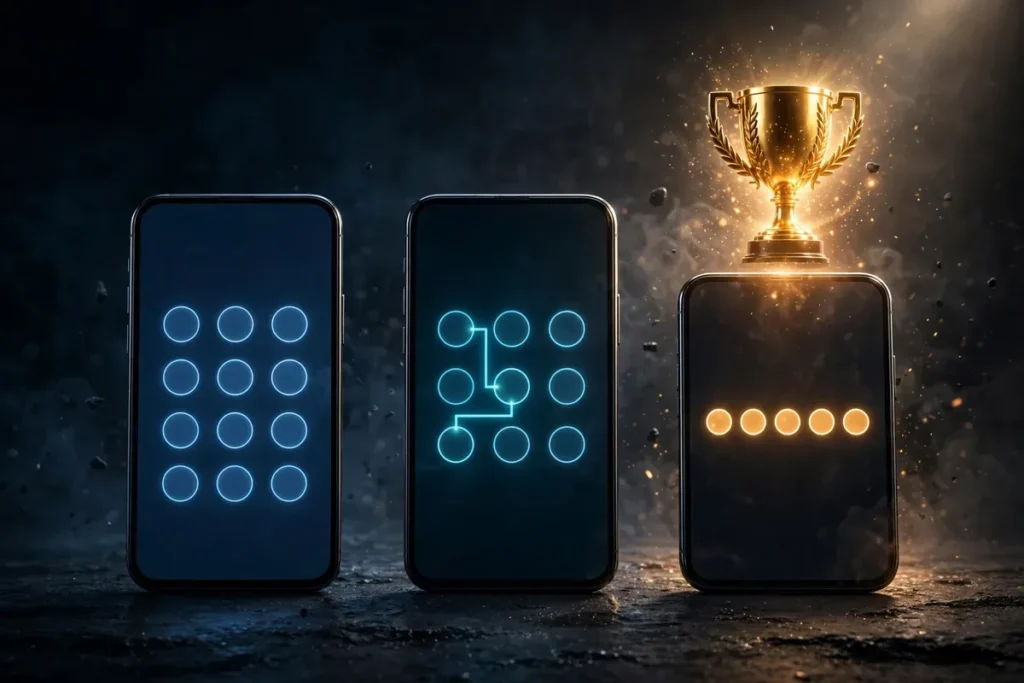
pin vs pattern vs password illustration
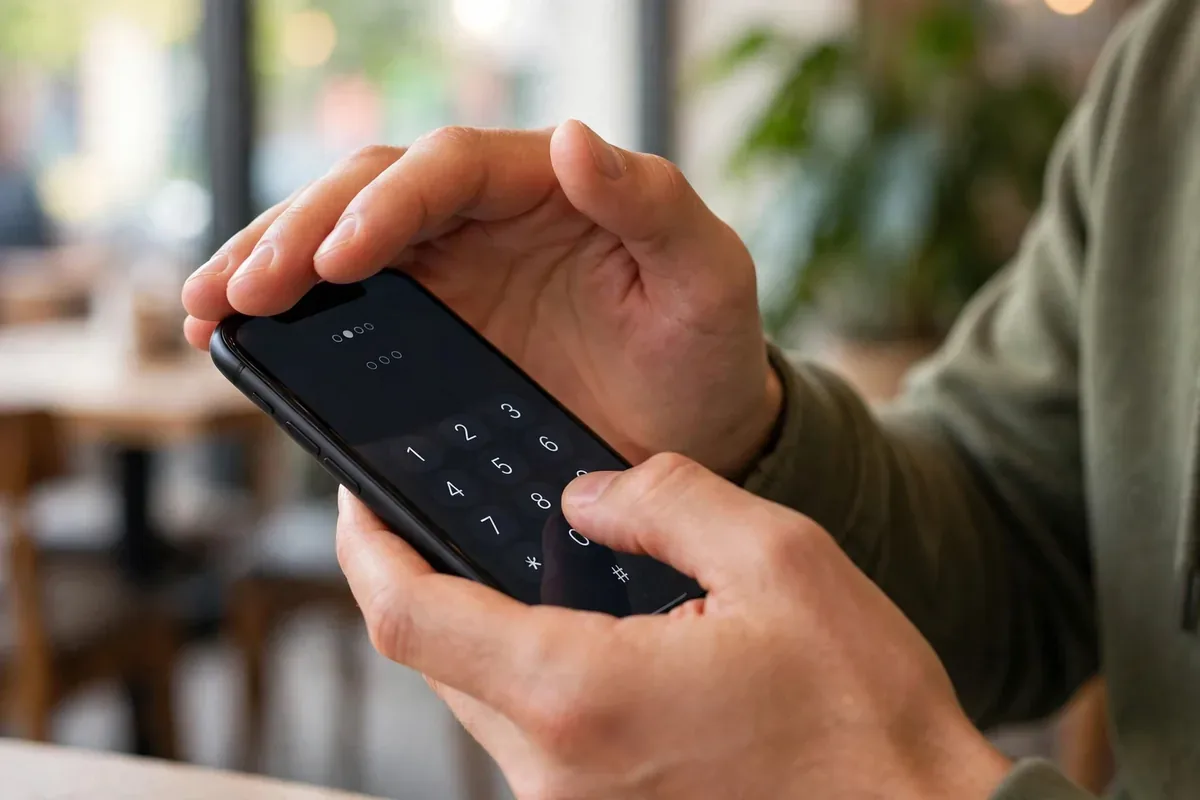
PIN: a numeric code, typically 4-6 digits (Android supports up to 16+ digits).
Pattern: a drawn shape connecting dots on a 3×3 grid.
Password: an alphanumeric passphrase of any length.
Biometrics (fingerprint, face): not standalone lock methods but convenience layers on top of one of the above. We will cover where they fit.
PIN vs Pattern vs Password: Raw Security Math
The theoretical strength depends on the number of possible combinations:
Method
Typical use
Combinations
Notes
4-digit PIN
Very common
10,000
Crackable by observation
6-digit PIN
Common
1,000,000
Much stronger
Pattern
Common
~389,112
Fewer than people think
Alphanumeric password (8+ chars)
Rare
Billions+
Strongest by far
The pattern’s combination count surprises people: the 3×3 grid with Android’s connection rules yields under 400,000 possibilities, fewer than a 6-digit PIN. And human patterns are far less random than the math suggests: studies show most people start in a corner and use simple shapes, dramatically shrinking the effective space.
Real-World Attacks: How Each Method Falls
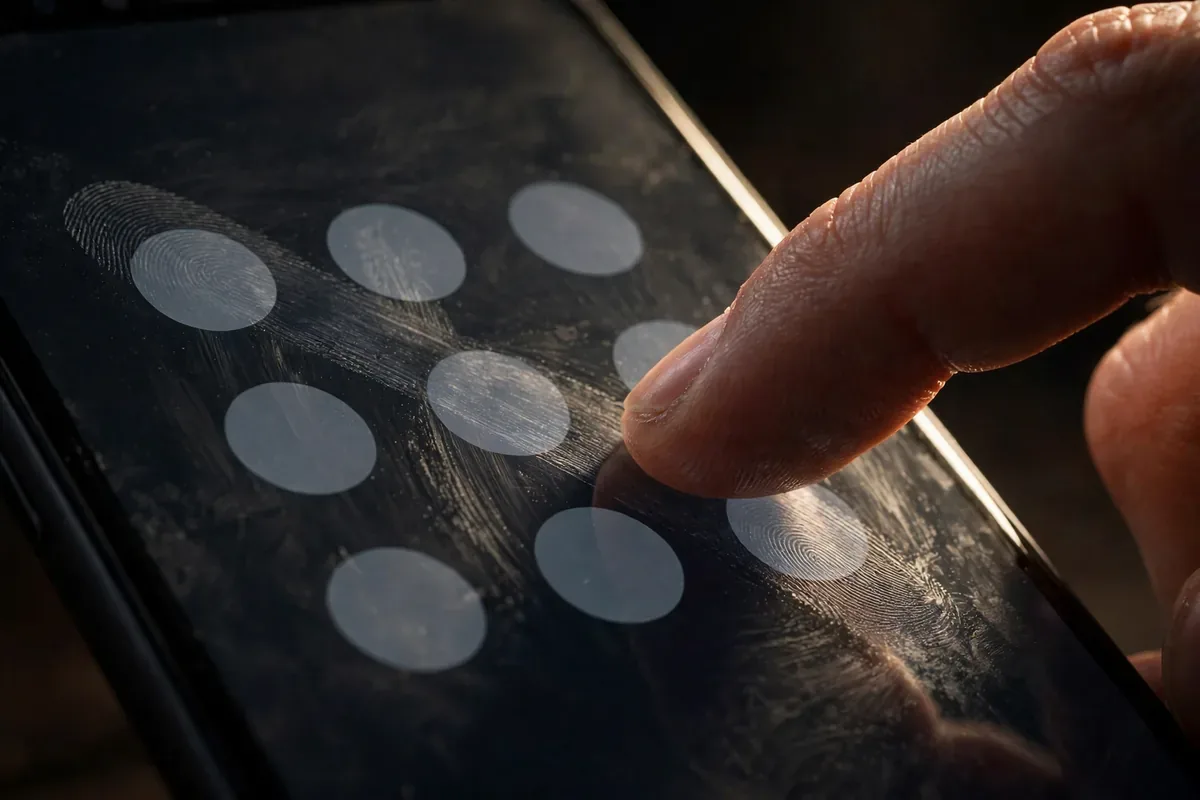
Smudge attacks. Oily fingerprints on the screen reveal the drawn path. Patterns are uniquely vulnerable: the smudge literally traces the shape. PINs leave smudges too, but disconnected dots reveal less. Passwords entered on keyboards leave the least useful residue. Wiping your screen regularly helps all methods.
Shoulder surfing. Watching someone enter their credential is the most common real attack. Patterns are the easiest to steal this way: the large, continuous gesture is visible from several feet away. PINs are harder to catch, especially longer ones. Passwords are hardest, particularly with masked entry.
Brute force. Android rate-limits attempts and can wipe or lock out after failures, so raw brute force is mostly impractical. But short PINs fall to targeted guessing: birthdays, anniversaries, 1234, 0000. Attackers try the obvious first.
Biometric coercion and legal compulsion. In some jurisdictions, police can compel fingerprint or face unlock but not a memorized PIN or password. This is a real consideration for journalists, activists, and travelers at borders.
PIN vs Pattern vs Password: The Verdictpin vs pattern vs password illustration
Winner: strong alphanumeric password. Nothing else comes close mathematically. A 12+ character passphrase is effectively uncrackable by guessing and resists smudge and shoulder surfing well.
Runner-up: long PIN (8+ digits). Nearly as strong in practice, much easier to enter. A random 8-digit PIN has 100 million combinations.
Loser: pattern. Weaker combinations than a 6-digit PIN, uniquely vulnerable to smudge attacks, and easiest to shoulder-surf. The only thing it wins is speed.
The practical recommendation: use a 6-8 digit random PIN or an alphanumeric password as your primary lock, plus fingerprint for daily convenience. Biometrics handle the 100 unlocks a day; the strong fallback protects you when biometrics are unavailable or inappropriate.
PIN vs Pattern vs Password: The Verdict
Winner: strong alphanumeric password. Nothing else comes close mathematically. A 12+ character passphrase is effectively uncrackable by guessing and resists smudge and shoulder surfing well.
Runner-up: long PIN (8+ digits). Nearly as strong in practice, much easier to enter. A random 8-digit PIN has 100 million combinations.
Loser: pattern. Weaker combinations than a 6-digit PIN, uniquely vulnerable to smudge attacks, and easiest to shoulder-surf. The only thing it wins is speed.
The practical recommendation: use a 6-8 digit random PIN or an alphanumeric password as your primary lock, plus fingerprint for daily convenience. Biometrics handle the 100 unlocks a day; the strong fallback protects you when biometrics are unavailable or inappropriate.
The Research Behind PIN vs Pattern vs Password
pin vs pattern vs password illustration
Academic studies have quantified what users actually choose, and the results are sobering. Research on pattern locks found that a large share of users pick from a tiny set of common shapes, and attackers guessing the most popular patterns succeed at alarming rates. PIN studies similarly show heavy clustering around dates and repetitions: 1234, 1111, 0000, and birth years dominate real-world choices.
This is why the PIN vs pattern vs password debate cannot be settled by math alone. Theoretical combinations assume random selection; human selection is anything but. The practical takeaway: whatever method you choose, randomness matters more than the method. A randomly generated 6-digit PIN from your password manager beats a “clever” pattern every time, and a diceware-style passphrase beats everything.
There is also the question of memorability versus writability. People fear forgetting complex credentials, so they choose simple ones. The solution is not a simpler credential but a stored one: generate a strong PIN or password, store it in your password manager, and practice it for a week. Muscle memory takes over quickly, and the manager is your backup.
Setting Up the Optimal Lock Screen
Go to Settings, Security (or Lock screen), Screen lock.
Choose PIN or Password. Enter a long, random value; use a password manager to generate and store it.
Set automatically lock to immediately or 5 seconds.
Enable fingerprint unlock for convenience.
Turn on Lockdown mode awareness: holding power and tapping Lockdown disables biometrics instantly when you need PIN-only (useful at borders or during police encounters).
Using 1234, 0000, or your birth year. Attackers try these first, and they work depressingly often.
Reusing your banking PIN. Compartmentalize: lock screen, SIM PIN, and banking PINs should all differ.
Simple patterns (L-shapes, straight lines) that anyone can guess or read from smudges.
Long auto-lock delays. A 5-minute timeout means a snatched unlocked phone stays open. Set it to immediate.
Visible notifications. Message previews on the lock screen leak content without unlocking. Hide them.
Smart Lock left too permissive. Trusted places and on-body detection trade security for convenience; review whether the trade is worth it for you.
Biometrics: Where They Fit in PIN vs Pattern vs Password
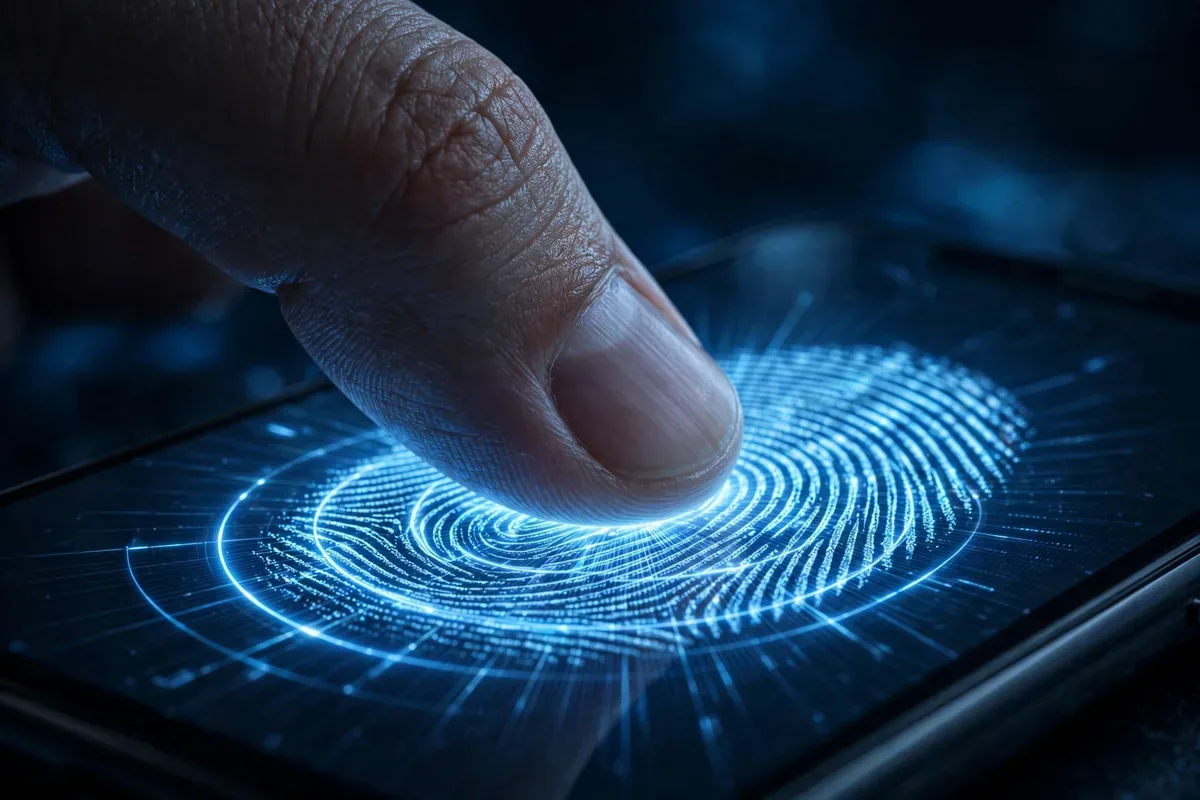
Biometrics do not replace the PIN vs pattern vs password decision; they sit on top of it. Your fingerprint unlocks the phone 99% of the time, but the underlying credential is what protects you after a reboot, after 48 hours of disuse, in Lockdown mode, or when legally compelled. That is why the fallback credential’s strength matters even if you rarely type it.
Fingerprint vs. face: fingerprint sensors are mature and hard to spoof with casual effort; 2D face unlock on budget phones can sometimes be fooled by photos. Prefer fingerprint where available, and know that our Find Lost Android Phone: 6 Proven Methods guide covers what to do when the locked phone itself goes missing.
A strong alphanumeric password is safest, followed by a long random PIN. Pattern locks are the weakest of the three due to fewer combinations, smudge vulnerability, and easy shoulder surfing.
Is a 4-digit PIN safe?
Marginally. It stops casual access but falls quickly to targeted guessing of common codes. Upgrade to 6+ digits at minimum; 8 random digits is dramatically stronger.
Are patterns really that bad?
For security, yes. Under 400,000 theoretical combinations, far fewer in practice due to predictable human choices, plus unique vulnerability to smudge attacks. They are fast and convenient, which is their only advantage.
Should I use biometrics instead?
Use biometrics for convenience on top of a strong PIN or password, not instead of one. Biometrics can be compelled in some legal situations and fail when you need them most; the fallback credential is your real security.
How often should I change my lock screen PIN?
Changing on a schedule adds little security; changing when compromised (someone saw it, phone was out of your control) matters enormously. Focus on strength and secrecy over rotation.
What is Lockdown mode and when should I use it?
Holding the power button and tapping Lockdown disables biometrics and Smart Lock, requiring your PIN/password. Use it at border crossings, during police encounters, or anytime you want to ensure only your memorized credential can unlock the phone.
Conclusion
In the PIN vs pattern vs password contest, the ranking is clear: password first, long PIN second, pattern last. But the real lesson is that the method matters less than the implementation: a random 8-digit PIN beats a clever-looking pattern every time, and any of them beats no lock at all.
Set a strong fallback credential, layer fingerprint convenience on top, hide lock-screen content, and learn Lockdown mode. Five minutes of setup buys you the strongest front door your phone can offer.
Qamar Abbas is the founder and CEO of Qamar Digital Ventures LLC, a New Mexico-based web design and SEO agency. He writes hands-on, research-backed guides about Android apps, APK guides and mobile how-tos for a US audience, tested on real devices and updated regularly.





What do you think?
Share your experience or ask a question. A useful conversation starts with you.
Join the discussion