

Imagine your phone silencing itself when you arrive at work, turning on Wi-Fi when you get home, dimming the screen at bedtime, and texting your partner when you leave the office. That is Android automation, and the best automation apps Android offers in 2026 make it accessible without coding.
Tasker is the legendary pioneer, but its learning curve intimidates many. Fortunately, excellent alternatives now cover every skill level, from one-tap routines to deep system scripting. We tested the leading automation apps to find the six best automation apps Android users should try this year, judging each on ease of use, trigger and action depth, reliability, and battery impact.
Our testing was hands-on over three weeks: we built the same ten everyday routines in each app, from bedtime Do Not Disturb to location-based Wi-Fi toggling, and tracked which fired reliably. We also measured battery impact with each app running its full routine set, because an automator that drains your phone defeats its purpose.
What Tasker Can Do That the Alternatives Cannot
Tasker’s moat is depth: 350+ built-in actions, plugin support, JavaScript execution, and scene (custom UI) creation. Concrete examples competitors cannot match: intercepting notifications and auto-replying based on content regex, toggling system settings that require ADB-granted permissions (like mobile data on/off on some phones), and building floating widgets with live data. If your automation idea involves “when X notification arrives containing Y, do Z with the text,” Tasker is the only reliable answer.
The cost is the learning curve — Tasker’s UI has not fundamentally changed in a decade and the terminology (profiles, tasks, contexts) confuses newcomers for weeks. The alternatives trade depth for approachability: MacroDroid’s template gallery covers 80 percent of common automations with a friendly wizard, and Automate’s flowchart UI makes logic visual. Start with MacroDroid; graduate to Tasker only when you hit something it genuinely cannot do.
What Makes a Great Automation App
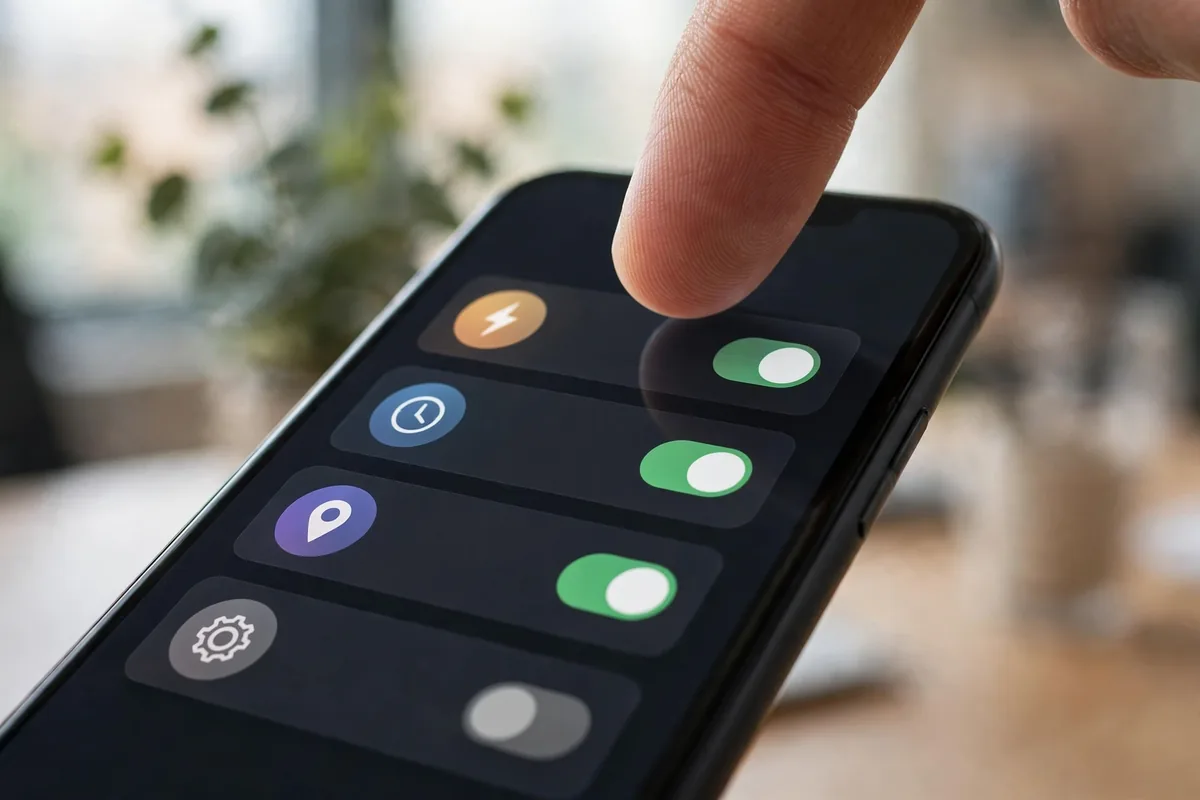
Triggers are the foundation. The best automation apps Android has respond to location, time, Wi-Fi networks, Bluetooth connections, app launches, battery levels, and more. The wider the trigger set, the more of your life you can automate.
Actions matter equally: toggling settings, sending messages, launching apps, controlling media, and integrating with smart home platforms. Reliability is critical; an automation that fires half the time is worse than none, so we tested routines over two weeks. Ease of use determines who can actually build automations, and battery impact must stay minimal since these apps run constantly.
The 6 Best Automation Apps Android Users Can Get in 2026
1. Tasker — Best for Power (The Original)
Tasker remains the most powerful automation app on Android, bar none. With plugins and root access, it can do nearly anything: custom scenes, HTTP requests, shell commands, and deep system control. Its scene builder creates custom interfaces, and the community shares thousands of profiles.
The learning curve is famously steep; Tasker’s interface looks dated and concepts like contexts and tasks take study. But nothing else matches its depth. It is a one-time purchase, refreshingly, with no subscription. Active development continues in 2026 with new features.
If you want maximum power and are willing to learn, Tasker is still the king of the best automation apps Android has.
- Price: One-time purchase
- Best for: Maximum power users
- Pros: Unmatched depth; huge community; one-time purchase
- Cons: Steep learning curve; dated UI
2. MacroDroid — Best Tasker Alternative for Most
MacroDroid is the friendliest powerful automator. Its macro system, trigger plus actions plus constraints, is intuitive enough for beginners but deep enough for complex routines. Templates from the community let you install useful automations with one tap.
It covers a wide trigger set including location, NFC, and webhooks, with actions spanning settings, messaging, and media. The free tier allows a handful of macros; Pro unlocks unlimited. The interface is modern and the learning curve is gentle.
For most users, MacroDroid hits the sweet spot among the best automation apps Android offers.
- Price: Free tier; Pro one-time purchase
- Best for: Most users
- Pros: Easy to learn; powerful; great templates
- Cons: Less deep than Tasker; Pro for unlimited
3. Samsung Modes and Routines — Best Built-In (Samsung)
Samsung owners already have an excellent automator built in. Modes and Routines handles the most useful automations beautifully: location-based sound profiles, bedtime wind-down, driving mode, and Bixby Routines’ successor is genuinely capable.
Integration with Samsung’s ecosystem is deep, controlling everything from display settings to smart home devices. It is free, preinstalled, and battery-efficient. The limitation is obvious: Samsung phones only, and less depth than Tasker or MacroDroid.
If you own a Galaxy, start here before installing anything. Among built-in options, it is the best of the best automation apps Android ships with.
- Price: Free (Samsung only)
- Best for: Samsung owners
- Pros: Built in; free; deep Samsung integration
- Cons: Samsung only; less depth
4. Automate — Best Visual Flowcharts
Automate takes a unique visual approach: you build automations as flowcharts, connecting blocks for triggers, conditions, and actions. For visual thinkers, it clicks instantly in a way lists of rules never do.
It offers deep functionality with 300+ building blocks, including HTTP, MQTT for smart home, and scripting. The community shares flows for everything. The free tier allows 30 blocks per flow; premium unlocks unlimited. The interface is distinctive and logical.
For flowchart minds, Automate is the most intuitive of the best automation apps Android has.
- Price: Free (30 blocks); premium unlock
- Best for: Visual thinkers
- Pros: Flowchart UI; deep blocks; smart home friendly
- Cons: Block limit on free; unique paradigm
5. IFTTT — Best for Service Integrations
IFTTT (If This Then That) specializes in connecting services: smart home devices, web apps, and IoT platforms. Its strength is breadth of integrations rather than phone-deep control. “If I leave work, turn on my smart lights” is its bread and butter.
The interface is the simplest here, with prebuilt applets you enable in one tap. The free tier is limited; Pro unlocks multi-step applets and faster polling. It is less about phone settings and more about connecting your digital life.
For smart home and web service automation, IFTTT is the most connected of the best automation apps Android users can get.
- Price: Free limited; Pro subscription
- Best for: Smart home and services
- Pros: Huge integrations; simplest UI; prebuilt applets
- Cons: Subscription for real use; shallow phone control
6. Google Home Routines — Best for Google Households
Google Home’s Routines automate your Google-centric life: morning briefings, bedtime wind-downs, arrival and departure triggers, all tied to Nest devices and Android. “Hey Google, good morning” can read your calendar, start coffee via smart plug, and play news.
It is free and deeply integrated with Google Assistant and Gemini. The limitation is phone-deep control; Google’s routines focus on smart home and assistant actions rather than system settings. But for Google households, the convenience is unmatched.
For Assistant-driven homes, it is the most seamless of the best automation apps Android offers.
- Price: Free
- Best for: Google smart home users
- Pros: Free; great Assistant integration; easy
- Cons: Shallow phone control; Google ecosystem only
Side-by-Side Comparison

| App | Best For | Free Tier | Learning Curve | Price Model |
|---|---|---|---|---|
| Tasker | Maximum power | Trial | Steep | One-time |
| MacroDroid | Most users | Limited macros | Easy | Free / one-time |
| Samsung Routines | Samsung owners | Full | Easy | Free |
| Automate | Visual thinkers | 30 blocks | Medium | Free / premium |
| IFTTT | Service integrations | Limited | Easy | Free / subscription |
| Google Home | Google households | Full | Easy | Free |
Automation Ideas Worth Setting Up
New to automation? Start with these high-value routines that the best automation apps Android offers all handle well. Silence your phone during calendar events marked “meeting,” then restore volume after. Turn on Wi-Fi when you arrive home and off when you leave, saving battery. Enable Do Not Disturb at bedtime and disable it with your morning alarm.
Commuters love location triggers: text your partner when you leave work, or open your music app when Bluetooth connects to the car. Battery savers can enable power saving below 20% automatically. Smart home owners can tie phone location to lights, thermostats, and locks.
Do not overlook NFC tags, which cost pennies and trigger automations on tap. Stick one on your nightstand to enable Do Not Disturb and set an alarm, or one by the door to start navigation to work. Paired with MacroDroid or Tasker, NFC tags turn physical spots in your home into automation buttons, no voice command or screen tap required. Start simple, and let your ambitions grow with your confidence over time.
Start with one routine, verify it works reliably for a week, then add more. Automation compounds: each routine saves seconds daily that add up to real convenience.
Bedtime routines deserve special attention. A good wind-down automation, enabling Do Not Disturb, dimming the screen, and opening your reading app at 10pm, pairs beautifully with broader digital wellbeing habits. Our digital wellbeing guide covers the phone boundaries that make bedtime automation truly effective.
Common Automation Pitfalls to Avoid

First, battery optimization kills automations. Exempt your automation app from battery restrictions or location triggers will misfire. Second, test location radii generously; too-tight geofences trigger unreliably due to GPS drift.
Third, avoid automation loops where two routines fight each other, like one enabling Wi-Fi that triggers another disabling it. Fourth, keep a manual override: automations fail, and you need quick access to the settings they control.
Finally, respect the complexity ceiling. If a routine needs ten conditions, simplify it. The best automation apps Android has are most reliable with simple, robust rules.
One more caution: automation apps request broad permissions by nature, location, notifications, accessibility. Grant only what your routines actually need, and review periodically. Our guide on stopping app tracking explains how to audit these powerful permissions.
Pro Tips for Reliable Automations
First, prefer system triggers over app polling. Location geofences and Wi-Fi connections are efficient; constant sensor polling drains battery. Second, add notifications to new automations temporarily so you can verify they fire correctly.
Third, back up your configurations. Tasker, MacroDroid, and Automate all support export; losing months of routines to a phone reset is painful. Fourth, join the community. Reddit and forums share routines for everything, saving you from reinventing the wheel.
Our guide to managing Android notifications helps you keep automation alerts useful rather than noisy.
How to Choose the Right Automation App
Start with your phone. Samsung owners should master Modes and Routines first; Google households should try Home Routines. Both are free and excellent for common needs.
Assess your ambition. Simple routines point to MacroDroid or built-ins; visual thinkers to Automate; service connectors to IFTTT; and the obsessed to Tasker. Be honest: the most powerful app you never configure automates nothing.
Consider battery and reliability. Exempt your pick from battery optimization and test for two weeks. Download from the Google Play Store, and check Google’s official support pages for Assistant routine documentation.
FAQ
What is the best automation app for Android?
Tasker is the most powerful, MacroDroid the best balance for most users. Samsung owners should use built-in Modes and Routines, and Google households should try Home Routines.
Do automation apps drain battery?
Well-built automations use minimal battery, especially with efficient triggers like geofences. Poorly built ones with constant polling can drain; prefer system triggers and exempt the app from battery optimization.
Can I automate without root?
Yes. All the best automation apps Android offers work without root for most features. Root unlocks deeper system control in Tasker, but it is optional.
Is Tasker still worth learning in 2026?
If you want maximum power, yes. Nothing else matches its depth. But MacroDroid covers 90% of needs with far less effort, so most users should start there.
Will automations work reliably?
Yes, if built well. Use generous geofences, exempt the app from battery optimization, keep rules simple, and test for a week. Reliability comes from simplicity.
Conclusion
The best automation apps Android offers in 2026 span every skill level: Tasker for the obsessed, MacroDroid for most, built-ins for Samsung and Google households, Automate for visual thinkers, and IFTTT for service connections.
Start with one routine that solves a daily annoyance. Once you feel the magic of your phone handling it automatically, you will be hooked.
Good starter candidates: automatically enabling Do Not Disturb during calendar events, toggling Bluetooth when you leave home, or launching your podcast app when headphones connect. Each takes five minutes to build in MacroDroid or Samsung Routines, and each quietly improves every single day. The best automation apps Android offers turn these small wins into a phone that feels like it reads your mind.




What do you think?
Share your experience or ask a question. A useful conversation starts with you.
Join the discussion