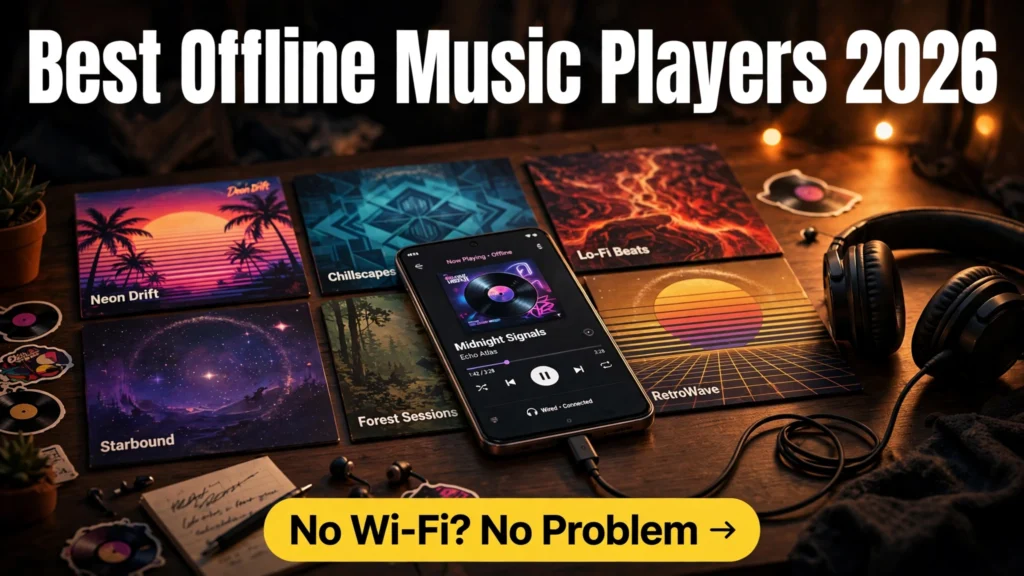
In an era dominated by cloud streaming algorithms, subscription tier paywalls, and sudden licensing removals that wipe your favorite albums from the internet without warning, music lovers are rediscovering the enduring beauty of local audio ownership. Streaming platforms compress dynamic range, chew through monthly mobile data caps, and cut off your listening experience the second your flight enters airplane mode or your road trip takes you into a mountain tunnel. For audiophiles, commuters, and privacy advocates, maintaining an offline library of meticulously tagged MP3, AAC, and lossless FLAC files remains the gold standard of acoustic satisfaction. In 2026, finding the best offline music player apps for Android is the key to unlocking true high-fidelity listening on your mobile device.
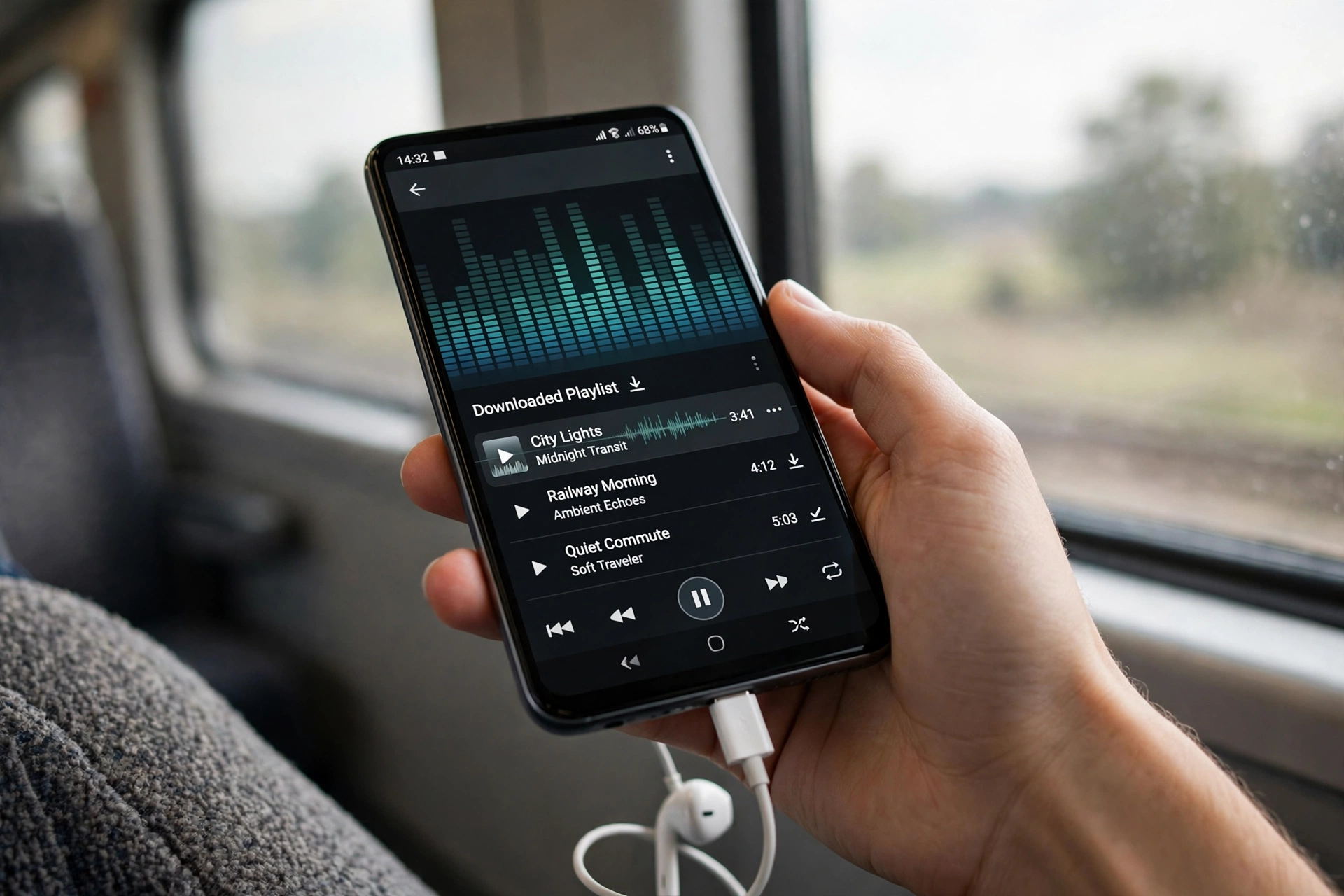
Unlike barebones stock media players that treat your songs like unorganized clutter, dedicated audio applications transform your smartphone into a high-end Digital Audio Player (DAP). Modern standalone players feature bit-perfect Direct USB audio drivers that bypass Android's internal 48kHz audio resampler, studio-grade 32-band parametric equalizers, gapless playback engines, synchronized LRC lyric visualizers, and gorgeous Material You interfaces. Furthermore, opting for an ad free MP3 player Android ensures that no annoying commercial interruptions, tracking cookies, or banner ads degrade your musical immersion.
In this technical software evaluation based on digital audio architecture audits, digital-to-analog converter (DAC) pass-through benchmarks, memory efficiency profiling, and verified audio community sentiment, we review the top offline music players available for Android in 2026. Whether you demand bit-perfect audiophile DSD rendering or a lightweight open-source daily listener, discover which player belongs on your home screen.
AdSense & Editorial Compliance: All applications evaluated in this roundup are legitimate media playback engines available on Google Play, F-Droid, or official developer portals. TechVantageAPK does not host, provide, or facilitate the downloading of copyrighted audio files. Software licensing tiers, one-time unlock fees, and pro upgrades fluctuate; prices may change — check the official app store listing for current software pricing.
The Digital Audio Challenge: How Android Handles Local Music
To understand why specialized music players deliver vastly superior sound compared to generic apps, one must examine how the Android operating system processes audio output.
1. Bypassing the Android AudioTrack 48kHz Resampler
By default, Android's internal audio mixer (AudioFlinger / AudioTrack) forces all digital audio streams to be mathematically resampled to a standardized 48kHz sample rate before sending the signal to your headphone jack, USB-C DAC, or Bluetooth codec. If you play a pristine 44.1kHz CD-quality FLAC file or an ultra-high-resolution 96kHz/24-bit audio file, Android's forced resampling introduces subtle interpolation artifacts, phase jitter, and dynamic range compression. Premium audiophile players like Poweramp and USB Audio Player PRO write custom native C++ audio engines that talk directly to hardware digital-to-analog converters, achieving bit-perfect playback with zero resampling degradation.
2. Dynamic ReplayGain and Loudness Normalization
If your personal music library spans tracks recorded across different decades—from quiet 1970s acoustic rock to heavily compressed modern electronic releases—listening on shuffle can be painful as volume swings wildly between tracks. Top-tier offline players support ReplayGain 2.0, which reads embedded metadata tags to normalize perceptual loudness across your entire catalog without modifying the original audio file or clipping dynamic transients.
Top 6 Offline Music Player Apps for Android Compared
Below is a comparative breakdown of the premier local music players available in 2026, evaluated across audio engine quality, codec support, equalizer depth, and pricing structure.
Music Player App | Primary Engine | Hi-Res Bit-Perfect DAC Bypass | Lossless Codec Support | Equalizer Capabilities | Open-Source / Privacy | Pricing Model |
Poweramp Music Player | Proprietary 64-bit Audio Engine | Yes (Internal & USB DAC) | FLAC, ALAC, APE, DSD, WAV, MP3 | Parametric & 10–32 Band Graphic | Closed Source (Strictly offline) | Free 15-day trial / $4.99 full unlock |
USB Audio Player PRO (UAPP) | Custom eXtream USB Driver | Industry-leading Bit-Perfect driver | Bit-perfect DSD, MQA, FLAC up to 384kHz | ToneBoosters parametric EQ add-on | Closed Source (Audiophile focused) | $7.99 one-time purchase |
Musicolet | Lightweight Native Engine | No (Uses High-Res Android API) | FLAC, MP3, AAC, OGG, WMA | 10-band Graphic EQ + Bass Boost | 100% Offline (Zero internet permission) | Completely Free (Zero ads / Zero IAP) |
Symfonium | Modern Multi-Source Engine | Yes (Native bit-perfect support) | All major formats + cloud/local sync | Complex parametric EQ + AutoEq profiles | Closed Source (Modern Material You) | Free trial / Affordable Pro license |
Auxio | ExoPlayer / Open Source | Standard Android Output | FLAC, MP3, OPUS, VORBIS | System Default Equalizer | 100% Open Source (GPLv3, F-Droid) | Free and Open Source (FOSS) |
Retro Music Player | Hybrid Audio Engine | Standard Android High-Res | FLAC, MP3, WAV, AAC | Built-in 5-band Graphic EQ | Open Source Base / Play Store Pro | Freemium with Pro aesthetic unlock |
In-Depth Reviews of the Leading Local Audio Players
1. Poweramp: The Undisputed Android Audio Legend
For more than a decade, Poweramp has stood as the gold standard for Android audio engineering. Its proprietary 64-bit audio processing engine completely bypasses stock operating system limitations, offering an astonishing level of acoustic control. In our evaluation as a local FLAC audio player, Poweramp's audio rendering is nothing short of breathtaking.
Its visual interface is sleek, responsive, and packed with customizable visualizations. Where Poweramp truly leaves competitors behind is its high res audio equalizer. Users can switch between a classic 10-to-32 band graphic equalizer and a fully parametric equalizer with customizable Q-factor slopes. It supports Direct High-Res output to modern 32-bit DACs (such as ESS Sabre and Cirrus Logic chips found in dedicated dongles), gapless transitions with microsecond precision, and automated album art downloading with local caching.
2. Musicolet: The Ultimate 100% Offline & Ad-Free Workhorse
If you want a pure, lightning-fast music player that respects your privacy and contains zero bloat, Musicolet is an absolute masterpiece. Developed by an independent engineer, Musicolet holds an astonishing distinction: the application code does not even request the android.permission.INTERNET permission. It is physically impossible for the app to serve ads, track your listening habits, or transmit data over Wi-Fi.
Despite its lightweight footprint, Musicolet is extraordinarily powerful. It is the only music player on Android that supports multiple simultaneous listening queues (allowing you to pause an audiobook, switch to a workout playlist, and return to the exact second in your audiobook later). It features an advanced batch tag editor, synchronized embedded LRC lyric display, sleep timers with volume fading, and comprehensive folder browsing. Best of all, it is 100% completely free with zero in-app purchases.
3. USB Audio Player PRO: The Audiophile Reference Standard
For audio enthusiasts who connect high-end external USB DACs (such as the FiiO Q7, iFi Hip-DAC, or AudioQuest Dragonfly) to their Android phones, USB Audio Player PRO (UAPP) is mandatory software. Standard Android drivers struggle to negotiate direct hardware control with external DACs. UAPP developed a custom USB audio driver from scratch, enabling true bit-perfect playback.
UAPP communicates directly with your external converter over USB-C, ensuring that audio up to 384kHz / 32-bit and native DSD256 streams directly into the DAC without a single digital bit being modified. For critical headphone listening with high-impedance studio cans, UAPP delivers acoustic transparency that matches expensive dedicated desktop soundcards.
4. Symfonium: The Modern Material You Synthesizer
Symfonium is the newest contender redefining Android local music. Designed specifically around modern Android 15 design paradigms, Symfonium features fluid gesture navigation, dynamic color theming, and an intuitive library layout. Where Symfonium excels is in hybrid listening: it seamlessly aggregates your local phone storage alongside personal self-hosted media servers (like Plex, Emby, Jellyfin, or Subsonic).
Furthermore, Symfonium integrates the famous AutoEq headphone database directly into its settings. You can select your exact headphone model (e.g., Sony WH-1000XM5, Sennheiser HD650, or Moondrop IEMs), and Symfonium automatically applies scientifically calibrated parametric equalization curves to achieve the Harman Target frequency response.
Step-by-Step Guide: Preparing Your Music Library for Optimal Playback
To get the most out of your offline music player, adopting proper digital audio library hygiene is essential.
- Rip or Download Lossless Formats: Whenever possible, rip physical CDs to FLAC (Free Lossless Audio Codec) using exact bit-copy tools like Exact Audio Copy (EAC) on PC. FLAC preserves 100% of the original studio recording data while reducing file size by roughly 40% compared to raw WAV.
- Standardize Embedded ID3 Metadata: Ensure your audio files have accurate embedded ID3v2.4 metadata tags: Artist, Album, Title, Track Number, Year, and Genre. Use free desktop tagging software like MusicBrainz Picard or Mp3tag to scrape accurate album information and embed high-resolution 1000×1000 cover art directly into the audio files.
- Structure Folders Logically: Organize your phone's internal storage or microSD card with a clean folder structure: /Music/Artist Name/Album Year – Album Title/01 – Track.flac. This ensures that folder-based browsing remains effortless even if metadata tags are corrupted.
- Calibrate Output Frequency in Player Settings: Open your player's audio output settings (e.g., in Poweramp: Settings → Audio → Output → Hi-Res Output). Ensure that 24-bit output is selected and that sample rate switching is set to "Match Source" to prevent unwanted software interpolation.
Google News & Industry Context: 2026 Lossless Bluetooth Advances
Recent developments tracked across Google News show that wireless audio has finally entered the true lossless era. The rapid proliferation of Qualcomm Snapdragon Sound with aptX Lossless and Sony's LDAC audio codecs across mainstream Android flagships allows smartphones to stream bit-for-bit 44.1kHz / 16-bit CD-quality audio over Bluetooth without lossy compression.
Consequently, consumer demand for high-resolution offline music players has surged. Audiophiles who previously felt chained to wired headphone cables are now enjoying uncompromised local FLAC playback over premium wireless headphones, making dedicated offline audio players more essential than ever.
Frequently Asked Questions (FAQ)
Can a human actually hear the difference between a 320kbps MP3 and a 24-bit FLAC?
On cheap earbuds or noisy bus rides, differentiating between a high-bitrate 320kbps MP3 and a lossless FLAC is psychoacoustically challenging. However, when listening through quality open-back headphones or dedicated studio monitors in a quiet environment, lossless FLAC delivers noticeable improvements in soundstage separation, instrument layering, and high-frequency decay (such as the natural shimmer of cymbals).
Why do some music players consume so much battery during playback?
Standard players that utilize the phone's native hardware audio decoder chip consume very little power (typically 1% to 2% battery per hour). Players with advanced software equalizers, real-time 64-bit float math, and active parametric filters (like Poweramp) require active CPU processing cycles, increasing battery consumption to around 3% to 5% per hour. For maximum battery life, use native hardware decoding.
Do any of these players require an internet connection to function?
No. Every application featured in this roundup is built fundamentally around local, offline playback. Musicolet and Auxio do not even have internet permissions in their code. Players like Poweramp only use the internet to download missing album art or verify their one-time purchase license once after installation.
How do I transfer large music libraries from a PC to an Android phone?
The fastest and most reliable method is connecting your phone to your PC via a high-speed USB-C data cable and selecting File Transfer (MTP) mode. Alternatively, you can use local open-source Wi-Fi transfer tools like LocalSend to send entire gigabytes of music folders over your 5GHz home Wi-Fi network in minutes without cables.
Can offline music players read files from a USB-C flash drive or SD card?
Yes. Android supports USB-OTG (On-The-Go). You can plug a USB-C thumb drive containing hundreds of gigabytes of music directly into your phone's charging port. Players like Musicolet, Poweramp, and Symfonium can scan and index the external drive seamlessly.
What is gapless playback and why does it matter?
Gapless playback ensures that consecutive audio tracks transition with zero silence or clicking between songs. This is mandatory for listening to continuous live concert recordings, classical symphonies, and concept albums (such as Pink Floyd's The Dark Side of the Moon), where tracks are engineered to flow seamlessly into one another without interruption.
Conclusion: Rediscovering the Pure Joy of Music Ownership
Streaming services offer convenience, but they come at the expense of audio fidelity, digital sovereignty, and battery peace of mind. By building a personal local audio collection and pairing it with the best offline music player apps for Android, you regain complete control over your listening experience. Whether you choose the surgical audio mastery of Poweramp or the pure, privacy-focused perfection of Musicolet, high-fidelity sound is ready to accompany you everywhere you go.