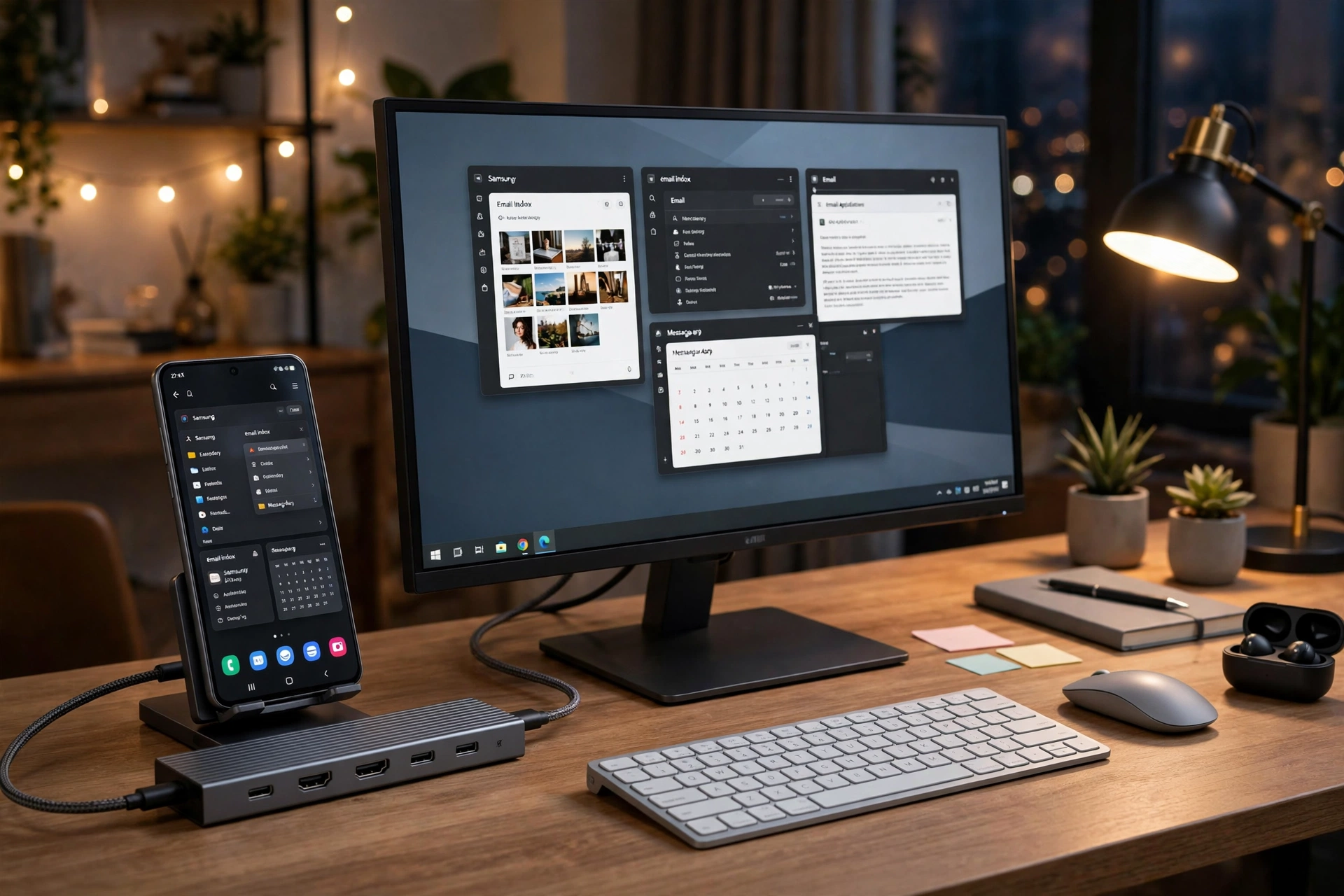
The processing power embedded inside modern Android flagship smartphones has surpassed that of many contemporary ultrabook laptops. Armed with powerful chips like the Qualcomm Snapdragon 8 Gen 3, Google Tensor G4, and flagship MediaTek Dimensity processors paired with up to 16 gigabytes of RAM, modern smartphones are no longer mere communications devices; they are pocket-sized desktop computers. With native desktop interface environments like Samsung DeX and modern Android desktop mode, mobile professionals can connect their smartphone to an external 4K monitor, plug in a physical keyboard and mouse, attach high-speed NVMe solid-state drives, and execute professional productivity tasks with zero lag.
However, unlocking this desktop transformation requires the right hardware bridge: high-performance USB-C hubs for Android. Connecting a generic, unvetted laptop dongle to a smartphone frequently leads to frustrating failures: flickering external displays, insufficient power pass-through that causes the phone to discharge while plugged in, overheating aluminum enclosures, or audio routing conflicts. Whether you need an active Samsung DeX desktop dock with high-refresh-rate video output, a compact multi port adapter smartphone travelers can slide into a pocket, or a rugged HDMI 4K USB-C dongle mobile filmmakers can mount to a camera cage, choosing the right hub is critical. This comprehensive, research-based hardware guide reviews the best USB-C hubs and docks for Android in 2026 based on DisplayPort Alternate Mode standards, Power Delivery charging curves, port selection, and real-world thermal performance.
Hardware Compatibility & Video Output Notice: External monitor video output requires that your Android smartphone hardware supports DisplayPort Alternate Mode (DP Alt Mode) over its USB-C port (standard on Samsung Galaxy S and Z Fold flagships, Google Pixel 8/9 series, Motorola Edge series, and flagship OnePlus devices). Budget and mid-range Android phones featuring USB 2.0-speed ports cannot output video via USB-C. Pricing figures reflect standard retail MSRP and are subject to retail promotions.
The Anatomy of Mobile USB-C: Bandwidth, Video, and Power Delivery
To select an optimal USB-C hub, one must understand how modern USB-C multiplexing operates when connected to a smartphone:
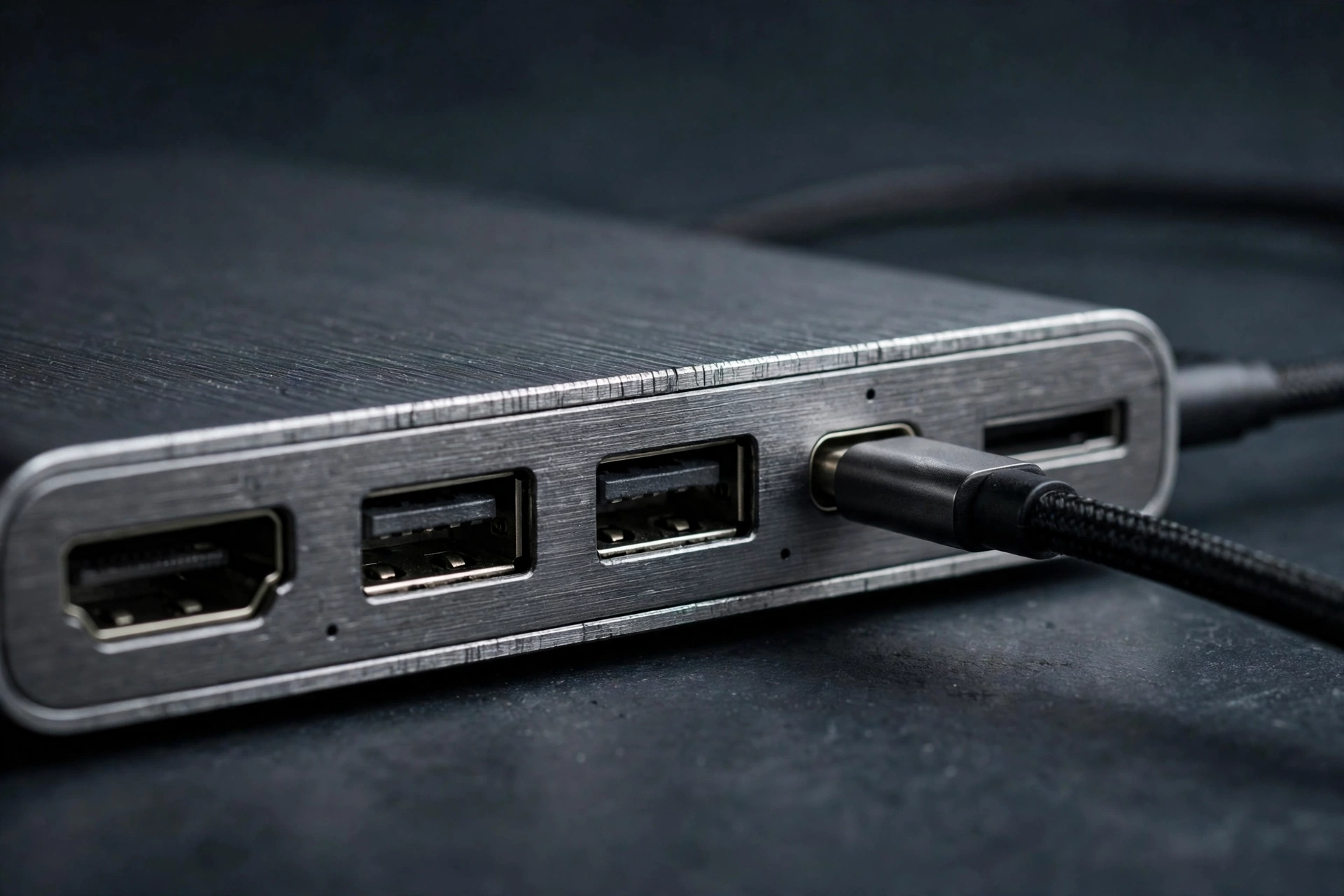
- DisplayPort Alternate Mode (DP Alt Mode): USB-C physical connectors contain dedicated high-speed differential signaling lanes. DP Alt Mode reallocates two or four of these lanes to transmit native DisplayPort digital video signals directly to an external monitor. A high-quality hub converts this stream into HDMI 2.0 or 2.1, supporting 4K resolution at 60Hz or 120Hz without software drivers.
- USB Power Delivery (USB-PD 3.0 / 3.1) Pass-Through: When you connect an external monitor, wireless mouse dongle, and thumb drive, they consume significant electrical current. If your hub does not support Power Delivery pass-through, your phone’s internal battery will drain rapidly. A hub supporting 100W PD pass-through accepts power from an external wall charger, powers the connected accessories, and routes 15W to 45W of clean, fast charging directly to the smartphone.
- USB 3.2 Gen 1/Gen 2 Data Transfer: While legacy hubs route data over 480 Mbps USB 2.0 lines, modern hubs deliver 5 Gbps or 10 Gbps speeds, enabling transfer of a 10-gigabyte 4K video file from your phone to an external SSD in under 15 seconds.
- Ethernet and Low-Latency Networking: Wireless Wi-Fi networks in hotels and conference centers are notoriously congested. A hub equipped with an RJ45 Gigabit Ethernet port provides your Android device with instantaneous, low-latency wired internet connectivity.
Comprehensive Feature Comparison Matrix: Premier USB-C Hubs for Android
The table below provides a structured technical comparison of the premier USB-C hubs and desktop docks for Android smartphones and tablets in 2026, comparing their video output capabilities, power ratings, port layouts, and primary strengths based on published manufacturer specifications.
Hub / Dock Name | Form Factor & Style | Video Output Specs | Power Delivery (PD) Pass-Through | Port Selection Array | Samsung DeX 4K/60Hz Certified | Estimated Retail Price |
Anker 555 USB-C Hub (8-in-1) | Compact Travel Bar (Braided cable) | HDMI 2.0 (Up to 4K @ 60Hz) | Up to 100W PD input (85W to device) | 1x HDMI, 2x USB-C (10Gbps), 2x USB-A (10Gbps), SD/microSD, Gigabit LAN | Yes (Flawless 4K DeX output) | ~$49 (Check official site) |
Baseus Spacemate 11-Port Dock | Vertical Desktop Tower Dock | Dual HDMI + DP (Up to 4K @ 60Hz) | Up to 100W PD input | 2x HDMI, 1x DP, 3x USB-A 3.0, 2x USB-C, SD/TF, 1Gbps LAN, 3.5mm Audio | Yes (Excellent multi-monitor handling) | ~$89 (Check official site) |
UGREEN Revodok Pro 209 (9-in-1) | Anodized Aluminum Desktop Hub | Dual HDMI (Single 4K @ 60Hz, Dual 4K @ 30Hz) | Up to 100W PD input (85W safe pass-through) | 2x HDMI, 2x USB-A 3.0, 1x USB-C data, SD/TF, Gigabit Ethernet, PD port | Yes (Certified DeX & Pixel DisplayPort) | ~$55 (Check official site) |
Satechi Aluminum Multi-Port V2 | Slim Executive Profile | HDMI 4K @ 60Hz | Up to 60W PD pass-through | 1x HDMI, 3x USB-A 3.0, Gigabit Ethernet, Micro/SD card readers | Yes (High color fidelity) | ~$79 (Check official site) |
Baseus 7-in-1 Phone Stand Hub | Dedicated Smartphone Desktop Stand | HDMI 4K @ 30Hz / 1080p @ 60Hz | Up to 100W PD pass-through | 1x HDMI, 1x USB 3.0, 2x USB 2.0, SD/microSD, 3.5mm Headphone jack | Yes (Ergonomic upright DeX stand) | ~$35 (Check official site) |
CalDigit SOHO Dock | Gen 2 Ultra-High Bandwidth Hub | HDMI 2.0b + DisplayPort 1.4 (4K @ 60Hz HDR) | Up to 100W PD pass-through | 1x HDMI, 1x DP, 1x USB-C (10Gbps), 1x USB-A (10Gbps), UHS-II SD/microSD | Yes (Uncompressed 10Gbps bus bandwidth) | ~$99 (Check official site) |
Note: Pricing may change — check official manufacturer websites and authorized electronics retailers for live promotional discounts.
In-Depth Reviews of the Premier USB-C Hubs for Android
1. Anker 555 USB-C Hub (8-in-1): The Undisputed All-Around Champion
Anker has long established itself as the benchmark for reliable charging and connectivity peripherals, and the Anker 555 represents the gold standard for mobile power users. Encased in a rugged aluminum chassis that dissipates heat efficiently, it strikes the perfect balance between portable pocketability and full desktop functionality.
The Anker 555 features a high-speed HDMI port supporting true 4K at 60Hz, delivering butter-smooth cursor movement and crisp window rendering in Samsung DeX or Pixel desktop mode. Unlike cheaper hubs that bottleneck data transfers over slow USB 2.0 ports, the Anker 555 includes two 10 Gbps USB-C data ports and two 10 Gbps USB-A ports, making it ideal for video editors transferring multi-gigabyte footage from SD cards to external Samsung T7/T9 SSDs. Its 100W Power Delivery pass-through safely routes up to 85W of charging power to your phone while keeping all connected accessories powered, making it the most dependable daily companion for mobile professionals.
2. Baseus Spacemate 11-Port Dock: The Ultimate Workstation Anchor
If your goal is to permanently replace a bulky desktop tower with your smartphone at an office desk, the Baseus Spacemate 11-Port Dock is an architectural marvel. Unlike flat horizontal dongles that clutter your workspace with tangled cables, the Spacemate stands upright in an elegant vertical tower form factor with a magnetic anti-slip weighted base.
The dock boasts triple video outputs (two HDMI ports and one DisplayPort), allowing high-resolution single-screen 4K output alongside dedicated ports for Gigabit Ethernet, a 3.5mm analog headphone jack, high-speed SD/microSD card slots, and four USB data ports. A physical LED one-touch "Screen Lock" button on the top of the tower allows you to temporarily cut video transmission to the external monitor during private meetings without unplugging cables. For executives who want a permanent single-cable desktop docking station, the Spacemate is exceptional.
3. UGREEN Revodok Pro 209: The Value-Packed Productivity Hub
UGREEN has emerged as a premier hardware competitor, and the Revodok Pro 209 delivers premium desktop features at an accessible mid-tier price point. Its matte grey aluminum enclosure is engineered to resist thermal throttling during multi-hour productivity sessions.
The Revodok Pro features dual HDMI ports, Gigabit Ethernet, and 100W Power Delivery pass-through. It is particularly renowned in the Samsung DeX community for its reliable plug-and-play handshaking: it instantly triggers DeX desktop mode without requiring manual resolution toggles or third-party adapter apps. Its integrated braided nylon cable features heavy strain-relief collars, ensuring durability when thrown into travel backpacks or laptop bags.
4. Baseus 7-in-1 Phone Stand Hub: Ergonomic Mobile Stand Integration
Most USB-C hubs are dongles that leave your smartphone lying flat on your desk. The Baseus 7-in-1 Phone Stand Hub integrates a high-speed dock directly into an adjustable aluminum smartphone cradle.
The phone rests upright on an adjustable USB-C connector base, keeping the display visible at eye level while you work on your external monitor. This is invaluable for video conferencing: you can participate in a Google Meet or Zoom video call using your phone’s high-resolution front camera while managing spreadsheets and documents on your large external screen via Samsung DeX. The base houses an HDMI port, three USB ports, SD card readers, and a 3.5mm headphone jack. While its HDMI port caps at 4K 30Hz (making it better suited for 1080p 60Hz productivity), its ergonomic all-in-one stand design makes it a favorite among remote workers.
5. CalDigit SOHO Dock: Studio-Grade 10Gbps Bandwidth for Creators
For creative professionals, mobile video editors, and audio engineers who demand absolute maximum bus throughput, the CalDigit SOHO Dock operates on a higher tier of engineering. Unlike standard hubs that share a limited 5 Gbps bus between video and USB data, the SOHO Dock utilizes a full Gen 2 10 Gbps architecture.
It provides dedicated, unshared bandwidth for 4K 60Hz HDR video and ultra-fast USB-C Gen 2 storage drives simultaneously. Furthermore, it features UHS-II SD and microSD card slots capable of read speeds exceeding 312 MB/s—triple the speed of standard card readers. If you edit 4K ProRes or 10-bit Log video files directly from an external drive connected to your smartphone in LumaFusion or CapCut, the CalDigit SOHO is the most reliable, professional dock available.
Essential Setup Guide: Configuring Samsung DeX and Android Desktop Mode
To extract flawless desktop productivity from your USB-C hub, follow these configuration steps:
- Connect External Power First: Always plug a high-wattage USB-C wall charger (minimum 45W to 65W PD) into the hub’s "PD-IN" port before attaching your smartphone. This ensures connected peripherals receive stable power immediately.
- Connect Video and Peripherals: Plug your HDMI cable from the external monitor into the hub, then insert your wireless keyboard and mouse 2.4GHz USB receiver dongle into a USB-A port.
- Connect to Smartphone: Insert the hub’s main USB-C cable into your Android phone.
- Trigger Desktop Mode:
- On Samsung Galaxy: The screen will prompt "Samsung DeX." Swipe down Quick Settings and verify the DeX icon is active. Your external monitor will instantly display a full Windows-style desktop interface.
- On Google Pixel (Pixel 8/9): In Settings > Connected devices, select the connected display and choose between "Mirror display" or "Desktop mode" (under Developer options).
- Unlock 4K Resolutions in DeX: By default, Samsung caps DeX at 1080p on third-party hubs to prevent overheating. To unlock full 4K and ultrawide resolutions: install the official Good Lock app from the Samsung Galaxy Store, open the MultiStar module, and toggle ON "I <3 Samsung DeX > High resolutions for external display".
Frequently Asked Questions (FAQ)
Do USB-C hubs work on all Android smartphones?
No. Basic data transfer (flash drives, keyboards, mice) works on almost all modern Android phones supporting USB-OTG (On-The-Go). However, video output to external monitors strictly requires that your phone hardware supports DisplayPort Alternate Mode (DP Alt Mode). Flagships from Samsung (Galaxy S and Fold series), Google (Pixel 8 and 9 series), and Motorola support DP Alt Mode; budget devices featuring USB 2.0 ports do not.
Why is my external monitor limited to 30Hz instead of 60Hz?
A 30Hz refresh rate causes the mouse cursor and windows to feel sluggish and laggy. This occurs if your hub features an older HDMI 1.4 controller rather than HDMI 2.0, or if your HDMI cable is outdated. To achieve fluid 60Hz or 120Hz, verify that both your hub and your HDMI cable are rated for HDMI 2.0 (4K @ 60Hz) or higher.
Can a USB-C hub damage my smartphone battery?
No, provided you use reputable hubs from established brands (such as Anker, UGREEN, Satechi, Baseus, or CalDigit) that comply with official USB-IF Power Delivery standards. Reputable hubs contain internal power management chips that negotiate safe voltage and current levels with your phone, preventing overcharging and voltage spikes.
Can I connect wired mechanical gaming keyboards and mice to an Android hub?
Yes. Android has native kernel-level support for standard USB HID (Human Interface Device) keyboards and mice. You can plug in wired mechanical keyboards, ergonomic trackballs, and wireless 2.4GHz unifying receivers, and they will work instantly with zero configuration.
Does Samsung DeX require an active internet connection to function?
No. Samsung DeX executes 100% locally on your smartphone processor and GPU. You can run DeX completely offline in an airplane, in an off-grid cabin, or during internet outages, managing local documents, editing videos, and watching downloaded movies seamlessly.
Can I connect external audio DACs and microphones through a USB-C hub?
Yes. Android supports USB Audio Class 2.0. You can connect USB studio condenser microphones (like the Blue Yeti or Rode NT-USB) and external headphone DAC amplifiers to the hub for podcasting, voice recording, and high-fidelity music listening.
Conclusion: Transforming Your Smartphone into a Complete Workstation
The boundary between mobile phones and personal computers has permanently dissolved. Carrying a separate laptop just to manage documents, draft emails, and review spreadsheets when you already carry an immensely powerful flagship smartphone in your pocket is an outdated habit.
By pairing your smartphone with one of the premier USB-C hubs for Android—whether the versatile Anker 555, the multi-port powerhouse Baseus Spacemate, or the high-bandwidth CalDigit SOHO—you unlock the full desktop potential of your hardware. Connect a single cable, sit down at your monitor, and experience the power of modern mobile computing in 2026.