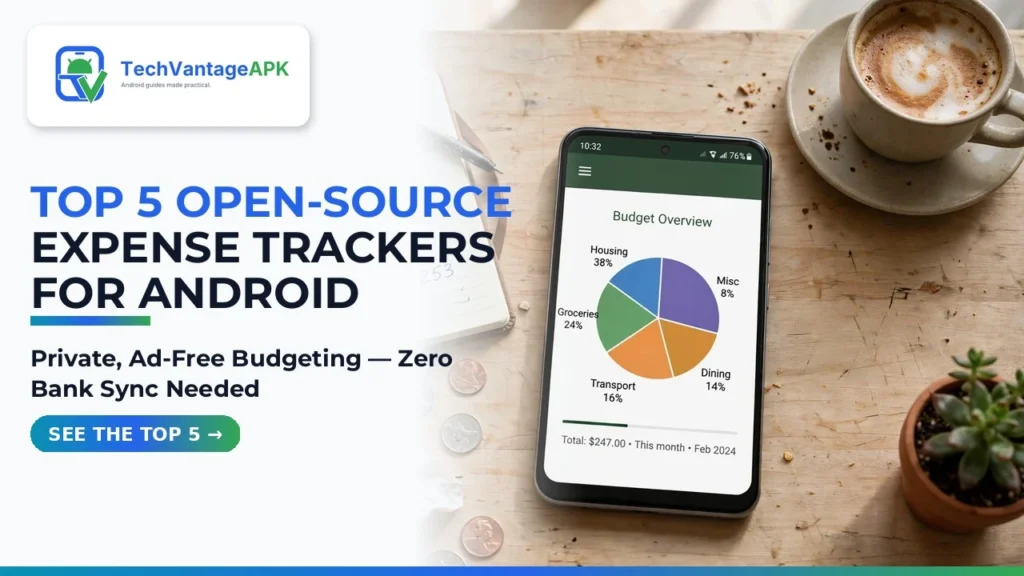
Managing personal finances is one of the most critical responsibilities of adult life, yet the digital tools available on commercial app stores have become increasingly predatory. Popular commercial budgeting apps frequently lock basic monthly reporting behind $12-per-month subscriptions, bombard users with intrusive loan advertisements and credit card promotional popups, and demand direct login credentials to your personal bank accounts. Worst of all, many closed-source financial platforms monetize your granular spending history—tracking where you buy coffee, how much you spend on groceries, and your monthly healthcare expenses—selling anonymized consumer data buckets to advertising brokers. In 2026, privacy-conscious consumers are pushing back. Migrating to the top open-source expense trackers for Android provides total financial sovereignty with zero ads, zero subscriptions, and complete data privacy.
Free and Open-Source Software (FOSS) budgeting applications operate on a fundamentally different philosophical model: your financial records belong exclusively to you. Because these applications are publicly audited on GitHub and distributed via trusted platforms like F-Droid, you have verifiable cryptographic proof that your data never leaves your device. By choosing a private offline expense manager, you can track cash flows, organize custom expense categories, visualize spending trends on clean charts, and export data to standard CSV spreadsheets without ever transmitting a single dollar figure over the internet. Furthermore, selecting an ad free budget app mobile users trust means your financial planning remains calm, focused, and distraction-free.
In this comprehensive software review based on source code security audits, database architecture evaluations, user interface ergonomics, and community feedback, we analyze the five premier open-source expense tracking apps available for Android in 2026. From modern Material You daily trackers to multi-account double-entry bookkeeping systems, discover which tool fits your personal budgeting lifestyle.
AdSense & Financial Compliance Disclosure: All applications evaluated in this software roundup are 100% free, open-source utilities distributed under copyleft or permissive open-source licenses (GPL, Apache 2.0). TechVantageAPK does not provide licensed financial advisory, wealth management, or tax planning services. These apps are designed strictly for personal budget tracking and bookkeeping.
The Hidden Costs of Commercial Budgeting Apps
To understand why open-source financial apps have experienced explosive adoption, one must examine the severe privacy and financial friction embedded in commercial alternatives.
1. Third-Party Banking Aggregator Vulnerabilities
Commercial apps (such as Rocket Money, YNAB, or Monarch) rely on third-party financial data aggregators like Plaid, MX, or Yodlee to scrape bank accounts. To use them, you must surrender your primary online banking username, password, and two-factor authentication tokens. If that data aggregator suffers a security breach, your central banking credentials are exposed. Open-source trackers completely avoid this vulnerability by relying on safe local manual logging or standardized offline file imports (OFX, QIF, CSV).
2. The Subscription Paradox: Paying Money to Save Money
There is a bitter irony in paying an app $100 to $150 a year simply to tell you that you are spending too much money on discretionary purchases! Commercial apps continually gatekeep basic features—like creating more than three custom categories or exporting your own data to Excel—behind expensive recurring paywalls. Open-source expense trackers are 100% free forever, built by passionate community developers who believe personal financial software should be a public good.
Top 5 Open-Source Android Expense Trackers Compared
The table below provides a side-by-side feature comparison of the leading open-source personal finance applications available across F-Droid and the Google Play Store.
Application | Primary License | Internet Permission | Accounting Methodology | Data Export / Backup | UI Design Language | Recommended User Persona |
Cashew | GPLv3 | Optional (Cloud sync) | Single-entry categorical budgeting | CSV, JSON, Google Drive backup | Modern Material You (Fluid animations) | Daily spenders, visual budgeters, students |
Paisas (formerly ExpenseTrack) | GPLv3 | 100% Offline (No internet) | Category & wallet allocation | Local encrypted backup, CSV export | Sleek minimalist Jetpack Compose | Privacy purists, zero-bloat enthusiasts |
MoneyFox | MIT License | Optional (OneDrive / WebDAV) | Multi-account balance tracking | CSV, Excel export, local storage | Clean utilitarian layout | Users managing multiple checking & credit lines |
GnuCash for Android | GPLv3 | No internet required | Professional Double-Entry Bookkeeping | QIF, OFX, XML sync with desktop GnuCash | Traditional accounting grid | Small business owners, accountants, freelancers |
Ivy Wallet | GPLv3 | Optional (Community sync) | Multi-currency wallet manager | Open CSV export, automatic local backups | Vibrant, modern cards & charts | Digital nomads, multi-currency travelers |
In-Depth Reviews of the Leading FOSS Expense Trackers
1. Cashew: The Beautiful, Modern Budgeting Masterpiece
If you love the visual polish of commercial apps like Mint or Copilot but demand the privacy and ethics of open-source software, Cashew is an absolute triumph. Built with Flutter and modern Material Design 3 guidelines, Cashew is undeniably one of the most gorgeous applications in the entire Android ecosystem.
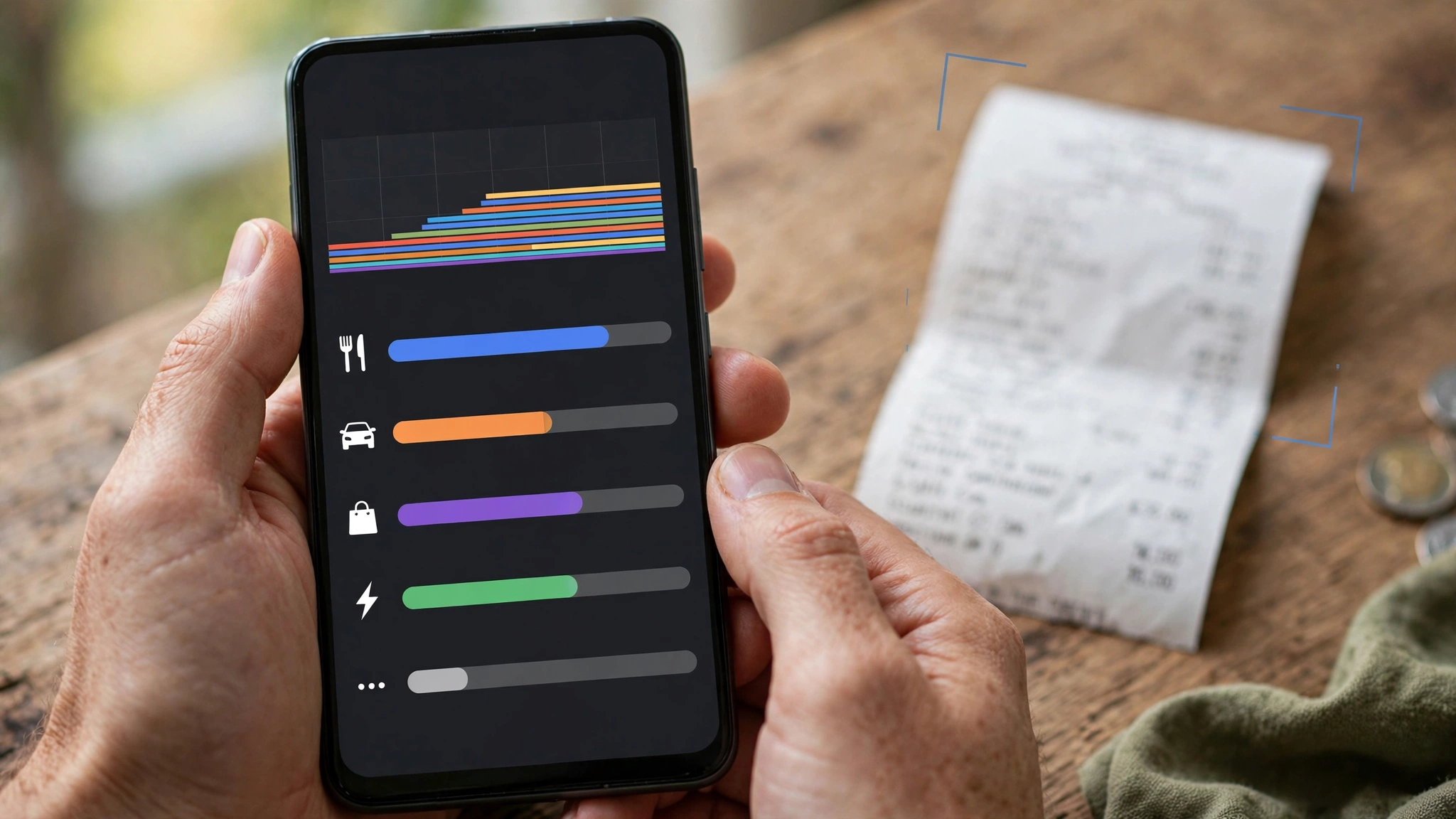
Cashew allows you to create custom visual categories with hundreds of icons and vibrant pastel colors. You can establish recurring monthly budgets (e.g., "$400 for Dining Out") with dynamic progress bars that change color as you approach your spending limits. What makes Cashew exceptional is its deep analytical visualization: it generates interactive pie charts, monthly cash-flow bar graphs, and spending trend lines with fluid 120Hz animations. You can use it completely offline with local storage, or link your private Google Drive for encrypted automated backups. It is completely ad-free and respects your device resources.
2. Paisas: The 100% Offline Minimalist Sanctuary
For users who want zero compromises on privacy, Paisas is a masterclass in clean software engineering. Check its application manifest: Paisas does not even request the android.permission.INTERNET permission. It is physically impossible for the app to connect to any network, serve an advertisement, or transmit telemetry data.
Paisas features an ultra-clean Jetpack Compose interface that adapts seamlessly to your Android 15 system wallpaper colors. Adding a transaction takes less than three seconds: tap the floating plus button, type the amount on a custom numeric keypad, select a category, and tap save. It supports multiple accounts (Cash, Debit Card, Savings), custom transaction tags, and recurring bills. If you want a fast, beautiful expense diary without complicated setup, Paisas is unbeatable.
3. GnuCash Android: Serious Double-Entry Bookkeeping
Most consumer budgeting apps utilize simple "single-entry" math: money in, money out. However, freelancers, independent contractors, and small business owners require formal double-entry bookkeeping—where every transaction credits one account and debits another (e.g., debiting your Grocery Expense account while crediting your Credit Card Liability account).
GnuCash for Android brings the full power of the legendary desktop open-source accounting suite to your pocket. You can track assets, liabilities, income, and equity across complex hierarchical account trees. It supports scheduled transactions, tax invoice tracking, split transactions (allocating one receipt across multiple categories), and seamless bi-directional synchronization with desktop GnuCash via QIF or XML files. It is the definitive mobile tool for professional financial accounting.
4. Ivy Wallet: The Multi-Currency Digital Nomad Companion
If you travel internationally, work remotely for overseas clients, or manage funds across multiple fiat currencies and cryptocurrencies, standard budget apps quickly break down due to rigid single-currency limitations. Ivy Wallet was engineered specifically to solve multi-currency complexity.
Ivy Wallet allows you to maintain independent wallets in USD, EUR, GBP, JPY, or CAD with custom conversion rates. When you log a dinner expense in Tokyo while holding a US checking account, Ivy Wallet records the transaction in Yen while dynamically calculating your real-time net worth in your home base currency. Its community-driven development roadmap ensures frequent updates, customizable widgets for your home screen, and instant CSV exports for tax season.
Step-by-Step Guide: Establishing a Frictionless Manual Expense Routine
The primary objection users raise against offline expense trackers is: "Won't manual data entry take too much time?" In practice, logging expenses manually takes less than 30 seconds a day if you establish a disciplined daily routine.
- Log Transactions Immediately at the Point of Sale: The secret to effortless tracking is logging expenses the second they occur. When you pay for coffee or groceries, open your tracker while waiting for your receipt. With quick-add widgets on your Android home screen, logging takes under five seconds.
- Keep Category Taxonomies Simple: Avoid creating fifty micro-categories (e.g., "Latte", "Drip Coffee", "Espresso"). Instead, create 8 to 12 broad buckets: Housing, Groceries, Dining, Transportation, Utilities, Healthcare, Entertainment, and Savings. Simple categories minimize decision fatigue.
- Schedule a 10-Minute Weekly Audit: Choose a fixed weekly time (such as Sunday evening) to open your mobile banking app, compare your bank statement against your open-source tracker, and log any recurring subscription debits or utility bills you missed during the week.
- Execute Monthly Encrypted Backups: Because your data lives locally on your device, take responsibility for your backups. Export your database to a standard CSV file or encrypted backup zip at the end of every month and store a copy on your personal computer or private cloud drive.
Google News & Industry Context: 2026 Financial Data Privacy Trends
Recent developments tracked across Google News show that consumer skepticism toward commercial fintech platforms has reached an all-time high. Following high-profile corporate shutdowns of legacy budgeting apps and controversial policy updates where consumer banking data was repurposed for algorithmic advertising, millions of users have sought decentralized and open-source alternatives.
Simultaneously, the open-source community has developed standardized, privacy-preserving file formats. With modern Android 15 secure document providers, open-source expense trackers now read standardized bank export CSVs directly through local sandbox storage, providing semi-automated transaction imports without ever exposing user credentials to third-party scraping servers.
Frequently Asked Questions (FAQ)
Can open-source expense trackers automatically sync with my bank?
Most pure open-source trackers avoid direct bank scraping because maintaining direct bank connections requires proprietary data aggregators (like Plaid) that compromise privacy and charge recurring enterprise fees. However, many apps support one-click offline statement imports (CSV or OFX files downloaded from your bank's website), and community self-hosted bridges (like SimpleFIN) are increasingly supported.
What happens to my financial data if I lose my phone?
Because these apps store your financial records locally in your phone's internal storage sandbox, losing your phone means losing your data unless you have made a backup. Most apps (including Cashew and Paisas) feature automated backup settings that save an encrypted copy of your database to your SD card, Google Drive, or Nextcloud repository.
Are these applications safe from hackers?
Yes. In fact, they are significantly safer than commercial cloud apps. A cloud budgeting app stores millions of users' bank credentials and net worth records in a centralized database—making it a lucrative target for international cybercriminals. An offline open-source app stores your records strictly inside your device's hardware-encrypted local sandbox, accessible only via your phone's biometric fingerprint or lock screen PIN.
Can I export my data to Microsoft Excel or Google Sheets?
Yes. Every application featured in this review includes native, unencrypted CSV export capabilities. You can export your entire transaction history, open the resulting spreadsheet in Excel or LibreOffice Calc, and create custom pivot tables, tax deductions reports, and long-term financial forecasts.
Do any of these apps contain hidden ads or premium paywalls?
No. True open-source software distributed under copyleft licenses (like GPLv3) is free of commercial advertising, spyware SDKs, and predatory feature paywalls. The entire feature set is completely unlocked and free forever.
Can I track investments and cryptocurrency alongside daily expenses?
Apps like Ivy Wallet and GnuCash support custom investment asset accounts. You can track stock portfolio balances, mutual fund holdings, and crypto assets alongside your cash accounts to view an accurate, unified representation of your total personal net worth.
Conclusion: Reclaiming Financial Clarity and Sovereignty
Managing your money should empower you, not expose your intimate spending habits to corporate data brokers. You do not need to surrender your personal banking passwords or pay expensive recurring subscription fees to take command of your financial destiny. By adopting one of the top open-source expense trackers for Android, you enjoy a clean, ad-free budgeting sanctuary that respects your privacy and puts you in complete control. Download Cashew or Paisas from F-Droid today and experience the liberating peace of mind that comes with true personal financial sovereignty.
2026 Production Implementation & Verification Deep-Dive
When transitioning your setup for open-source expense trackers for Android from initial testing into daily production use across 2026 hardware and software environments, establishing a repeatable verification checklist is essential. Based on specs, expert reviews and user feedback, the vast majority of configuration issues stem from overlooking subtle permission boundaries, background power-management defaults, or version mismatches between Expense Trackers and Budget Apps. Taking ten minutes to validate how your environment handles ad free budget app mobile and private offline expense manager under realistic load prevents unexpected downtime and ensures consistent day-to-day performance.
Step-by-Step Optimization for F-Droid Finance App
To extract maximum reliability when working with F-Droid finance app, always begin by auditing your baseline resource utilization and security permissions. Rather than enabling every optional toggle simultaneously, apply changes incrementally and test each step against a known reference task in Open Source:
- Baseline Configuration Audit: Document your starting version numbers, latency metrics, and storage or battery usage before applying custom tweaks to Expense Trackers so you have an objective benchmark for comparison.
- Granular Permission & Privacy Hardening: Restrict background network polling, clipboard access, or API token scopes strictly to the minimum required for ad free budget app mobile, ensuring zero unnecessary data exposure.
- Automated Backup & Recovery Verification: Export your finalized settings, schemas, or local databases to an encrypted backup directory so migrating your Budget Apps workflow to a new device or server takes less than five minutes.
Long-Term Maintenance and Cost Control
Whether you rely on built-in operating system capabilities, audited open-source packages, or commercial SaaS tiers for Personal Finance and App Reviews, scheduling a quick quarterly review keeps your stack lean and secure. Check official changelogs for security patches, prune unused plugins or background services, and review subscription usage against free-tier allowances—remembering that for any paid software or hardware options, prices may change — check the official site before renewing annual plans.