Your Android phone knows where you have been, probably in more detail than you realize. Google’s Location History (now part of Timeline) can record every place you visit, the routes you take, and how long you stay, building a map of your life stretching back years. If that makes you uncomfortable, learning how to delete Google location history on Android is one of the highest-impact privacy moves you can make.
This guide covers everything: how to delete Google location history on Android all at once, how to delete specific days or places, how to turn on auto-delete so it never accumulates again, how to pause location tracking entirely, and how to limit which apps see your location going forward. It takes about ten minutes, and you stay in control afterward.
What Deleting Location History Does Not Erase
Clearing your Timeline feels thorough, but several other Google systems keep location-adjacent data. Web & App Activity is the big one: with it on, Google still saves the general area you were in whenever you use Search or Maps, even with Location History paused. To stop that too, open the Google app > profile picture > Search history > Saving and turn Web & App Activity off, or at least enable its 3-month auto-delete. Your carrier also keeps cell-tower location logs for 6 months to 2 years depending on the country — no phone setting changes that.
Individual apps are the third bucket. Ride-share, weather, and food delivery apps keep their own location logs on their servers; deleting Google’s copy does nothing to theirs. Once a quarter, open Settings > Location > App location permissions and revoke location from every app that does not clearly need it. An app set to “Ask every time” or “Don’t allow” cannot quietly rebuild the trail you just deleted from Google’s servers.
What Is Google Location History?
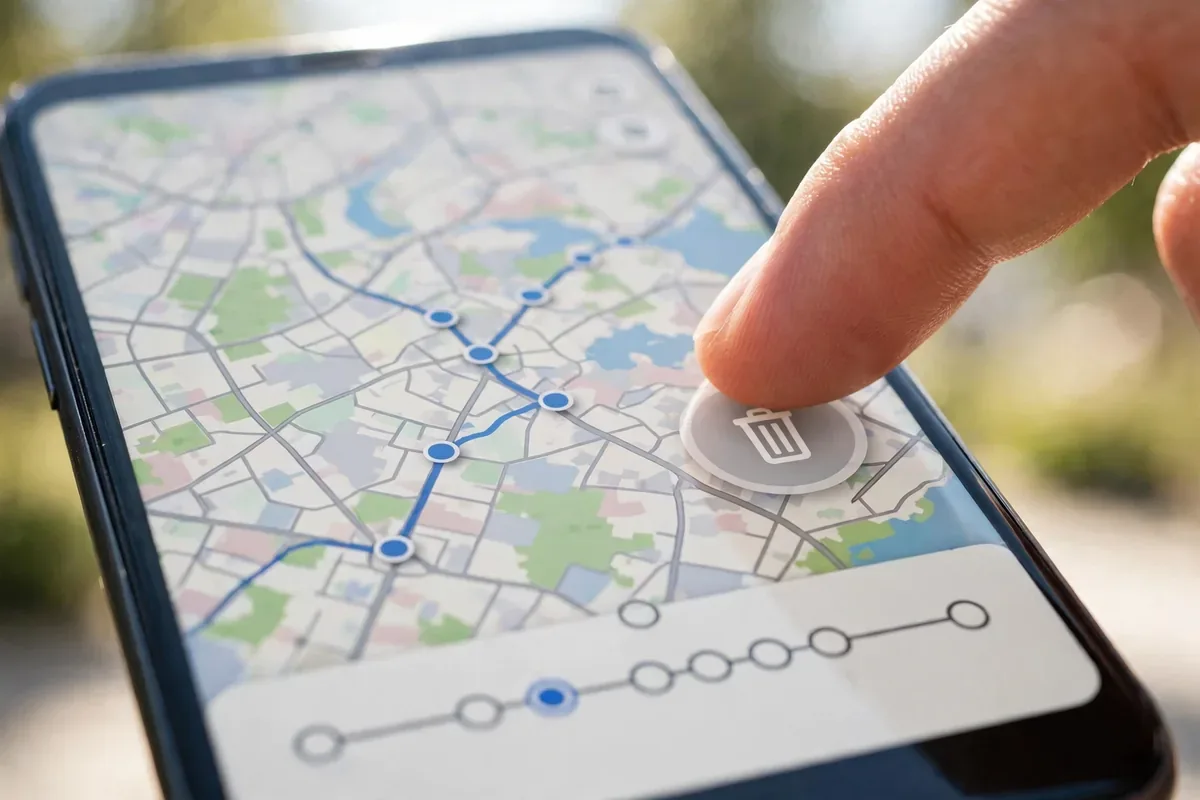
how to delete Google location history on android illustration
Location History is a Google Account setting that saves the places you go with devices signed into your account. On Android, it powers Google Maps Timeline, commute predictions, and personalized recommendations. When enabled, your phone periodically records its location and uploads it to Google’s servers, where it is stored until you delete it.
Many users do not realize it is on. It can be enabled during Android setup, when you accept certain Maps prompts, or carried over from years-old account settings. Before deciding how to delete Google location history on Android, it is worth looking at what is actually stored: open Google Maps, tap your profile picture, then Timeline, and prepare to be surprised.
How to Delete Google Location History on Android: All of It
Here is the fastest way to wipe the slate clean:
Open the Settings app on your Android phone.
Tap Google, then Manage your Google Account.
Go to the Data & privacy tab.
Scroll to History settings and tap Location History.
If it is on, tap Turn off first to stop new collection. Confirm your choice.
Then tap Manage history. This opens your Timeline data.
Tap the trash icon or Delete Location History, then confirm Delete.
Alternatively, do it from Google Maps: tap your profile picture, then Your Timeline, tap the three-dot menu, then Settings and privacy, then scroll to Delete all Location History.
This deletes the stored history associated with your Google Account across devices. Note that deletion can take up to 24 hours to fully propagate, and Google states that some anonymized or aggregated data may be retained for service operation.
How to Delete Specific Days, Places, or Trips
You do not have to nuke everything. To surgically remove entries:
Open Google Maps and tap your profile picture, then Your Timeline.
Use the calendar to pick a specific day.
Tap the three-dot menu next to any visit or trip and choose Delete.
To remove a single place from your history, find it in the day view, tap it, and delete just that stop.
This is useful if you want to keep the convenience of Timeline for commutes and travel memories while removing sensitive stops like medical visits or private meetings.
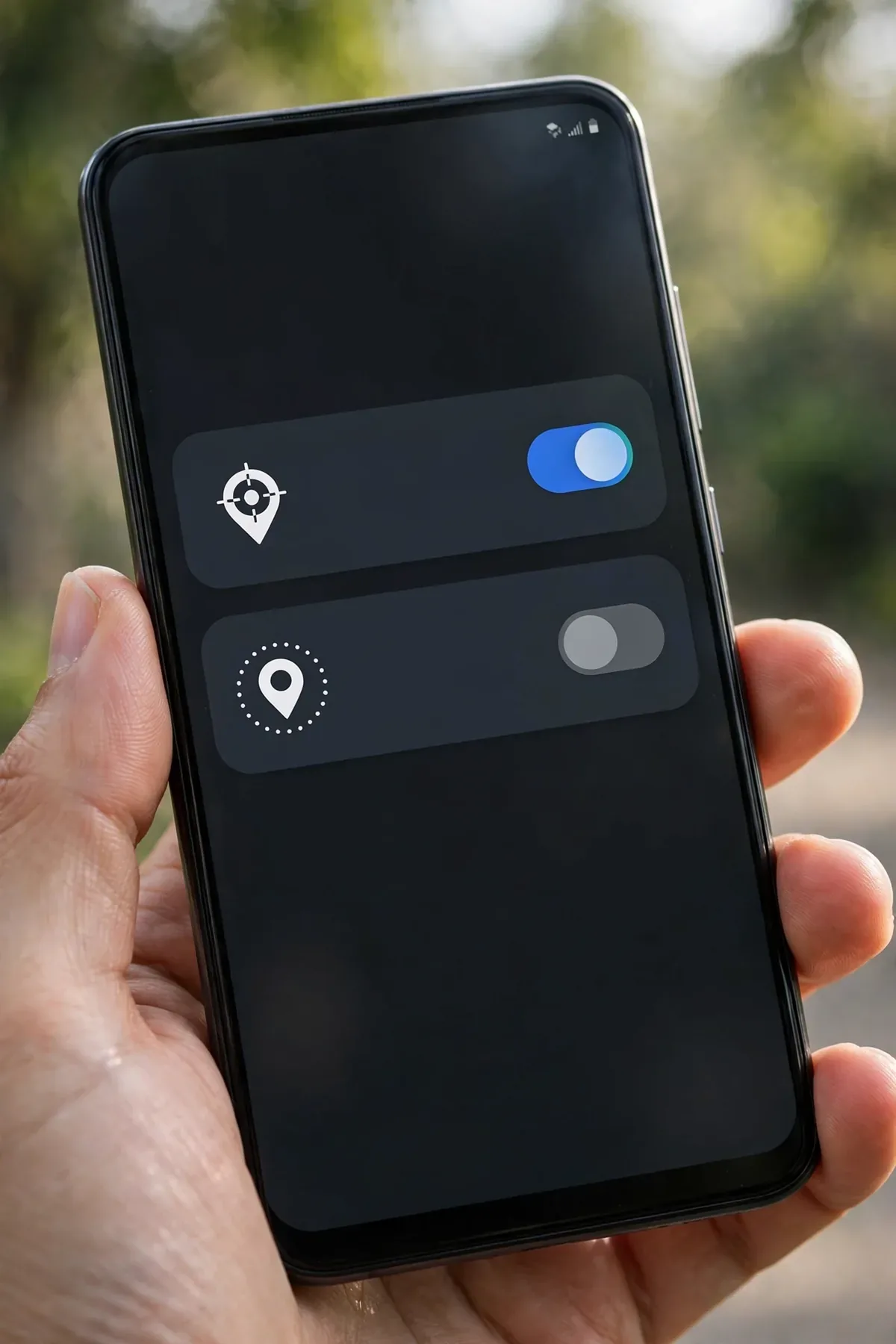
How to Turn On Auto-Delete for Location Historyhow to delete Google location history on android illustration
The smartest long-term setting is auto-delete, which keeps the feature useful without building a permanent archive:
Go to Google Account, Data & privacy, Location History.
Tap Auto-delete (or find it under Timeline settings in Maps).
Choose 3 months or 18 months. Data older than your choice is deleted automatically on a rolling basis.
Confirm and save.
Three months is the sweet spot for most people: recent enough for commute predictions and trip memory, short enough that no permanent dossier accumulates. If you ever wondered how to delete Google location history on Android without remembering to do it manually, auto-delete is the answer.
How to Turn Off Location History Entirely
Pausing is different from deleting. To stop future collection:
In Google Account, Data & privacy, Location History, tap Turn off and confirm.
Understand the scope: this stops saving new history to your account, but apps with location permission can still access your live location.
For full effect, also review Web & App Activity, a separate setting that can store location-tagged searches and Maps activity. Consider pausing or auto-deleting that too.
Important nuance: turning off Location History does not disable GPS on your phone. Navigation, ride-sharing, and weather apps continue to work using live location; they just stop contributing to the permanent Timeline archive.
How Google Actually Uses Your Location History
how to delete Google location history on android illustration
To decide how aggressive to be about deleting, it helps to know what Google does with the data. Location History feeds several features you may value:
Commute predictions: Google Maps learns your routine and warns you about traffic before you leave.
Timeline memories: a visual diary of trips and places, which some users genuinely enjoy.
Personalized recommendations: restaurant and attraction suggestions based on where you have been.
Ad targeting: location history contributes to the advertising profile Google builds, which is the commercial core of the data.
Aggregated insights: anonymized, aggregated location data powers features like popular times for businesses.
None of these require a multi-year archive. The commute feature works fine on three months of data, and the advertising use is precisely what privacy-minded users want to stop. This is why auto-delete at three months is the rational default: you keep the useful features, discard the permanent dossier, and starve the ad-targeting machine of long-term signal.
Location Tracking Beyond Your Google Account
Here is something most guides skip: how to delete Google location history on Android only addresses Google’s copy. Other parties may hold location data too:
Your carrier: mobile networks log which towers your phone connects to, creating a coarse location record. US carriers offer privacy opt-outs for certain data-sharing programs; check your carrier’s privacy dashboard.
Your phone manufacturer: Samsung, for example, has its own location services and Samsung account data collection, managed separately in Samsung account settings.
Individual apps: ride-sharing, weather, and social apps keep their own location logs. Audit each app’s privacy settings, not just Android permissions.
Your car’s systems: Android Auto and built-in car telematics can log trips independently of your phone.
A complete location-privacy cleanup touches all four. Start with Google, since it holds the richest record, then work outward.
How to Delete Google Location History on Android Without a Computer
Everything in this guide works entirely on your phone; no desktop needed. If you prefer the Google Account website, the same controls live at myaccount.google.com under Data & privacy. The steps are identical in structure: History settings, Location History, manage or delete. Some users find the larger screen easier for reviewing Timeline day by day before deciding what to delete.
One more mobile-specific tip: if you use multiple Google accounts on one phone (personal plus work), Location History is per account. Repeat the deletion and auto-delete setup for each account signed into the device, or you will clean one timeline while another keeps recording.
Limit Which Apps See Your Location
Deleting history is half the battle. The other half is controlling live access:
Go to Settings, Location, App location permissions.
For each app, choose Allow only while using the app, Ask every time, or Don’t allow.
Prefer Approximate over Precise location wherever the toggle appears. A weather app needs your city, not your street address.
Revoke location from apps that have no business knowing where you are: shopping apps, games, and social apps especially.
How do I delete Google location history on Android quickly?
The fastest path: Settings, Google, Manage your Google Account, Data & privacy, Location History, Manage history, then delete all. It takes under two minutes plus confirmation.
Does deleting location history delete it from Google’s servers?
Google says deleted Location History is removed from your account and its systems, a process that can take up to 24 hours. Some anonymized or aggregated data used for service operation may be retained in non-identifiable form.
Will turning off location history break Google Maps navigation?
No. Navigation uses live GPS, which is unaffected. You lose personalized commute predictions and Timeline memories, but turn-by-turn directions, traffic, and search work normally.
What is the difference between Location History and Web & App Activity?
Location History stores places and routes in Timeline. Web & App Activity stores searches and app interactions, which can include location tags from Maps searches. For complete privacy, manage both.
Can I keep Timeline but auto-delete old entries?
Yes. Set auto-delete to 3 or 18 months in Location History settings. You keep recent convenience without a permanent archive, which is the best balance for most users.
Does my carrier or phone maker track location separately?
Possibly. Carriers log tower connections and manufacturers like Samsung have their own location services. Google’s settings control Google’s collection; check your carrier’s privacy options and your manufacturer’s account settings separately for full coverage.
Conclusion
Knowing how to delete Google location history on Android puts you back in charge of one of the most intimate datasets a company can hold: everywhere you have been. Delete the backlog, set auto-delete to three months, pause the setting if you prefer, and lock down which apps get live location.
Ten minutes of settings work buys you a permanent improvement. Pair it with a broader privacy review, permission audits, ad ID deletion, tracker blocking, and the map of your life stops being a corporate asset and goes back to being yours.
Qamar Abbas is the founder and CEO of Qamar Digital Ventures LLC, a New Mexico-based web design and SEO agency. He writes hands-on, research-backed guides about Android apps, APK guides and mobile how-tos for a US audience, tested on real devices and updated regularly.







What do you think?
Share your experience or ask a question. A useful conversation starts with you.
Join the discussion