How to Check Your Android for Stalkerware (2026 Safety Guide)
Stalkerware is spyware installed by someone you know: a partner, ex-partner, or family member, to secretly monitor your location, messages, and calls. Unlike ordinary malware, it often arrives with physical access to your phone and your trust. Learning how to check Android for stalkerware is important, but safety comes first: if you suspect someone is monitoring you, read the safety note below before you do anything.
Safety first: removing stalkerware can alert the person monitoring you, which may escalate danger. If you are in an abusive situation, consider contacting the National Domestic Violence Hotline (1-800-799-7233, thehotline.org) or a local advocate from a safe device before changing anything on your phone. Your physical safety matters more than any technical step in this guide.
After Removing Stalkerware: Securing the Clean Phone
Once the device is clean, rebuild securely. Change passwords for email, banking, and social accounts from a different trusted device — assume every credential typed on the compromised phone is known to the installer. Enable 2FA with an authenticator app (not SMS) on the critical accounts. Review Google account security at myaccount.google.com > Security: remove unknown signed-in devices, revoke third-party access you do not recognize, and check “Recent security activity” for logins you did not make. Only then set up the phone fresh — install apps manually, do not restore from the old backup, and treat the first week as a monitoring period for any returning symptoms.
Stalkerware FAQ
Can stalkerware hide from the app list? Yes — it commonly hides its icon and uses generic system-like names. Check Settings > Apps > Show system for the full list, not the launcher.
Will antivirus detect it? Sometimes. Mainstream antivirus engines detect known stalkerware families, but targeted or custom builds may evade them. TinyCheck (free, from Kaspersky) is purpose-built for this and worth running as a second opinion.
Does a factory reset remove it? Yes for app-level stalkerware. The critical safety note stands: do not reset until you have a safety plan, because removal alerts the installer.
Can it survive on iCloud/Google backups? Restoring a backup after a reset can reinstall it. After resetting, set up as a new device and reinstall apps manually — do not restore from the old backup.
Is it legal? Non-consensual installation is illegal in most jurisdictions. The Coalition Against Stalkerware (stopstalkerware.org) lists legal resources by country.
Signs of Stalkerware Most People Miss
Stalkerware tries to be invisible, but it leaves physical traces. Watch for a battery that drains 20 to 30 percent faster than usual with no new apps installed, the phone feeling warm while idle in your pocket, and mobile data usage spiking under Settings > Network & internet > SIMs > App data usage for an app you do not recognize. Another tell: the GPS icon appearing in your status bar at odd hours, or your phone’s storage filling up with no explanation — some stalkerware records audio continuously and uploads in batches.
On the software side, open Settings > Security > Device admin apps and Settings > Accessibility and look for anything you did not enable yourself. Stalkerware needs device-admin or accessibility access to survive reboots and hide its icon, so an unknown entry in either list is a red flag worth investigating immediately. Also check Settings > Apps > See all apps > Show system and scroll for generic names like “System Service,” “Device Health,” or “Update Service” with recent install dates — legitimate system apps are never installed recently.
What to Do If You Find Something
Do not delete it immediately if you are in an unsafe relationship — removal alerts the person who installed it. Instead, get a second device (a cheap prepaid phone or a trusted friend’s), and contact a domestic-violence hotline or the Coalition Against Stalkerware (stopstalkerware.org) for a safety plan first. For a technical second opinion, run Malwarebytes’ free scan or Kaspersky’s free “TinyCheck” audit, which is designed specifically to detect stalkerware indicators. Only factory-reset the phone once you have a safe plan — and change every important password from the clean device, not the compromised one.
What Is Stalkerware?
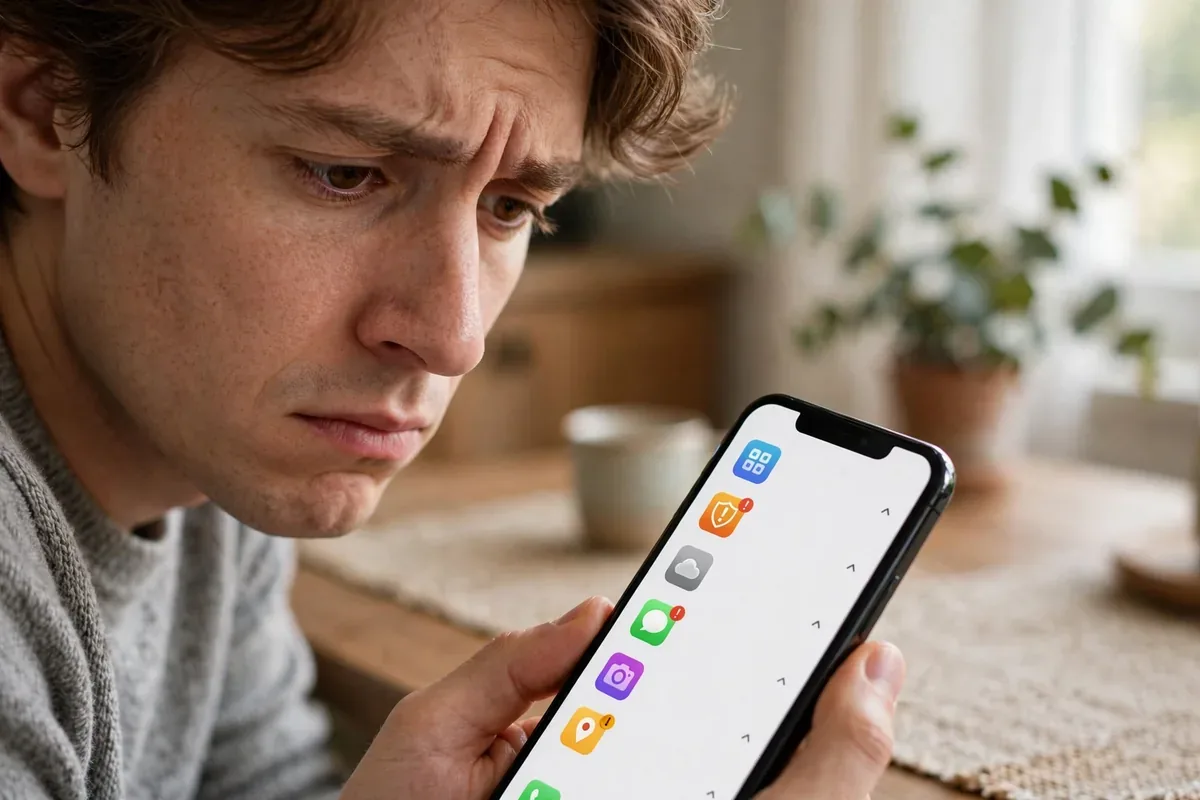
check android for stalkerware illustration
Stalkerware (also called spouseware) refers to commercial spyware apps marketed as parental-control or employee-monitoring tools but widely abused for intimate-partner surveillance. Typical capabilities include:
Real-time GPS location tracking.
Reading text messages, call logs, and emails.
Recording calls and ambient audio.
Accessing photos, social media, and dating apps.
Keylogging passwords and messages.
These apps are often installed with brief physical access to the victim’s unlocked phone. Google Play Protect now detects many known stalkerware families, and the Play Store bans them, but sideloaded variants persist.
Warning Signs of Stalkerware
Battery drain and overheating without a clear cause, since spyware runs constantly.
Unexplained data usage spikes.
Your partner knows things they could only know by monitoring: where you were, who you messaged, what you searched.
Settings changed without your input: unknown apps with device-admin rights, disabled Play Protect, or unfamiliar accessibility services.
Strange behavior: the phone lights up or makes sounds when idle, or apps crash when you open security settings.
You find apps you did not install, especially ones with generic names like “System Update” or “Device Health.”
Any one of these warrants investigation; several together are a strong signal.
How Stalkerware Gets Installed
Understanding installation helps you check Android for stalkerware effectively. The overwhelmingly common path is brief physical access: the abuser takes the victim’s unlocked phone for a few minutes, sideloads the spyware (often from the vendor’s website, since the Play Store bans these apps), grants it every permission including device-admin and accessibility, hides its icon, and returns the phone. The victim never sees an install screen.
Less common paths include phishing links that trick the victim into installing it themselves, and “gifts” of pre-configured phones. iCloud/Google account compromise can also enable some monitoring without touching the phone, which is why checking account-level sharing matters as much as checking the device.
This is why the single most effective prevention is controlling physical access: a strong lock screen PIN nobody else knows defeats the primary installation vector entirely.
How to Check Android for Stalkerware Without Alerting the Monitorcheck android for stalkerware illustration
A delicate consideration: the act of checking can itself be visible. Some stalkerware logs when security settings are opened. If you need to check Android for stalkerware discreetly:
Use Play Protect’s automatic scanning rather than manual deep-dives where possible; routine scans attract less attention.
Do not open the suspected app. Opening it may trigger alerts to the monitor.
Check from a safe device when possible. Review your Google account’s device activity and location sharing from a trusted computer instead of the phone.
Avoid searching for stalkerware information on the monitored phone. Use a library computer or a friend’s device for research.
Remember browser history is visible. Use private browsing on a safe device.
These precautions matter most when you have not yet decided how to respond. Once you have a safety plan with an advocate, technical cleanup can proceed openly.
How to Check Android for Stalkerware: Step by Step
Only proceed if it is safe to do so. If removal could endanger you, seek help first.
Run Play Protect. Open the Play Store, tap your profile, tap Play Protect, and run a scan. It detects many known stalkerware families.
Review installed apps. Go to Settings, Apps, See all apps. Look for anything unfamiliar, especially with generic system-like names. Tap suspicious apps and check their permissions.
Check Device admin apps. Settings, Security, Device admin apps (or Device admin under Special app access). Stalkerware often grants itself admin rights to resist uninstallation. Revoke anything you do not recognize.
Check Accessibility services. Settings, Accessibility: look for unknown services with broad access. Stalkerware abuses these to read screens.
Check Notification access and Usage access under Special app access for unknown apps.
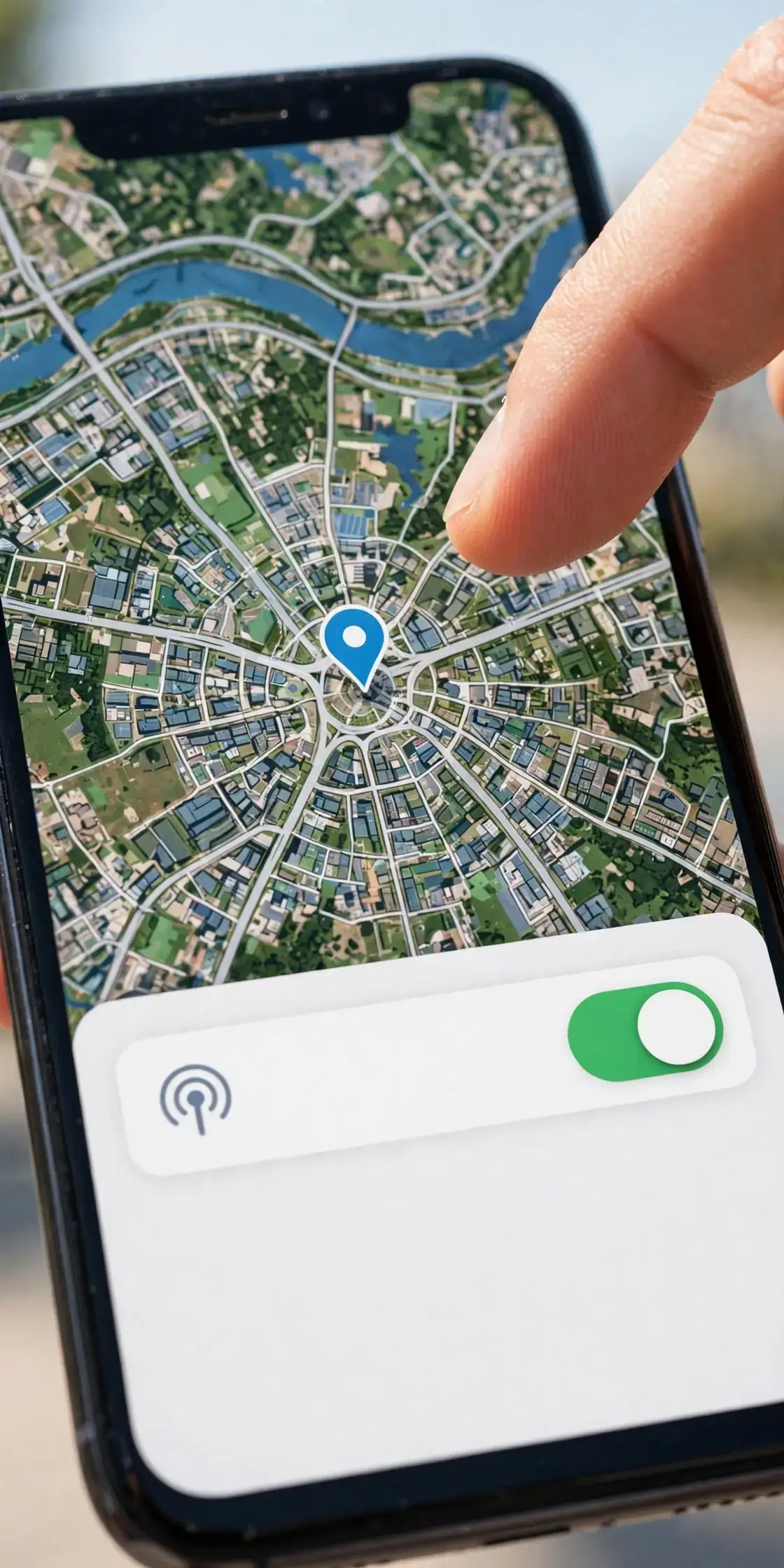
Review location sharing. Check Google Maps location sharing, Find My Device, and any family-locator apps for unexpected sharing.
Check battery and data usage per app (Settings, Battery and Network) for unexplained consumers.
Use a reputable scanner. Malwarebytes or similar can provide a second opinion on sideloaded spyware.
Document what you find with screenshots stored somewhere safe (not on the phone, if the phone is compromised).
If You Find Stalkerware
check android for stalkerware illustration
Do not confront immediately if confrontation could be dangerous. Plan with an advocate.
Preserve evidence if you may pursue legal action: screenshots, dates, and the app’s identity, stored off-device.
Remove carefully. Revoke device-admin rights first (otherwise uninstall may be blocked), then uninstall.
Change all passwords from a safe device, starting with your Google account and email.
Check for account compromises beyond the phone: shared cloud accounts, location sharing, and linked devices.
Consider a factory reset for thorough cleanup, after backing up what you need and consulting an advocate about evidence preservation.
Get a new device if you can: it is the only way to be certain, and advocates can often help with resources.
Stalkerware is illegal in many jurisdictions when installed without consent. The Coalition Against Stalkerware (stopstalkerware.org) maintains resources and a list of support organizations.
Protecting Yourself Going Forward
Lock your phone with a strong PIN or password nobody else knows. Never share it, even with a partner.
Enable two-step verification on your Google account with an authenticator app.
Official resources: the Coalition Against Stalkerware at stopstalkerware.org, and the EFF’s surveillance self-defense guidance at eff.org.
FAQ
How do I check my Android for stalkerware?
Run a Play Protect scan, review all installed apps for unfamiliar entries, check Device admin apps and Accessibility services for unknown entries, review location sharing, and examine battery and data usage for unexplained consumers.
Can stalkerware be installed without touching my phone?
Rarely. Most stalkerware requires brief physical access to install. Remote-install claims are usually scams or refer to phishing that tricks you into installing it yourself.
Will a factory reset remove stalkerware?
Usually yes, for app-level stalkerware. It does not remove deeply embedded firmware-level spyware (extremely rare) and does not help if the abuser simply reinstalls it with physical access afterward.
Is it safe to just delete a stalkerware app?
Technically yes, but safety-wise, removal can alert the monitor and escalate abuse. Consult a domestic violence advocate before removing if you have safety concerns.
How is stalkerware different from regular malware?
Stalkerware is installed by someone with a personal relationship to the victim, often with physical access, and is designed for ongoing intimate surveillance rather than financial theft. The response must account for personal safety, not just technical cleanup.
Can my partner track me through Google location sharing?
Yes, if location sharing was enabled with or without your full understanding. Check Google Maps, Menu, Location sharing, and remove anyone who should not have access.
Conclusion
Knowing how to check Android for stalkerware is valuable, but the technical steps are secondary to personal safety. If you suspect monitoring by someone you know, reach out to a support organization from a safe device before you change anything.
For everyone else, the prevention checklist is straightforward: strong lock screen, no shared PINs, Play Protect on, apps from the Play Store only, and quarterly permission reviews. Stalkerware thrives on trusted physical access; controlling that access is the most powerful defense you have.
After Cleanup: Rebuilding Digital Safety
Once your device is clean, rebuild your digital safety deliberately. Change every important password from a safe device, enable two-factor authentication with an authenticator app rather than SMS, and review which people have access to your location, calendars, and cloud photo libraries. Turn off location sharing you do not actively use, audit connected apps in your Google account security settings, and set a calendar reminder to repeat these checks quarterly. Recovery is not a single cleanup but an ongoing practice of controlling who can reach you and your data.
Qamar Abbas is the founder and CEO of Qamar Digital Ventures LLC, a New Mexico-based web design and SEO agency. He writes hands-on, research-backed guides about Android apps, APK guides and mobile how-tos for a US audience, tested on real devices and updated regularly.







What do you think?
Share your experience or ask a question. A useful conversation starts with you.
Join the discussion