QR Code Scams (Quishing): How to Scan Safely on Android
QR codes are everywhere: restaurant menus, parking meters, package slips, event tickets. They are also one of the fastest-growing attack vectors in phishing. “Quishing” (QR-code phishing) uses malicious QR codes to send victims to fake websites, trigger fraudulent payments, or install malware. QR code scams on Android are rising because the codes bypass the suspicion people have learned for links and email attachments. If you scan QR codes regularly, understanding QR code scams Android users face is essential protection.
This guide explains how quishing works, the real-world QR code scams Android users encounter, and eight practical rules for scanning safely.
Safe QR Habits for Everyday Scanning
Build three habits and quishing stops being a threat. One: always read the preview URL before tapping — every phone shows it, and most attacks die right there. Two: never scan QR codes from unsolicited emails or texts; legitimate companies do not onboard you via random codes. Three: for payments, type the recipient’s official address or use the in-app scan feature of your banking app rather than the camera — banking apps validate the destination. Teach the same three rules to parents and kids: they are the most-targeted groups precisely because nobody taught them.
Quishing FAQ
Can my camera app get infected by scanning a QR code? No — scanning only reads the encoded URL. Infection requires opening the link and then downloading something or entering credentials. The danger is the destination, never the scan itself.
Are QR codes in official apps safe? Generally yes — codes inside your banking or airline app are generated by that service. The risk is physical-world codes (stickers, flyers) and codes in unsolicited messages.
What about QR codes for Wi-Fi sharing? Safe to scan from people you trust — they just encode the SSID and password. Never scan a “free Wi-Fi” QR code posted in a public place; it can point your phone at an attacker’s hotspot.
Do I need a special QR scanner app? No — your built-in camera or Google Lens is safer than third-party scanner apps, many of which are adware themselves. Avoid installing a dedicated scanner.
What if I already scanned a bad code? If you only viewed the preview and did not open it, you are fine. If you opened it and entered credentials, change those passwords immediately from a clean device and enable 2FA.
How Quishing QR Codes Are Built to Trick You
Attackers generate malicious QR codes with free online tools in seconds, then place them where you expect legitimate ones: fake parking-meter stickers pasted over the real code, restaurant table stickers linking to phishing “menu” pages that harvest card details, and QR codes in phishing emails disguised as package redelivery notices. The code itself is just a URL — your phone cannot tell a safe URL from a dangerous one until you open it, which is why the preview step below matters.
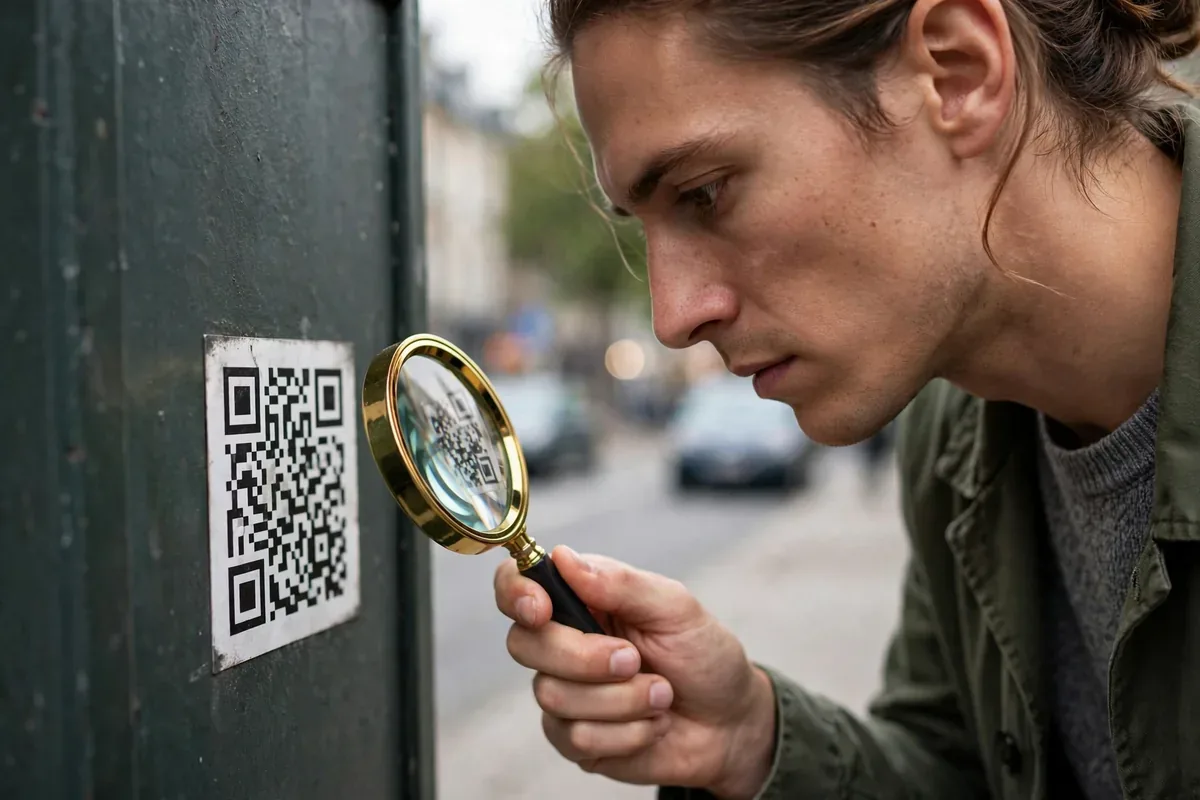
Before scanning anything in the wild, check the physical context. A sticker placed crookedly over another code, a QR code on a parking meter with no official branding, or a code in an unsolicited email are all walk-away signals. Legitimate businesses print QR codes on proper signage, not on stickers slapped over existing ones. When in doubt, type the company’s official URL manually instead of scanning — it takes ten seconds longer and removes the entire attack class.
Preview the URL Before You Open It
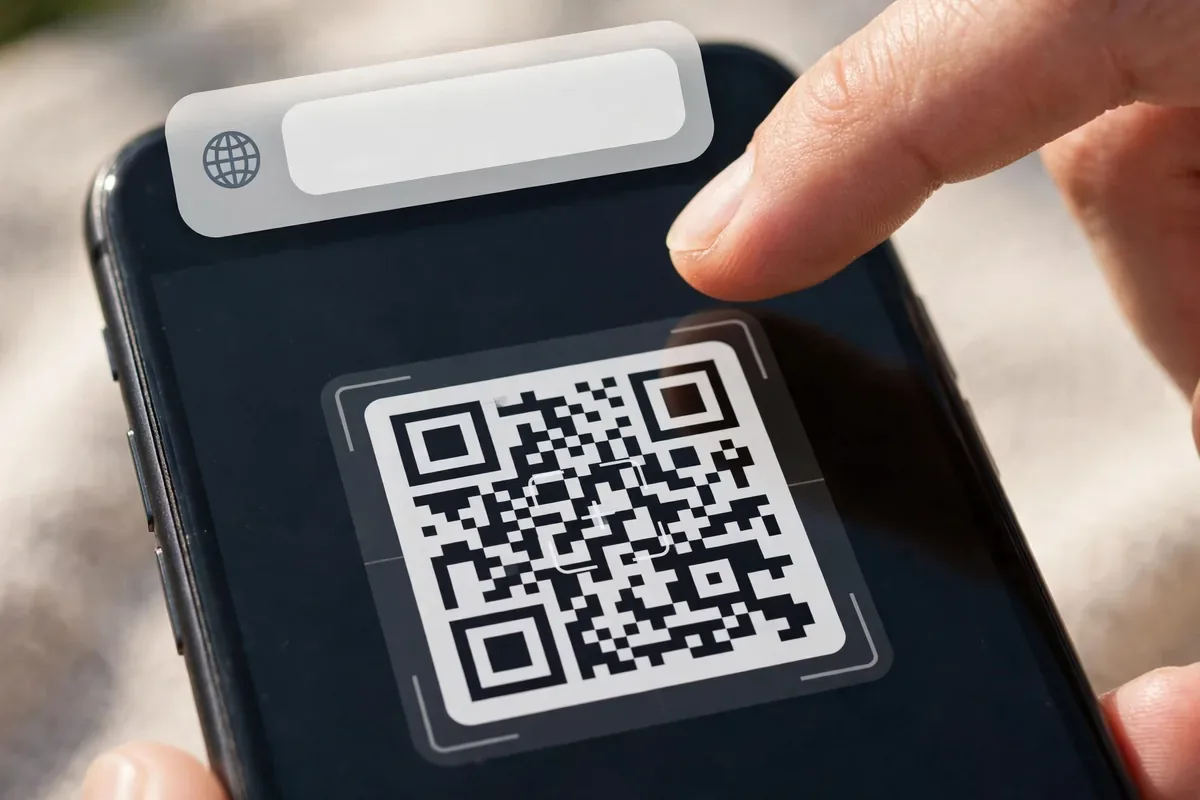
Both Android’s built-in camera and Google Lens show the destination URL before opening it — never tap through blindly. Read the domain carefully: paypaI-secure.com (with a capital i) is not paypal.com, and a URL shortener like bit.ly hiding the real destination is a reason to stop. Long-press the preview to copy the link, then paste it into VirusTotal’s URL checker for a free reputation scan. This thirty-second habit neutralizes quishing completely, because the attack depends on you opening the link without looking.
How Quishing Works
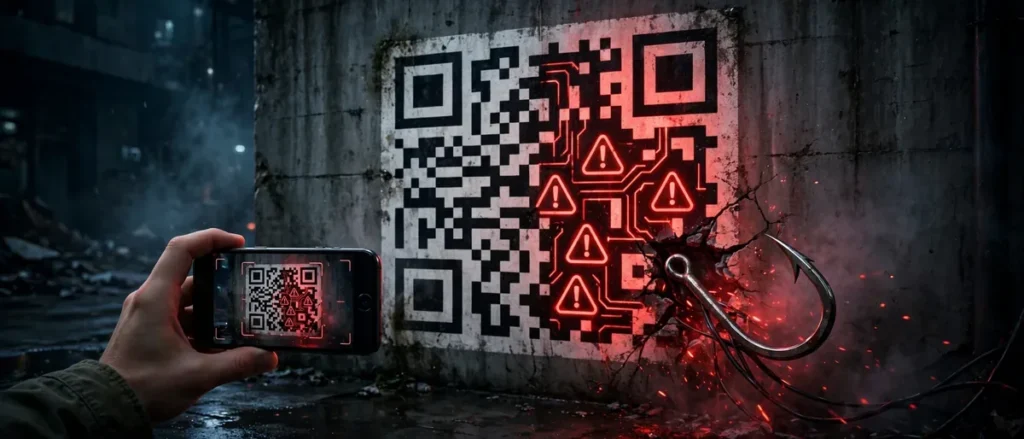
qr code scams android illustration
A QR code is just an encoded URL (or text, or payment instruction). Your camera cannot tell a legitimate code from a malicious one; it simply opens whatever the code contains. Attackers exploit this in several ways:
Sticker overlays. Criminals place their own QR stickers over legitimate ones on parking meters, restaurant tables, EV chargers, and posters. You scan what looks official and land on a phishing page.
Fake package and delivery notices. Slips or texts with QR codes “to reschedule delivery” lead to credential-harvesting sites.
Phishing emails with QR codes. Because email filters scan text links, attackers embed the malicious URL in a QR image instead, slipping past defenses. The FTC has warned specifically about this tactic.
Fake payment codes. QR codes that initiate payments to the attacker’s account, or “refund” codes that actually authorize charges.
Malicious Wi-Fi QR codes. A code that joins you to an attacker-controlled hotspot instead of the legitimate network.
The common thread: the QR code moves the attack off channels you have learned to scrutinize (email links, URLs) into a visual format your brain processes as safe.
Real QR Code Scams Android Users Face
Parking meter scams. Fake QR stickers on meters direct drivers to lookalike payment sites that harvest card details. Multiple US cities have reported these.
Restaurant menu swaps. Codes on tables replaced with phishing versions during busy hours.
Crypto and investment QR codes. “Scan to claim” codes in social media ads that drain wallets.
Package redelivery texts. Smishing messages with QR codes leading to fake carrier sites asking for “redelivery fees.”
Event and ticket fraud. Fake QR tickets sold online that are invalid or duplicated.
Why QR Code Scams Android Users Fall For Keep Growing
Several trends explain why QR code scams Android users encounter are increasing rather than fading:
QR adoption exploded. Post-pandemic, QR codes became the default for menus, payments, and check-ins. Attackers follow user behavior, and users now scan reflexively.
Email filters got better at links. As text-link phishing got harder, attackers moved the malicious URL into an image that filters cannot easily read.
No built-in reputation system. Unlike URLs, which browsers check against Safe Browsing lists after you tap, QR codes have no equivalent pre-scan reputation check on most phones.
Physical-world trust. People inherently trust printed materials in established venues. A sticker on a parking meter borrows the city’s authority.
Understanding these drivers helps you calibrate suspicion: the more routine scanning feels, the more valuable the preview habit becomes. QR code scams Android criminals deploy rely on that routine feeling.
The Anatomy of a Quishing Attackqr code scams android illustration
A sophisticated quishing campaign works in stages:
Lure placement. Stickers over legitimate codes, or bulk emails/SMS with QR images.
Landing page. A pixel-perfect clone of a bank, carrier, or payment page, often hosted on a freshly registered domain.
Credential harvest. The victim enters login details, card numbers, or 2FA codes.
Monetization. Credentials are used immediately or sold; payment QR codes route money directly.
Persistence. Some campaigns follow up with phone calls (“we noticed suspicious activity”) to extract more.
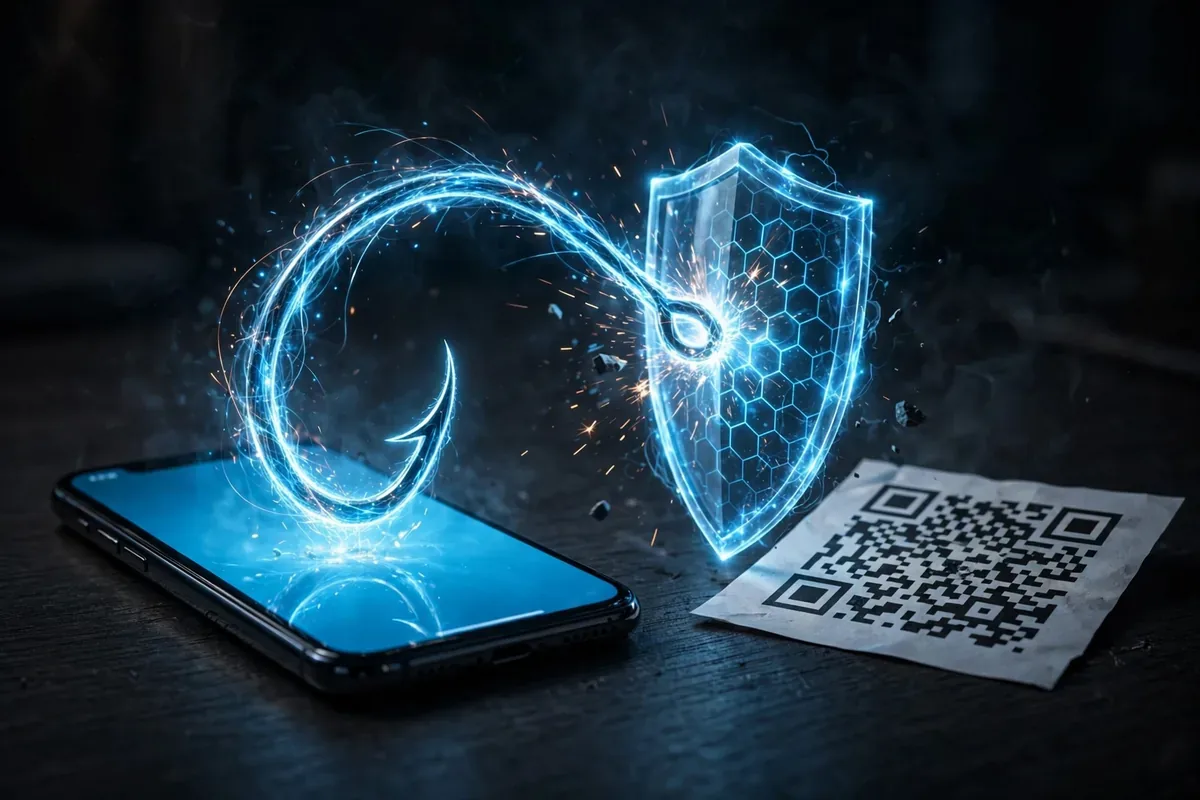
Each stage is designed to feel normal. The defense is breaking the chain at stage one: preview the URL and verify the domain before anything loads.
QR Code Scams Android vs. iPhone: Any Difference?
The attack mechanics are identical across platforms, but Android has two relevant differences. First, Android’s open sideloading means a malicious QR destination can more easily push an APK download; iPhone users cannot install outside the App Store. Second, Android’s camera and Lens QR handling varies by manufacturer, with some older phones opening links with less prominent previews. Keep your phone updated so you get the latest Safe Browsing protections in Chrome, which is your backstop when a bad URL does load.
8 Rules to Scan QR Codes Safely
qr code scams android illustration
Preview before opening. Android’s camera and Google Lens show the URL before opening it. Always read the destination; if it looks wrong, do not proceed.
Check for tampering. On physical codes, look for stickers placed over the original, mismatched printing, or codes that feel newly added.
Verify the domain. A parking payment should go to the city’s official domain, not a random lookalike. Learn to spot typosquats.
Never enter credentials from a QR scan unless you independently verified the destination (type the official URL yourself for anything sensitive).
Be extra suspicious of QR codes in emails and texts. Legitimate companies rarely send QR codes unsolicited. This is the highest-risk channel.
Do not scan QR codes for payments from untrusted sources. Initiate payments in the official app instead.
Keep your phone updated. Browser and OS protections against phishing sites are your backstop if you tap something bad.
Use a scanner with safety checks. Some QR scanner apps preview URLs and check against phishing databases; Android’s built-in Lens preview is a solid baseline.
What to Do If You Scanned a Malicious Code
Close the page immediately without entering anything.
If you entered credentials, change them from another device and enable 2FA.
If you entered payment details, contact your bank and monitor statements.
If you downloaded anything, do not install it; delete the file and run Play Protect.
Report the code to the venue or company impersonated, and to the FTC at reportfraud.ftc.gov.
If your business uses QR codes, protect your customers: use tamper-evident placement, monitor codes in the wild, use branded short domains customers recognize, and never ask customers to enter sensitive data immediately after a scan without additional verification.
Official references: the FTC’s scam alerts at ftc.gov and CISA’s phishing guidance at cisa.gov.
FAQ
What is quishing?
Quishing is phishing via QR codes: malicious codes that direct victims to fake websites, fraudulent payments, or malware downloads, exploiting the trust people place in QR codes.
Are QR codes safe to scan?
Legitimate ones are. The risk is malicious codes placed by attackers, especially as sticker overlays on public codes or inside unsolicited emails and texts. Preview the URL before opening.
Can a QR code install malware on Android?
A QR code itself cannot install anything; it can only direct you to a URL or trigger an action. The danger is the destination: a malicious site that tricks you into downloading and installing malware.
How do I preview a QR code URL on Android?
Use your camera app or Google Lens: point at the code and read the URL shown before tapping. Never tap blindly.
Should I scan QR codes in emails?
Be very cautious. Email is the highest-risk QR channel because attackers use codes to bypass link scanners. Verify through another channel before scanning.
What do fake parking QR codes look like?
Often a sticker placed over the original code, sometimes slightly misaligned or on different paper. When in doubt, pay through the official parking app instead of scanning.
Conclusion
QR code scams on Android succeed because codes feel safe and bypass learned defenses. The fix is a simple habit: preview every URL, verify domains, and treat QR codes in unsolicited messages as hostile until proven otherwise.
Scanning is not dangerous; scanning blindly is. Eight rules, a few seconds of attention, and quishing loses its power over you. The next time you raise your phone to a QR code, let the preview be the moment of judgment, not an afterthought. That small pause is the entire difference between a convenient scan and a compromised account.
QR Code Scams and Business Email Compromise
Quishing has an enterprise dimension worth knowing. Attackers send employees emails with QR codes linking to fake Microsoft 365 or Google Workspace login pages, bypassing email security gateways that scan text links. Because the malicious URL hides inside an image, traditional filters miss it, and employees scanning with personal phones sidestep corporate endpoint protections entirely. If your workplace uses QR codes for anything authentication-related, verify the practice with your IT team and treat unexpected QR login prompts as hostile. The consumer defenses in this guide, preview URLs, verify domains, never enter credentials from a blind scan, apply doubly in work contexts where the stakes include company data.
Qamar Abbas is the founder and CEO of Qamar Digital Ventures LLC, a New Mexico-based web design and SEO agency. He writes hands-on, research-backed guides about Android apps, APK guides and mobile how-tos for a US audience, tested on real devices and updated regularly.





What do you think?
Share your experience or ask a question. A useful conversation starts with you.
Join the discussion