

Google Maps is the default navigator for billions, but it is not perfect for everyone. Maybe you want Waze’s crowd-sourced traffic alerts, offline maps that work without signal, or a navigator that does not track your every turn. The best navigation apps for Android in 2026 include strong alternatives for driving, hiking, and privacy-conscious travel.
We tested the leading navigation apps to find the six best navigation apps for Android users this year. Each was judged on routing quality, traffic accuracy, offline capability, interface clarity while driving, and privacy practices. Whether you commute daily or explore off the grid, your navigator is here.
Testing was hands-on: we drove identical routes with each app running, comparing arrival-time accuracy, rerouting speed when we deliberately missed turns, and how clearly each app communicated lane changes at complex interchanges. Offline tests involved airplane mode in unfamiliar areas, which separates truly capable offline navigators from those that merely cache map tiles.
Navigation FAQ
Which is best offline? Organic Maps — full-country downloads that never expire. Google Maps offline works but regions expire after 30 days.
Offline Maps: The Feature That Decides Road Trips
Compare offline support before anything else, because it matters exactly when you have no signal. Google Maps lets you download regions up to about 2 GB each, kept for 30 days before needing a refresh, and offline navigation works with turn-by-turn voice. Organic Maps (free, open-source) downloads entire countries as compact files that never expire and works fully offline including search — the tradeoff is less business data. Sygic sells offline maps as a one-time purchase with speed-camera alerts baked in.
Storage math: a full US state runs 300 to 800 MB in Google Maps and roughly half that in Organic Maps. Download over Wi-Fi the night before, and remember that offline maps do not include live traffic — start navigation while you still have signal so the route accounts for current conditions, then the downloaded map carries you through the dead zones.
What Makes a Great Navigation App

Routing quality is the foundation. The best navigation apps for Android reroute intelligently around traffic, learn your habits, and estimate arrival times honestly. Live traffic data separates the great from the mediocre: crowd-sourced reports beat static maps every time.
Offline capability matters more than most people realize. Dead zones, international travel, and data limits all make downloadable maps essential. The best offline navigators store entire regions with full routing, not just pictures of roads. Driving interface clarity is critical too: big turn indicators, lane guidance, and voice prompts you can actually hear over road noise.
Finally, consider privacy. Navigation apps know where you live, work, and travel, making them among the most sensitive apps on your phone. The best navigation apps for Android balance useful features with honest data practices.
The 6 Best Navigation Apps for Android in 2026
1. Google Maps — Best Overall
Google Maps remains the most complete navigator. Its routing is excellent, live traffic is the best in the business, and features like lane guidance, speed-limit display, and parking reminders are polished. Offline maps work well for entire metro areas, and the Explore tab finds restaurants and gas along your route.
The 2026 version improves EV routing with charging-stop planning, adds more detailed 3D building views in cities, and refines the Android Auto experience. Integration with Google Assistant means hands-free control that actually works while driving.
The tradeoff is data collection: Maps builds a detailed location history unless you disable it. But for pure navigation competence, Google Maps leads the best navigation apps for Android.
- Price: Free
- Best for: Most drivers
- Pros: Best traffic data; excellent offline maps; Android Auto integration
- Cons: Location data collection; battery-heavy with screen on
2. Waze — Best for Traffic Avoidance
Waze, owned by Google, takes a different approach: real-time crowd-sourced everything. Other drivers report accidents, police, hazards, and traffic jams, and Waze reroutes you around them aggressively. For congested commutes, it routinely beats Google Maps on arrival time.
The interface is playful, with cartoonish icons and a social feel, and the voice prompts include fun celebrity options. Speed trap and hazard alerts are genuinely useful. The 2026 app improved battery efficiency and added better lane guidance.
Waze collects plenty of data too, and its routing can favor aggressive shortcuts through neighborhoods. But for beating traffic, it is unmatched among the best navigation apps for Android.
- Price: Free
- Best for: Commuters and traffic dodging
- Pros: Best crowd-sourced traffic; hazard alerts; fun interface
- Cons: Data collection; sometimes odd routing choices
3. HERE WeGo — Best Free Offline Maps
HERE WeGo is the offline champion. You can download entire countries with full turn-by-turn routing, and it works beautifully with zero signal. For international travel, rural driving, or data-conscious users, that is a killer feature.
The app also handles public transit well, with schedules and routing in hundreds of cities, and the interface is clean and simple. It is completely free with no ads, funded by HERE’s enterprise mapping business. Car and walking navigation are solid, if less traffic-aware than Google or Waze.
If offline reliability is your priority, HERE WeGo is the most dependable of the best navigation apps for Android.
- Price: Free, no ads
- Best for: Offline and international travel
- Pros: Full offline countries; free; good transit
- Cons: Weaker live traffic; simpler feature set
4. Sygic — Best Premium Navigator
Sygic is the premium dedicated navigator, built on TomTom maps with a focus on drivers who want more than a phone app. It offers offline maps worldwide, head-up display projection onto your windshield, speed camera warnings, and lane guidance that rivals dedicated GPS units.
The 2026 version adds EV routing, improved 3D maps, and Apple CarPlay/Android Auto support. The interface is driver-focused with large, clear indicators. It is a paid app, with regional or world packages, but there are no ads and no data selling.
For long-distance drivers and anyone who wants a true GPS replacement, Sygic is the most capable paid option among the best navigation apps for Android.
- Price: Paid (regional or world packages)
- Best for: Serious drivers and road trips
- Pros: Excellent offline; HUD mode; no ads or tracking
- Cons: Paid; traffic less crowd-sourced
5. OsmAnd — Best for Hiking and Open Data
OsmAnd is the open-source navigator built on OpenStreetMap data, and it is the favorite of hikers, cyclists, and off-road explorers. It offers detailed topographic maps, contour lines, hiking trail overlays, and offline everything, all without an account.
The free version covers navigation well; the paid tiers unlock unlimited map downloads and extras like Wikipedia integration for points of interest. The interface is functional and dense, prioritizing map data over beauty. Privacy is excellent: no account, no tracking.
It is overkill for city commuting but irreplaceable off the beaten path. For outdoor navigation, OsmAnd is unique among the best navigation apps for Android. The underlying map data comes from the community-driven OpenStreetMap project.
- Price: Free tier; paid for unlimited maps
- Best for: Hiking, cycling, and off-road
- Pros: Topographic maps; open source; private
- Cons: Dense UI; weaker city traffic data
6. Organic Maps — Best Privacy-First
Organic Maps is the privacy purist’s navigator: open-source, no ads, no trackers, no account, and fully offline maps. It is fast, clean, and respectful in a way mainstream navigators are not. Driving, cycling, and hiking profiles all work offline.
The interface is beautifully minimal, with a focus on the map itself. Search works offline, bookmarks sync optionally, and battery usage is light. It lacks live traffic, which is the main tradeoff versus Google Maps and Waze.
For users who want navigation without surveillance, Organic Maps is the cleanest of the best navigation apps for Android.
- Price: Free and open source
- Best for: Privacy-first navigation
- Pros: No tracking; fully offline; beautiful and fast
- Cons: No live traffic; fewer POIs than Google
Side-by-Side Comparison

| App | Best For | Offline Maps | Live Traffic | Price Model |
|---|---|---|---|---|
| Google Maps | Overall | Excellent | Best | Free |
| Waze | Traffic avoidance | Basic | Excellent | Free |
| HERE WeGo | Offline travel | Best | Limited | Free |
| Sygic | Premium driving | Excellent | Good | Paid |
| OsmAnd | Hiking/off-road | Excellent | No | Free / paid |
| Organic Maps | Privacy | Excellent | No | Free |
If you use navigation through your car’s dashboard, our Android Auto setup guide will get you connected properly.
Offline Maps vs Live Navigation: When to Use Which
Understanding the tradeoff between offline and live navigation helps you pick wisely. Live navigators like Google Maps and Waze need a data connection for traffic, rerouting, and search, but they deliver the smartest routes in connected areas. They shine on commutes and city driving where conditions change minute by minute.
Offline navigators like HERE WeGo, Sygic, OsmAnd, and Organic Maps store everything on your device. They cannot see live traffic, but they never leave you stranded without signal. They excel on road trips, in rural areas, and abroad where roaming costs bite. Battery life is often better too, since the radio stays quiet.
The smart move is keeping both types installed. Use a live app for daily driving and an offline app as your backup and travel companion. Storage is cheap; getting lost is expensive. The best navigation apps for Android in each category complement rather than replace each other.
Pro Tips for Better Navigation
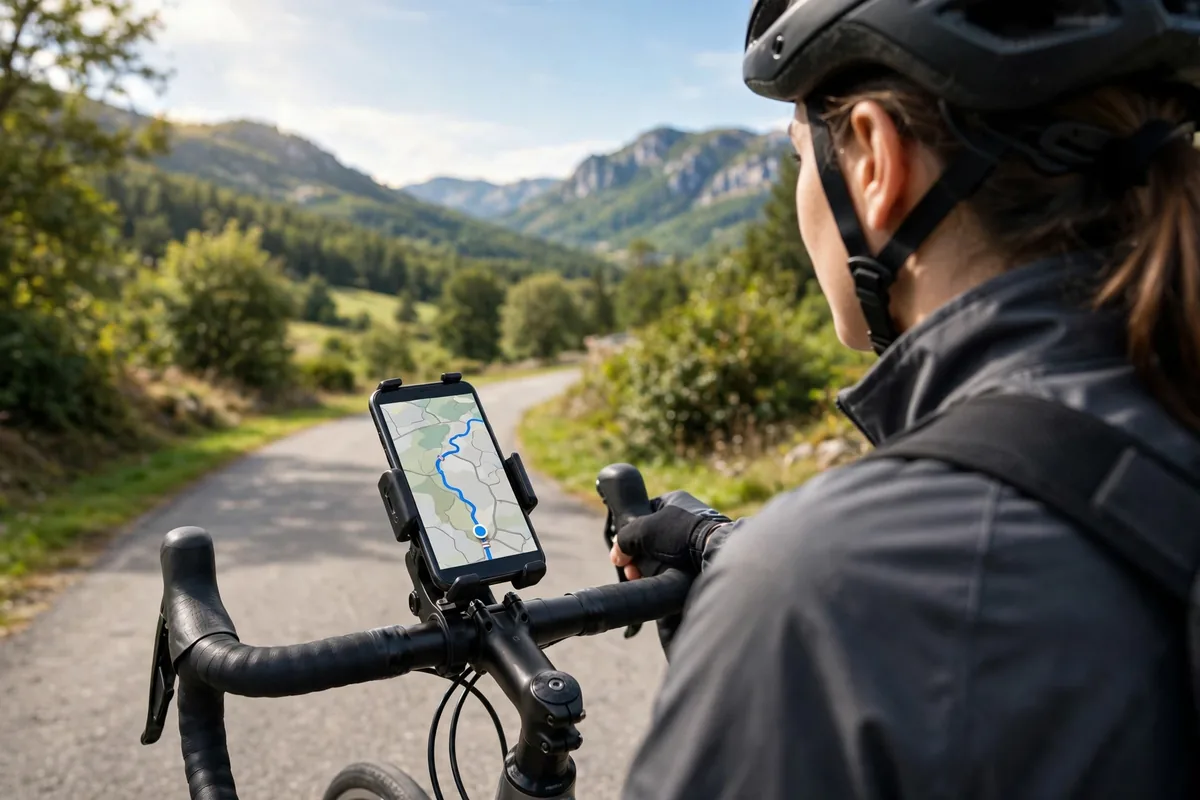
First, download offline maps for your home area and frequent destinations even if you normally use Google Maps. When signal drops in parking garages or rural stretches, offline maps keep routing alive. Second, calibrate your compass occasionally; a miscalibrated compass causes the dreaded wrong-direction start.
Third, manage battery. Navigation with the screen on is among the most power-hungry phone activities, so use a car charger on long trips and consider a dashboard mount that keeps the phone cool. Fourth, review your location history settings. The best navigation apps for Android work fine with history paused; you lose timeline features but gain privacy.
Finally, keep your app updated before road trips. Map data refreshes constantly with new roads and closures, and an outdated map is worse than no map when it confidently sends you the wrong way.
How to Choose the Right Navigation App
Start with your driving pattern. Daily commuters in traffic should use Waze or Google Maps for live rerouting. Travelers and rural drivers need HERE WeGo or Sygic for offline reliability. Hikers and cyclists belong on OsmAnd. Privacy seekers should try Organic Maps.
Consider your car’s integration. If you use Android Auto, confirm your pick supports it well; Google Maps and Waze are first-class, while open-source options vary. Our Android Auto guide covers setup and tips.
Data usage matters on limited plans. Offline maps eliminate navigation data almost entirely, which our guide on reducing mobile data usage covers in detail. And if you glance at directions on your wrist, check our best Android smartwatches for models with good navigation complications.
Download two candidates from the Google Play Store, and consult Google’s official Maps help pages to master offline downloads and timeline controls.
FAQ
What is the best free navigation app for Android?
Google Maps is the best free all-around navigator. Waze is best for traffic, HERE WeGo for offline maps, and Organic Maps for privacy, all free.
Which navigation app works best offline?
HERE WeGo offers the most complete offline experience with downloadable countries and full routing. Sygic, OsmAnd, and Organic Maps are also excellent offline.
Is Waze better than Google Maps?
For beating traffic through crowd-sourced reports, Waze often wins. For overall features, offline maps, and transit, Google Maps is better. Many drivers keep both.
Do navigation apps work with Android Auto?
Google Maps, Waze, and Sygic all support Android Auto well. Open-source options have varying support, so check before relying on them in the car.
How can I use navigation without sharing my location history?
Use Organic Maps or OsmAnd, which collect no data. In Google Maps, pause Location History and use incognito mode for trips you want private.
Conclusion
The best navigation apps for Android in 2026 cover every journey. Google Maps remains the complete package, Waze beats traffic, HERE WeGo conquers dead zones, Sygic pampers drivers, OsmAnd explores trails, and Organic Maps protects privacy.
Match the app to your roads, download offline maps before you need them, and drive with confidence.
One final habit separates smooth trips from stressful ones: preview your route before you leave. A thirty-second glance at the suggested path, tolls, and arrival time lets you spot problems while you are still calm and parked. The best navigation apps for Android make this preview effortless, so build it into your daily routine and enjoy every single drive you take.




What do you think?
Share your experience or ask a question. A useful conversation starts with you.
Join the discussion