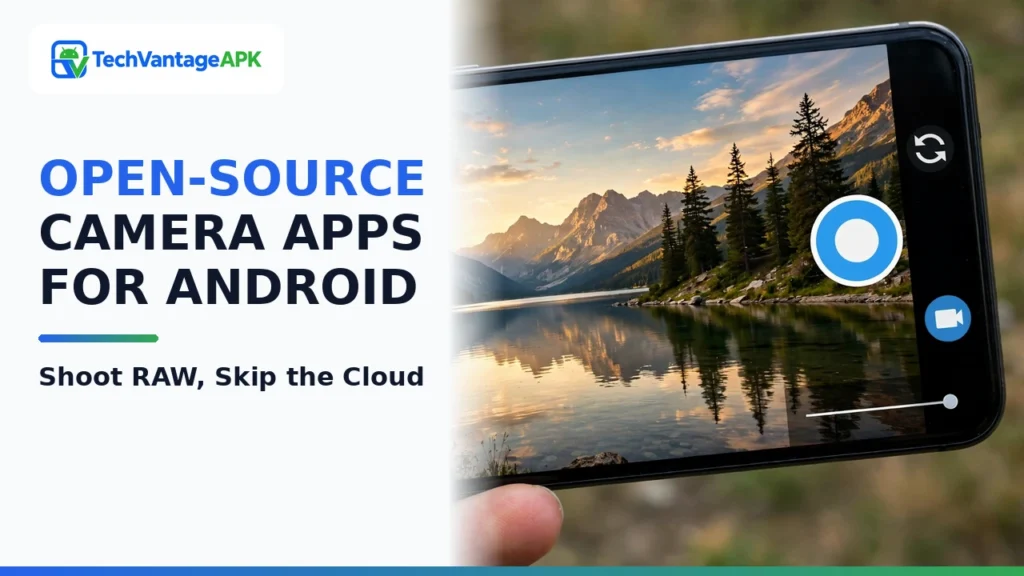
Smartphone cameras have achieved remarkable optical heights, boasting large 1-inch primary sensors, periscope telephoto optics, and multi-lens camera arrays capable of capturing pro-level imagery. However, the proprietary camera software bundled with modern commercial smartphones often frustrates serious photographers and privacy-conscious users alike. Default OEM camera apps from major manufacturers apply aggressive, mandatory computational processing: heavy digital sharpening that produces unnatural halos around foliage, aggressive noise reduction that smears facial textures into plastic mush, and artificial saturation that distorts colors. More concerningly, proprietary camera apps frequently demand invasive network permissions, harvesting background location telemetry and uploading facial recognition metadata to corporate cloud servers.
For photographers seeking uncompromised optical purity and complete digital privacy, open-source Android camera apps provide the definitive alternative. By utilizing community-governed software distributed transparently through repositories like F-Droid and GitHub, mobile photographers regain full authority over their smartphone sensor hardware. Whether you want to master Open Camera manual settings for granular shutter and ISO management, utilize an uncompressed RAW photo app Android photographers can color-grade in Adobe Lightroom or RawTherapee, or deploy a completely private camera app mobile journalists can trust in sensitive environments, free and open-source software (FOSS) delivers unmatched utility. This comprehensive review benchmarks the premier open-source Android camera apps of 2026 based on Camera2 API support, manual control ergonomics, RAW capture fidelity, and operational privacy.
Technical Hardware Notice: Open-source camera applications interact with smartphone optics through Android's standardized Camera2 API. Advanced features—such as manual focus distance, custom shutter speeds, RAW (DNG) capture, and multi-lens camera switching (ultra-wide/telephoto)—depend on whether your device manufacturer has fully implemented Camera2 API "Level 3" or "Full" hardware support. All applications reviewed in this guide are free and open-source software containing zero advertisements and zero tracking code.
Why Choose Open-Source Photography Tools Over Stock Camera Apps?
The choice to adopt an open-source camera application is rooted in two foundational priorities: photographic integrity and personal security.
- Raw Sensor Capture Without "AI Smoothing": Commercial camera apps apply heavy post-processing pipelines (HDR stacking, edge sharpening, skin smoothing) designed for casual social media consumption. For photographers who want to grade their own photos, this baked-in processing destroys dynamic range and clips highlight detail. Open-source camera tools bypass proprietary post-processing, writing clean, uncompressed 16-bit DNG RAW files directly from the sensor to storage.
- Total Telemetry Isolation & Zero Network Permissions: A camera application requires hardware access to your camera sensor, microphone, and local storage to function. It has zero legitimate reason to access the internet. Leading open-source camera apps request zero network permissions (android.permission.INTERNET is completely absent from the Android manifest). The app cannot upload your photos, track your location, or leak biometric facial data to external servers.
- Granular Manual Shutter & Exposure Control: Many stock camera apps lock manual settings behind confusing "Pro" submenus, or restrict manual shutter speeds on secondary telephoto lenses. Open-source camera apps expose every variable supported by the hardware: manual focus peaking, ISO step adjustments, exposure lock, white balance kelvin calibration, and uncompressed audio bitrates.
Comprehensive Feature Comparison Matrix: Leading Open-Source Camera Apps
The table below provides a structured technical comparison of the premier open-source Android camera applications in 2026, comparing their Camera2 API integration, RAW output, manual controls, and repository distribution.
Camera Application | Primary Focus | RAW (DNG) Capture Support | Manual Exposure & Focus Controls | Multi-Lens Camera Switching | Video Bitrate & Audio Customization | F-Droid Availability |
Open Camera | The Undisputed Manual Powerhouse | Yes (Full 16-bit DNG capture) | Comprehensive (ISO, Shutter, Focus Peaking, WB) | Yes (Supports physical multi-camera IDs) | Yes (Custom video bitrates up to 200 Mbps, uncompressed audio) | Yes (Official F-Droid & Play Store) |
Fossify Camera | Clean, Minimalist Daily Snapshots | No (Focuses on clean JPEG/WebP) | Basic (Tap-to-focus, exposure compensation) | Yes (Seamless wide, standard, front switching) | Standard video recording with clean audio | Yes (Official F-Droid & Play Store) |
Secure Camera (GrapheneOS) | Security, Privacy & Forensic Integrity | No (Encrypted JPEG capture) | Essential manual exposure controls | Yes (Native hardware camera integration) | Strictly sandboxed video capture with zero metadata leaks | Yes (GrapheneOS repo & GitHub) |
Aperture (LineageOS Camera) | Modern Material You Camera2 Interface | Yes (On supported hardware) | Excellent (Smooth manual sliders, level indicator) | Yes (AUX camera support with clean icons) | Yes (High frame-rate 60/120fps video, EIS toggle) | LineageOS builds & GitHub |
FreeCamera (F-Droid Fork) | Raw Sensor Data & Scientific Imaging | Yes (Unprocessed DNG + Bayer burst) | Granular manual timing and bracketed HDR | Manual physical sensor ID selection | Custom container formats and uncompressed PCM audio | Yes (F-Droid archive & GitLab) |

In-Depth Reviews of the Top 5 Open-Source Camera Apps
1. Open Camera: The Gold Standard for Mobile Photographers
Developed by Mark Harman, Open Camera has stood as the undisputed titan of the open-source Android ecosystem for over a decade. While its utilitarian interface prioritizes function over modern flashy animations, its technical depth is unmatched by any commercial application on the market.
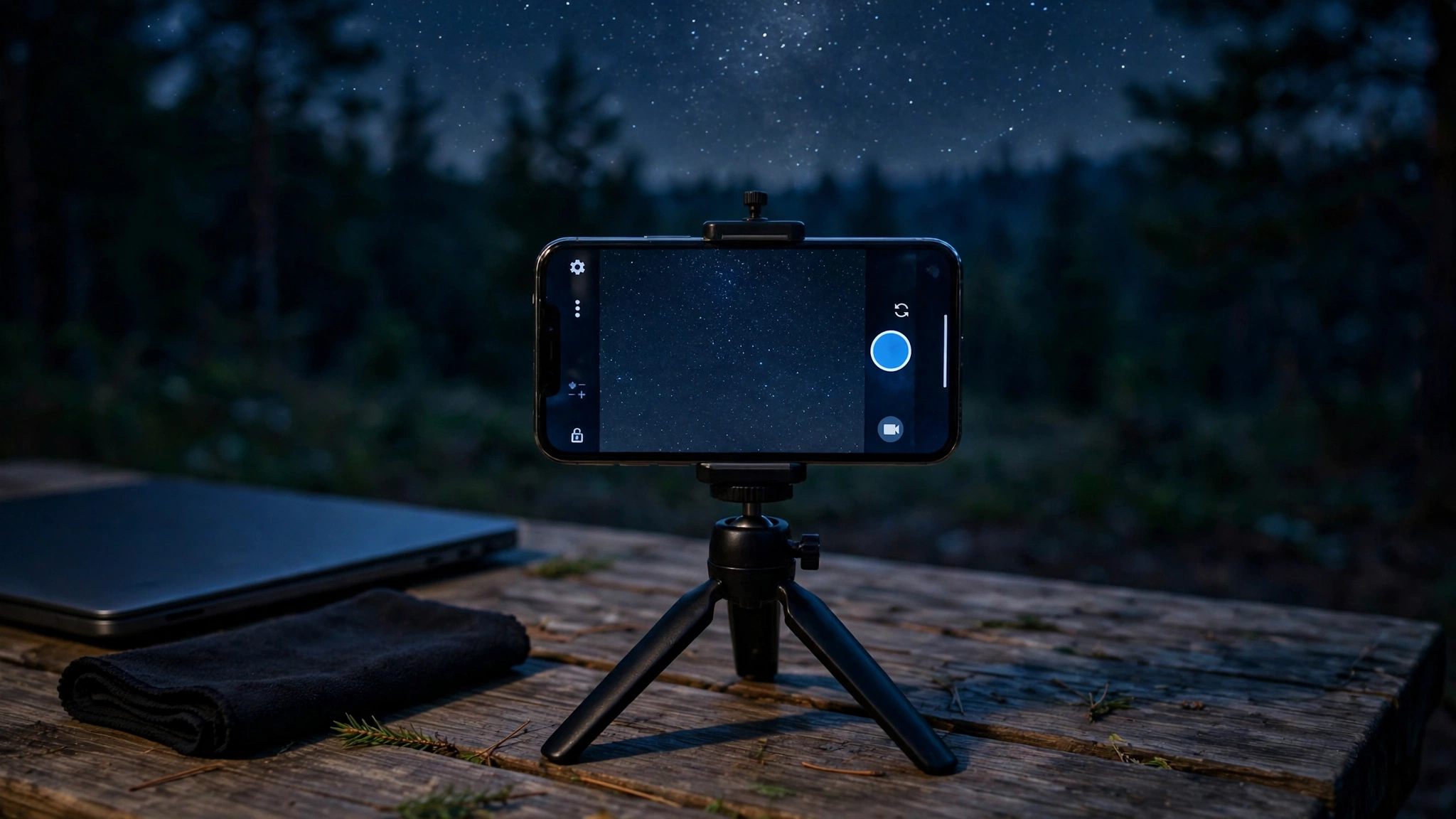
Enabling the "Camera2 API" toggle in Open Camera’s settings unlocks an astonishing suite of pro-grade controls. Photographers gain access to granular manual shutter speeds (from 1/10,000th of a second up to multi-second long exposures for astrophotography), manual ISO stepping from 50 to 6400+, manual focus sliders with bright green focus peaking outlines, and automated exposure bracketing (capturing 3 or 5 rapid exposures for manual HDR merging). Furthermore, Open Camera provides full support for capturing uncompressed DNG RAW files alongside JPEGs, and features specialized photo modes like dynamic range optimization (DRO), noise reduction calibration, and audio triggers (saying "cheese" or making a loud sound snaps the photo). For photographers who want complete control over their camera sensor, Open Camera is essential software.
2. Fossify Camera: Distraction-Free Daily Photography
Following the commercial acquisition of Simple Mobile Tools, the community created Fossify to maintain clean, open-source privacy utilities. Fossify Camera was engineered for users who do not want to fiddle with complex exposure dials, but demand a clean, beautiful, fast camera that respects their privacy.
Fossify Camera launches instantaneously. It features large, finger-friendly shutter buttons, intuitive swipe gestures to toggle between front and rear lenses, and an uncluttered viewfinder. It deliberately omits complex RAW processing in favor of optimized JPEG and WebP captures that look clean and natural without cartoonish over-saturation. Crucially, Fossify Camera requests zero network permissions: your personal snapshots, family photos, and private documents remain strictly on your local flash memory, safe from third-party advertising SDKs.
3. Secure Camera: Hardened Forensic Privacy from GrapheneOS
Developed by the security engineering team behind GrapheneOS (the acclaimed privacy-hardened Android operating system), Secure Camera is built specifically for journalists, activists, legal counsels, and privacy-conscious users operating in high-risk environments.
Secure Camera strips away every potential metadata attack vector. It features a dedicated toggle to strip EXIF metadata automatically, ensuring that GPS coordinates, device serial numbers, and capture timestamps are permanently purged from image headers before files are written to storage. Furthermore, Secure Camera operates in a strict security sandbox: it contains zero network code, blocks clipboard data leakage, and stores captured media in isolated storage containers. If you need to document sensitive scenes, legal evidence, or private documents without leaving digital forensic footprints, Secure Camera is the premier tool on Android.
4. Aperture: The Modern Material You Experience
Aperture is the official modern camera application developed by the LineageOS project, replacing the aging legacy Snap camera. Built strictly with modern Android architecture and Google’s CameraX/Camera2 libraries, Aperture delivers a visually stunning interface that rivals Google’s proprietary Pixel Camera.
Aperture integrates seamlessly with Android's Material You dynamic theming. It features a built-in virtual leveling horizon to prevent crooked landscape shots, dedicated zoom buttons that switch between physical ultra-wide, standard, and telephoto lenses smoothly, and full support for video stabilization (EIS), 60fps / 120fps high-frame-rate recording, and speech audio capture. It bridges the gap between the utilitarian complexity of Open Camera and the modern polish of stock commercial camera interfaces.
5. FreeCamera: Advanced Hardware Diagnostics & Scientific Imaging
For mobile imaging hobbyists, optical researchers, and power users who want to push their hardware to its absolute mathematical limits, FreeCamera provides raw diagnostic control. Unlike standard camera apps that hide hardware communication behind friendly abstractions, FreeCamera exposes the raw Camera2 API hardware characteristics directly to the user.
With FreeCamera, you can manually select specific physical sensor IDs (allowing you to access infrared or macro sensors that stock apps frequently hide), manually control edge-enhancement algorithms, disable hardware color-correction matrices, and capture raw Bayer sensor bursts. It is an exceptional utility for astrophotographers capturing multi-frame starry night stacks and developers diagnosing mobile camera driver characteristics.
How to Optimize Open Camera for Professional RAW Photography
To extract the absolute highest image fidelity from your smartphone using Open Camera, configure these four critical settings:
- Enable the Camera2 API: Open Settings (gear icon) > scroll to the bottom > tap Camera API > select Camera2 API. This unlocks manual controls and RAW output.
- Enable RAW (DNG) Capture: Navigate to Photo settings > RAW (DNG) capture > select RAW and JPEG. Your phone will now save a standard JPEG for quick sharing alongside an uncompressed DNG file for professional editing.
- Turn Off Edge Sharpening & Noise Reduction: Under Photo settings, find Edge mode algorithm and set to Off; set Noise reduction algorithm to Off. This disables the phone's internal artificial smoothing, leaving fine image textures crisp and natural in your RAW files.
- Enable Focus Peaking: Under Camera preview settings, turn ON Show focus peaking. When adjusting manual focus sliders, in-focus edges will glow with neon highlights on your screen, ensuring tack-sharp manual focus for macro and portrait shots.
Frequently Asked Questions (FAQ)
Can open-source camera apps use all the lenses on my multi-camera phone?
Yes, provided your smartphone manufacturer has properly exposed secondary lenses (ultra-wide and telephoto) through Android's Camera2 API. In Open Camera and Aperture, tapping the camera switch icon cycles through all physical hardware sensors available on your device.
Why do photos taken with Open Camera look darker or less saturated than stock camera photos?
Stock camera apps apply automatic multi-frame computational stacking, boosting shadows and adding heavy color saturation before you even see the photo. Open Camera captures true-to-life optical reality. Photographers prefer this because it preserves highlight and shadow details in RAW files, allowing them to adjust exposure and color balance manually in editing software.
Can I install open-source camera apps alongside my phone's default camera app?
Yes. Installing an open-source camera app from F-Droid does not replace, disable, or delete your phone’s factory camera app. Both applications exist independently on your home screen, and you can switch between them whenever you choose.
Do open-source camera apps support 4K video recording?
Yes. Open Camera and Aperture support 4K video recording (and up to 8K on supported hardware). In Open Camera, you can even customize the video bitrate manually—cranking it up to 100 Mbps or 200 Mbps for pristine, artifact-free video production.
Are open-source camera apps safe from malware?
Yes. Applications distributed through verified repositories like F-Droid are compiled directly from public source code. Security researchers inspect the code, and F-Droid verifies cryptographic build signatures. Furthermore, because these apps contain zero network permissions, they cannot transmit data off your device.
What software should I use to edit DNG RAW photos captured on Android?
On mobile, free tools like Adobe Lightroom Mobile or Snapseed provide powerful RAW development tools. On desktop workstations, open-source RAW processors like RawTherapee and Darktable deliver studio-grade color grading, lens distortion correction, and noise reduction with zero subscription costs.
Conclusion: Restoring Creative Autonomy to Mobile Imaging
Your smartphone camera sensor is an extraordinary piece of optical engineering, but proprietary camera software often robs you of creative control while compromising your digital privacy. By transitioning to one of the premier open-source Android camera apps, you strip away invasive telemetry, eliminate cartoonish computational post-processing, and unlock the true photographic capabilities of your hardware.
Whether you choose the granular manual mastery of Open Camera, the forensic privacy of Secure Camera, the refined modern aesthetics of Aperture, or the effortless daily simplicity of Fossify Camera, open-source photography delivers the authentic, private, and uncompromised mobile imaging experience you deserve in 2026.