

Losing your keys, wallet, or bag is miserable — retracing your steps, emptying pockets, checking the same couch three times. If you are searching for the best trackers for android phones, the good news is that the market has matured enormously. You no longer need to spend a fortune or switch ecosystems to get reliable item tracking. Modern Bluetooth smart tags pair with your Android phone, show your belongings on a map, and ring loudly when you are close.
This guide compares the six best trackers for android phones you can buy right now, focusing on budget-friendly options that actually work well with Android. We will cover how tracking networks work (because the network matters more than the tag itself), compare specs in a clear table, and help you pick the right tag for keys, wallets, luggage, and pets.
How Bluetooth Trackers Work on Android

Before comparing products, it helps to understand the two technologies inside every smart tag: Bluetooth and the crowd-locating network.
Bluetooth proximity. When your tag is within Bluetooth range (typically 60–200 feet depending on the tag and obstacles), your phone talks to it directly. You can make the tag play a sound to find it under the couch, and you can make your phone ring from the tag — most tags have a button that rings your phone even on silent.
Crowd-locating networks. This is the important part. When your tag is out of Bluetooth range, it cannot phone home on its own. Instead, it anonymously pings the phones of strangers walking by, and those phones report the tag’s location to the network. The bigger the network, the better your chances of recovering a lost item.
On Android, there are two main networks:
- Google’s Find My Device network. Any recent Android phone can anonymously report the location of a compatible tag. This is the largest tracking network available to Android users, and it works across brands.
- Samsung SmartThings Find. Samsung’s own network, powered by Galaxy devices. It is huge too, but only helps if you use a Samsung tag with a Samsung phone.
A tag that supports Google’s Find My Device network is the safest bet for most Android owners, because it works regardless of phone brand. Keep this in mind as you read the picks below.
The 6 Best Trackers for Android Phones Compared
Here is a side-by-side comparison of the six tags, followed by detailed breakdowns.
| Tracker | Network | Range (Bluetooth) | Battery | Price (approx.) | Best for |
|---|---|---|---|---|---|
| Chipolo ONE | Find My Device | Up to 200 ft | Replaceable CR2032 (~1 yr) | ~$25 | Best overall value |
| Tile Mate | Tile network | Up to 250 ft | Replaceable CR2032 (~1 yr) | ~$25 | Tile ecosystem fans |
| Tile Pro | Tile network | Up to 400 ft | Replaceable CR2032 (~1 yr) | ~$35 | Maximum range |
| Galaxy SmartTag2 | SmartThings Find (+UWB) | Up to 400 ft | Replaceable CR2032 (~500 days) | ~$30 | Samsung phone owners |
| Moto Tag | Find My Device (+UWB) | Up to 200 ft | Replaceable CR2032 (~1 yr) | ~$30 | Precision finding fans |
| Chipolo Card | Find My Device | Up to 200 ft | Non-replaceable (~2 yrs) | ~$35 | Wallets |
Prices shift with sales, but these tags regularly drop below their list prices — none of them should strain a budget.
1. Chipolo ONE — Best Overall Value
The Chipolo ONE earns the top spot among the best trackers for android phones because it nails the fundamentals at a fair price. It supports Google’s Find My Device network, which means any Android phone can help locate it, and it offers one of the loudest ringers in this price class at 120 dB. The replaceable CR2032 battery lasts about a year, and swapping it takes seconds with no tools.
Setup takes about two minutes through the Find My Device app — no separate Chipolo account needed if you use the Google network version. The tag has a hole for a keyring built in, so there is no extra accessory to buy. Water resistance is rated at IPX5, enough for rain and splashes. Among the best trackers for android phones at this price, the ONE stands out because it combines the biggest network with the simplest setup.
2. Tile Mate — Best for the Tile Ecosystem
Tile invented this product category, and the Tile Mate remains a solid, affordable choice. Its headline spec is Bluetooth range: up to 250 feet in open space, noticeably more than most competitors. The ringer is loud, the battery is replaceable, and the Tile app is polished after years of development.
The catch is the network. Tile uses its own crowd-locating network rather than Google’s Find My Device. Tile’s network is large — it includes not just Tile owners but also partner devices — but it is smaller than Google’s Android-wide network. If you already own Tile products or prefer the Tile app’s features (like smart home integrations and the QR-code lost-and-found), the Mate is a great pick. If you are starting fresh on Android, a Find My Device tag gives you broader coverage.
3. Tile Pro — Best for Maximum Range
The Tile Pro is the Mate’s bigger sibling, with Bluetooth range stretching to 400 feet and the loudest speaker Tile makes. It is the tag to choose if your most-lost items tend to be far away — think a bag left at the far end of a parking lot or gear spread across a campsite.
Everything else mirrors the Mate: replaceable battery, Tile network, polished app. The Pro costs a bit more and is physically larger, so it suits bags and luggage better than a crowded keyring. One honest note: at these ranges, walls and interference matter more than spec sheets, so treat “up to 400 feet” as a best-case number.
4. Galaxy SmartTag2 — Best for Samsung Owners
If you use a Samsung Galaxy phone, the SmartTag2 deserves serious consideration. It taps into Samsung’s SmartThings Find network — one of the largest device networks on the planet — and adds ultra-wideband (UWB) for precision finding on compatible Galaxy phones. UWB shows you an arrow pointing toward the tag with distance readout, which feels like magic when you are hunting for keys in a messy room.
Battery life is rated at up to 500 days in normal mode, and a power-saving mode stretches that further. The SmartTag2 is also IP67 dust and water resistant, the toughest rating here. The limitation is obvious: it works best — and some features work only — with Samsung phones. Samsung owners comparing the best trackers for android phones should weigh this network advantage against the flexibility of a cross-brand Find My Device tag.
5. Moto Tag — Best Precision Finding on Any Android
The Moto Tag is Motorola’s answer to the SmartTag2, and it is arguably the more versatile pick. It supports Google’s Find My Device network (so it works with any Android phone) and includes UWB for precision finding on phones that support it. You get the arrow-and-distance experience without being locked to Samsung.
Like the others, it uses a replaceable CR2032 battery rated around a year, has a built-in keyring hole, and plays a loud ring. It also has a button that rings your phone. For Android users who want premium features — UWB precision, broad network coverage — at a mid-range price, the Moto Tag is the sweet spot, and it is one of the most well-rounded entries among the best trackers for android phones overall.
6. Chipolo Card — Best for Wallets
Tags are too thick for most wallets, which is why the Chipolo Card exists. It is shaped like a credit card (about 2.4 mm thick) and slides into any wallet slot. It supports Google’s Find My Device network and rings at a respectable volume for something this thin.
The trade-off is the battery: it is sealed and rated for about two years, after which you replace the whole card. Chipolo offers a discount on replacements, which softens the blow. If your wallet is the thing you lose most, this is the only form factor that makes sense.
How to Choose the Best Tracker for Your Android Phone
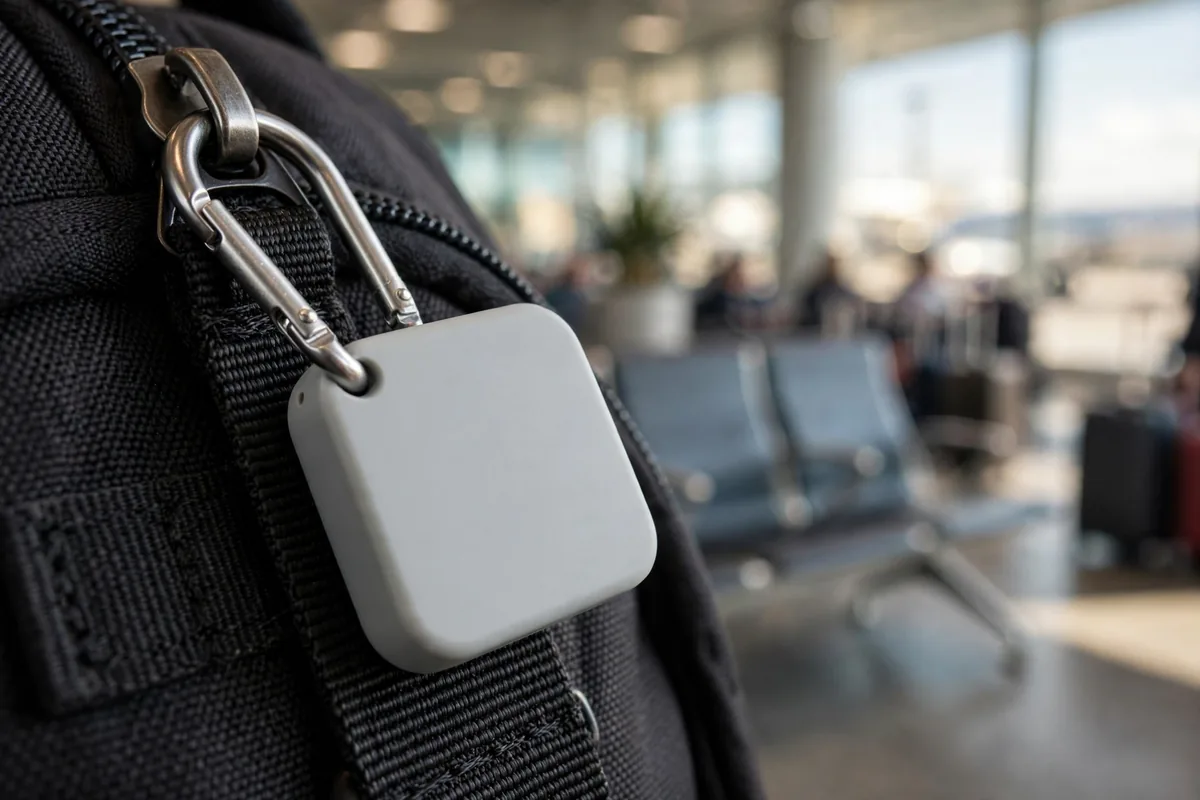
With the products covered, here is a decision framework.
Match the network to your phone. Samsung phone? SmartTag2 is excellent, but a Find My Device tag works great too. Any other Android? Choose a Find My Device tag (Chipolo ONE, Moto Tag, Chipolo Card) for the broadest coverage.
Think about what you lose. Keys need a tag with a keyring hole and a loud ringer (Chipolo ONE, Tile Mate, Moto Tag). Wallets need the Card form factor. Luggage benefits from long range (Tile Pro) and toughness (SmartTag2’s IP67).
Battery philosophy. Replaceable CR2032 batteries cost a dollar or two and take seconds to swap. Sealed batteries last longer per charge but mean replacing the whole tag eventually. For most people, replaceable is the better deal.
Do you need UWB? Ultra-wideband precision finding is genuinely useful — the directional arrow ends the “it’s ringing but I can’t tell where” frustration. But it only works if your phone supports UWB (most recent flagships do; budget phones often do not). If your phone lacks UWB, do not pay extra for it.
Budget reality check. All six of these tags cost less than a tank of gas. The price differences between them are small enough that you should choose based on network and features, not save five dollars on the wrong tag. When people ask us to name the best trackers for android phones for a tight budget, we always steer them toward network coverage first and price second.
Setting Up Your Tracker: Step by Step
Setup is nearly identical across Find My Device tags:
- Charge or check the battery. Most tags ship with the battery installed and a pull-tab to activate. Remove the tab.
- Open the Find My Device app on your Android phone (it is preinstalled on most phones; if not, grab it from the Play Store).
- Tap “Add a tracker” and hold the tag’s button until it beeps or the app detects it.
- Name your tag (“Keys,” “Wallet,” “Backpack”) and assign it to your Google account.
- Test it. Walk to another room, open the app, and tap “Play sound.” Adjust the volume expectations now, not when you are panicking.
For Samsung’s SmartTag2, the flow is the same but inside the SmartThings app. For Tile tags, use the Tile app and create a free Tile account.
After setup, take thirty seconds to configure two safety features: unknown tracker alerts (Android notifies you if an unfamiliar tag seems to be traveling with you — important protection against misuse) and sharing (you can share a tag’s location with family members, handy for shared items like luggage or a pet’s collar).
Battery Life, Range, and Water Resistance: What to Really Expect

Manufacturers quote best-case numbers, so here is the honest version. Battery life of “about a year” assumes average use — a few rings a week and normal network pings. Heavy users who ring their tags daily will see less. CR2032 batteries are cheap and sold everywhere, so this is a minor concern.
Bluetooth range is measured in open space with no obstacles. Indoors, walls cut range dramatically — expect 30 to 60 feet through a couple of walls rather than the advertised 200+. This is physics, not a defect. The crowd-locating network is what saves you when the tag is truly far away.
Water resistance ratings like IPX5 (splash-proof) and IP67 (survives brief submersion) are nice insurance, but no tag here is meant for swimming. Rain, spilled coffee, and a drop in a puddle are fine; a washing machine cycle is not.
Precision finding with UWB works up to about 30–50 feet and needs a clear-ish path. It is brilliant for “which jacket pocket” problems and useless for “which city” problems — that is what the network map is for.
Privacy and Safety: What You Should Know
Item trackers have a dark side: they can be misused for stalking. Both Google and Samsung have built in meaningful protections, and you should know about them.
Android automatically scans for unknown trackers traveling with you and sends an alert if one is detected moving with you over time. If you receive such an alert, you can make the unknown tag play a sound to find it, see its serial number, and get instructions to disable it. Apple and Google also built cross-platform detection, so iPhones detect Android-network tags and vice versa.
On your own tags, you can see exactly who you have shared location with and revoke sharing anytime. Location history for your tags stays in your Google account, protected by your account security.
The practical advice: buy tags from reputable brands, keep your phone’s software updated (detection features improve with updates), and take unknown-tracker alerts seriously.
Pairing Trackers with the Rest of Your Android Setup
A tracker is one piece of a well-organized Android life. If you are building out your accessory kit, our guide to the best Android smartwatches covers wrist-worn companions that can also help locate your phone. And if you are still deciding on the phone itself, see our roundup of budget Android phones — every pick there pairs perfectly with the tags in this guide.
For the worst case — a lost phone rather than lost keys — Android’s built-in tools have you covered. Our guide on how to find a lost Android phone walks through ringing, locking, and erasing a missing device, and Google’s official tracker documentation at android.com/find is worth bookmarking. General Android help is always available at support.google.com/android.
FAQ — Best Trackers For Android Phones
Do Bluetooth trackers need Wi-Fi or cellular to work?
No. The tag itself uses only Bluetooth to talk to nearby phones. Location reporting happens through other people’s phones and their data connections — your tag never needs its own internet connection, subscription, or SIM card. That is why the batteries last a year and the tags stay cheap.
Will these trackers work with my non-Samsung Android phone?
Yes — with one exception. Tags that use Google’s Find My Device network (Chipolo ONE, Moto Tag, Chipolo Card) work with any Android phone running a recent version. The Galaxy SmartTag2 works best with Samsung phones; it can pair with other Android phones but loses its best features. Tile tags work with any Android phone through the Tile app.
Can someone use a tracker to stalk me?
Both Google and Apple built unwanted-tracking detection into Android and iOS. If an unknown tag is moving with you, your phone will alert you, let you play a sound on the tag to locate it, and show you how to disable it. These protections are on by default — just keep your phone updated.
How accurate is the location shown on the map?
When a stranger’s phone reports your tag, the location is as accurate as that phone’s location fix — usually within a building-level radius in cities. It tells you “your keys are at this coffee shop,” not “your keys are under table four.” For the last few feet, use the ringer or UWB precision finding.
Is a subscription required for any of these trackers?
No. All six tags in this guide work fully without a subscription. Tile offers an optional Premium plan with extras like 30-day location history and smart alerts, but the core finding features are free. Never pay a subscription just to find your keys.
Conclusion — Best Trackers For Android Phones
The best trackers for android phones in 2026 are better and cheaper than ever. For most Android owners, the Chipolo ONE is the pick: Google’s Find My Device network, a loud ringer, a replaceable battery, and a price around $25. Samsung loyalists should grab the SmartTag2 for its UWB precision finding and marathon battery, while wallet-losers need the Chipolo Card and range-chasers the Tile Pro.
Whichever you choose, the real upgrade is peace of mind. Set up your tag today — future you, standing in a parking lot patting empty pockets, will be grateful.




What do you think?
Share your experience or ask a question. A useful conversation starts with you.
Join the discussion