Does Google Listen to Your Conversations? The Truth (2026)
You mention a product out loud, and an hour later an ad for it appears on your phone. Coincidence? Millions of Android users have had this eerie experience and concluded the obvious: Google must be listening. So let us ask the question directly: does Google listen to your conversations?
The truthful answer is: not in the way most people fear, but more than most people realize. Google does not secretly record your everyday conversations to sell ads; the technical, legal, and battery costs would be enormous, and no credible evidence of systematic eavesdropping has ever surfaced. However, your phone does listen for a hotword around the clock, accidental activations do capture real audio, and Google stores voice recordings you can review yourself. Here is the complete picture.
Google Listening FAQ
Can I see what Google recorded? Yes — myactivity.google.com, filter by Voice & Audio. Most people find only deliberate Assistant commands.
Does airplane mode stop it? The hotword listener still runs offline, but nothing uploads until reconnection. Disabling “Hey Google” stops the listener entirely.
Where Your Voice Data Actually Goes
The confusion comes from three different systems sharing one microphone. First, the “Hey Google” hotword listener runs on-device and only wakes when it hears the trigger phrase — Google’s whitepapers confirm the audio buffer for this is a few seconds long and is discarded unless the hotword is detected. Second, once Assistant activates, your command goes to Google’s servers for processing, and that recording lands in Web & App Activity under “Voice & Audio Activity” if you have it enabled. Third, some third-party apps request microphone access for their own features, and those recordings go to those companies, not Google.
You can verify this yourself. Visit myactivity.google.com, filter by “Voice & Audio,” and you will see exactly which utterances Google stored — most people find only deliberate Assistant commands, nothing ambient. If even that bothers you, turn the toggle off at Google app > profile > Search history > Saving, and future voice commands are processed without being saved. The targeted ads people notice after talking about a product are better explained by shared Wi-Fi IP addresses, loyalty-card data, and browsing patterns than by microphone eavesdropping — all of which are documented in the privacy policies nobody reads.
Why People Think Google Is Listening
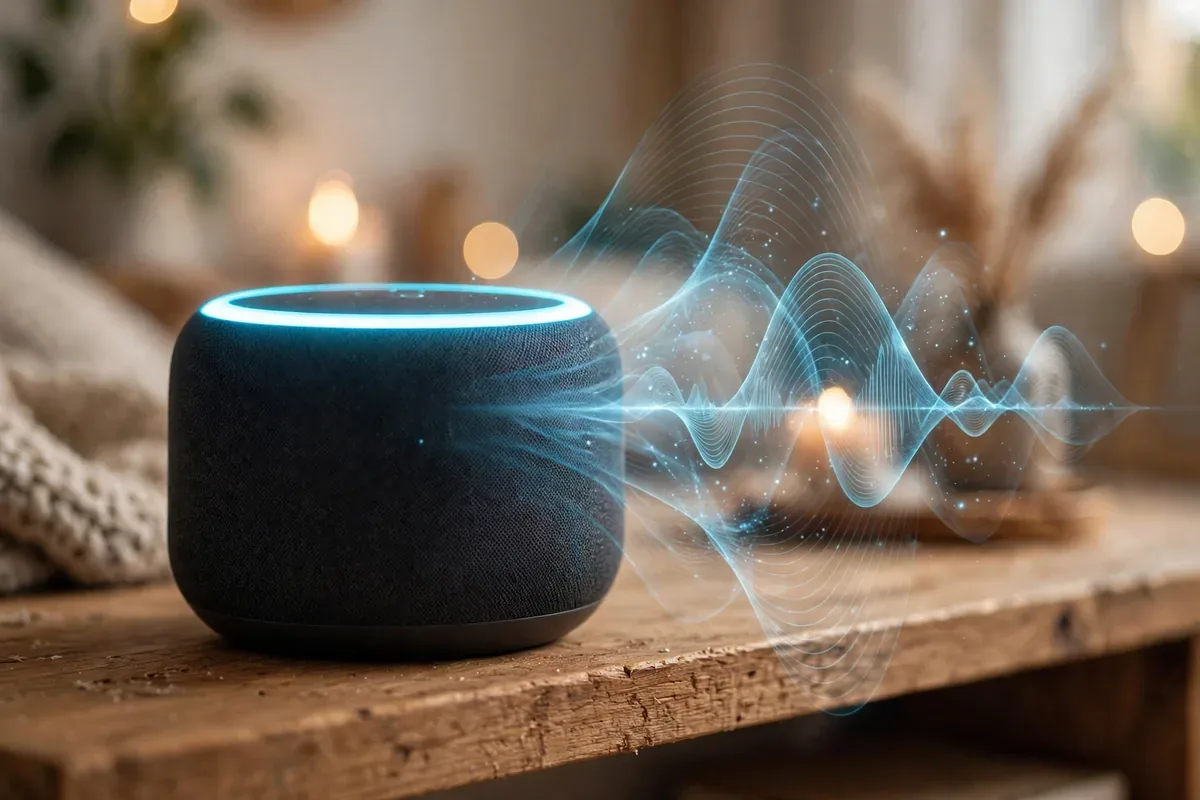
does google listen to your conversations illustration
The “I talked about it, then saw an ad” phenomenon is extremely common, and it has natural explanations that do not require a microphone conspiracy:
You searched or browsed it before. You likely looked at the product days earlier and forgot. Browsing history is the number-one driver of “coincidental” ads.
Someone on your network searched it. If your spouse or roommate searched for dog food on the same Wi-Fi, ad networks can associate the household IP and show you the ad.
Location-based targeting. You walked past a mattress store; your location history told advertisers. No audio needed.
Demographic profiling. Advertisers target broad groups. A 30-year-old homeowner sees ads for things 30-year-old homeowners buy, which feels personal but is statistical.
Confirmation bias. You notice the one ad that matches a conversation and forget the thousand that did not.
Researchers have tested the eavesdropping theory directly. Security firms have monitored phones’ network traffic for unexplained audio uploads and found none at the scale constant listening would require. Uploading everyone’s conversations 24/7 would consume staggering bandwidth and battery, and it would be trivially detectable. It has never been detected.
How “Hey Google” Actually Works
Your phone does listen continuously, but for something very narrow. Here is the actual architecture:
On-device hotword detection. A tiny, low-power processor listens only for “Hey Google” or “OK Google.” This processing happens on the phone itself; audio is not streamed to Google’s servers at this stage.
Activation. When the hotword is detected, the phone starts recording and sends the following audio to Google to process your request.
Accidental triggers. The hotword detector makes mistakes. TV dialogue, similar-sounding phrases, or background chatter can activate it, and those accidental recordings are sent to Google like any other request.
Human review (historically). Google previously used human contractors to review anonymized voice snippets to improve recognition. After backlash, this is now opt-in and far more limited.
So does Google listen to your conversations? In the hotword sense, yes, your device is always listening for two specific phrases. In the “recording your dinner conversation for advertisers” sense, no credible evidence supports it.
What Google Actually Records (and How to See It)
Here is the part most users find genuinely surprising: Google keeps the voice recordings from your Assistant interactions, and you can listen to them yourself:
Go to Google Account, Data & privacy, Web & App Activity.
Tap Manage activity, then filter by Voice and Audio or search for Assistant interactions.
You will see transcripts and, in many cases, playable audio of your past commands, including accidental activations you never intended.
Many people who check this find recordings they do not remember making: pocket activations, TV-triggered queries, fragments of background conversation captured after a false hotword detection. This is the real, documented way Google ends up with audio of your life: not conspiracy, but error-prone automation.
How to Stop Google Recording Your Voicedoes google listen to your conversations illustration
Take control with these steps:
Delete voice recordings: In Web & App Activity, delete voice and audio activity, all of it or by date range. Set auto-delete to 3 months so it never accumulates.
Opt out of human review: In Assistant settings, under “Your data in the Assistant,” ensure voice recording contributions for improvement are off.
Turn off “Hey Google” detection: In Assistant settings, disable the hotword on your phone and smart devices. You can still invoke Assistant with a button press.
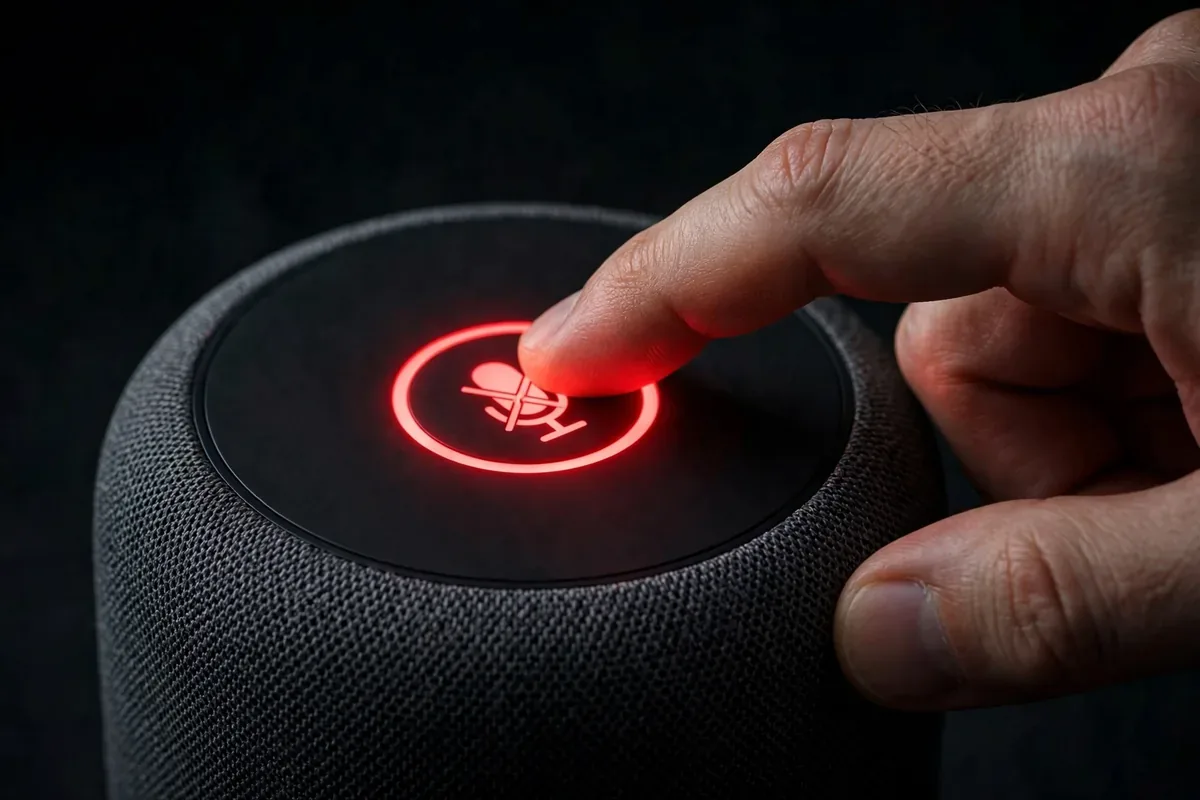
Mute the microphone physically: some smart speakers have hardware mic switches. Use them when you want guaranteed silence.
Review app microphone permissions: Go to Settings, Privacy, Permission manager, Microphone, and revoke access from apps that do not need it. Check Privacy Dashboard for a history of mic access.
Does Google Listen to Your Conversations on Smart Speakers Too?
The question “does Google listen to your conversations” extends beyond phones to Nest speakers, displays, and Chromecast devices around the house. The architecture is the same: on-device hotword detection, cloud processing after activation, and a history of accidental triggers. But speakers introduce extra wrinkles:
Shared devices, shared history. A kitchen Nest Mini records requests from everyone in the household under whoever’s account is linked. Guests’ accidental activations land in your history.
Always-on far-field mics. Speakers use microphone arrays tuned to hear across rooms, which also makes them more prone to false triggers from TV audio.
No screen to notice. On a phone you might see the Assistant overlay appear; on a speaker, a brief light flash is the only signal, easy to miss.
Voice Match limits. Voice Match personalizes responses but is not a security boundary; similar voices can trigger personalized results.
Manage speakers from the Google Home app: review each device’s settings, disable the hotword on devices in sensitive rooms like bedrooms, use the physical mic switch when hosting guests, and delete Assistant activity regularly. The same rules apply: if you would not want a recording of a room’s conversations existing anywhere, mute the hardware.
What About Alexa, Siri, and Other Assistants?
does google listen to your conversations illustration
Fairness demands context: the question “does Google listen to your conversations” has siblings. Amazon’s Alexa has faced documented controversies, including a widely reported 2018 incident where an Echo recorded a private conversation and sent it to a contact, plus revelations about human review of Alexa clips. Apple’s Siri was found in 2019 to have sent accidental recordings to contractors, prompting Apple to make review opt-in and process more on-device. Microsoft’s Cortana had similar contractor-review disclosures.
Every major assistant has the same structural pattern: hotword detection plus fallible triggers plus cloud processing plus a history of human review. Google is not an outlier in architecture; if anything, its transparency tools (playable voice history, granular deletion) are among the better ones. The privacy-conscious move is the same regardless of brand: disable hotwords you do not use, delete stored audio, and audit microphone permissions.
The Advertiser Question: Does Google Use Voice for Ads?
Google’s official position is unambiguous: it does not use audio from Assistant interactions or ambient listening for ad personalization. And the incentives support this: Google already knows so much from search, location, and browsing that covert audio collection would add little value at enormous legal risk.
What does feed ads is everything around the audio: your searches, YouTube views, location history, and app usage. The ad that followed your conversation almost certainly came from one of those channels. If targeted ads bother you regardless of source, turn off ad personalization in your Google Account and delete your Android advertising ID.
Other Ways Your Conversations Can Leak
While Google is not secretly recording you, real audio-privacy risks exist elsewhere:
Malicious apps. A rogue app granted microphone permission can record you. This is why permission audits matter more than any Google setting. If an app ever behaves oddly, Check Android Malware: 8 Signs and Removal Guide (2026) shows how to investigate.
Smart home devices. Speakers and displays from various brands have their own hotword systems and accidental-trigger issues. Review each device’s privacy settings.
Voice messages and calls. Anything you send through messaging apps exists on someone else’s servers under their policies.
Public voice assistants at work. Shared conference-room devices may retain recordings under your employer’s account.
How to Audit Microphone Access on Android
Android gives you real tools to verify who used your mic:
Privacy Dashboard: Settings, Privacy, Privacy Dashboard shows a 24-hour timeline of microphone access by app.
Mic indicator: a green dot in the status bar appears whenever the microphone is active. If it lights up unexpectedly, investigate immediately.
Permission manager: Settings, Privacy, Permission manager, Microphone lists every app’s access level. Set most to “Ask every time” or “Don’t allow.”
Make this a monthly habit. It takes two minutes and it is the only way to know for sure.
No credible evidence supports this, and Google denies it. The “talked about it, saw an ad” effect is explained by browsing history, location data, shared networks, and demographic targeting. Security researchers monitoring network traffic have never found mass ambient audio uploads.
Is my phone always listening?
In a narrow sense, yes: devices with “Hey Google” enabled run on-device hotword detection continuously. But that processing stays on the phone until the hotword is detected. No audio is streamed to Google until activation.
Can I see what Google recorded of my voice?
Yes. Go to your Google Account, Data & privacy, Web & App Activity, Manage activity, and filter for voice and audio. You can play back recordings, including accidental activations.
How do I stop Google Assistant from listening?
Disable “Hey Google” hotword detection in Assistant settings, delete existing voice activity, set auto-delete, and opt out of improvement programs. For certainty on smart speakers, use the hardware microphone switch.
Do accidental activations really happen?
Constantly. TV shows, similar-sounding words, and background noise trigger false activations daily across millions of devices. These accidental recordings are the most common way Google ends up with audio you never intended to share.
Is it safer to just disable the voice assistant?
If voice privacy is a priority, yes. You lose hands-free convenience but eliminate hotword detection, accidental recordings, and voice data retention in one move. The Assistant still works via button or typed input.
Conclusion
Does Google listen to your conversations? Not as a secret ad-targeting wiretap; the evidence for that is zero. But your phone does listen for its hotword all day, false triggers do capture real audio, and Google stores those recordings until you delete them.
The empowering version of the truth is that you can verify and control all of it: play back your own recordings, delete them, set auto-delete, disable the hotword, and audit microphone access with Privacy Dashboard. The eerie ad probably came from your browsing history, not your microphone. But the recordings in your Google account are real, and now you know exactly where to find them and how to make them stop accumulating.
Qamar Abbas is the founder and CEO of Qamar Digital Ventures LLC, a New Mexico-based web design and SEO agency. He writes hands-on, research-backed guides about Android apps, APK guides and mobile how-tos for a US audience, tested on real devices and updated regularly.








What do you think?
Share your experience or ask a question. A useful conversation starts with you.
Join the discussion