Face unlock is the most convenient way to open your phone: glance and you are in. But convenience raises the question: is face unlock safe, or are you trading real security for a party trick? The answer depends entirely on which kind of face unlock your phone has, because 2D and 3D face unlock are different technologies with vastly different security.
This guide explains how each works, their spoofing risks, which phones offer the secure version, when face unlock is appropriate, and when you should stick with fingerprint or PIN.
Choosing Between Face Unlock Types When Buying
If you are phone shopping, the spec sheet rarely says “2D” or “3D” outright — look for the hardware clues. Phones with 3D face unlock list an IR camera, dot projector, or flood illuminator in the front-camera specs (iPhones, Pixels 4, some Huawei flagships). If the front camera section mentions only megapixels and aperture, it is 2D software matching. For a new purchase in 2026, weigh this against the fingerprint sensor: a fast under-display fingerprint reader plus 2D face unlock for convenience covers most people better than 3D face unlock alone, since masks and sunglasses still defeat face systems of every type.
Face Unlock FAQ
Can a photo unlock my phone? On 2D face unlock, sometimes — researchers have succeeded with printed photos on several models. On 3D systems, no. Know which you have before trusting it.
Does face unlock work with sunglasses or masks? 2D systems usually fail with both. 3D IR systems handle sunglasses (IR passes through most lenses) but not masks — that is what the attention-awareness tradeoff costs.
Is face unlock safer than a PIN? 3D face unlock yes, 2D no. But both fall back to your PIN after failures — so a weak PIN undermines even the best biometrics. The PIN is always the real floor.
Can the police compel my face? Laws vary by jurisdiction, but biometrics generally have weaker legal protection than passwords in many countries. Lockdown Mode exists precisely for this scenario.
Should I use face unlock for banking? Only 3D systems. For 2D, set banking apps to require fingerprint or PIN separately — every major banking app offers this in its security settings.
2D vs. 3D Face Unlock: The Technical Divide
The difference is hardware. 3D face unlock (Pixel 4’s Soli + IR cameras, iPhone’s Face ID) projects thousands of infrared dots to build a depth map of your face — it cannot be fooled by a photograph because a photo has no depth. 2D face unlock (most Android phones) uses the regular selfie camera and software matching — researchers have bypassed it with printed photos on multiple phone models. Check which you have: if your phone has no visible IR sensor array near the front camera, it is 2D.
The practical guidance: treat 2D face unlock as convenience only — fine for dismissing the lock screen quickly, not for authorizing payments. Every banking app lets you require fingerprint or PIN for transactions separately; enable that. 3D systems are genuinely secure (false-accept rates around 1 in 1,000,000, comparable to fingerprints) and safe for payments. When buying a phone, this is a spec worth checking rather than assuming all “face unlock” is equal.
Can Someone Unlock Your Phone While You Sleep?
The uncomfortable question has a nuanced answer. Basic 2D face unlock: yes, holding the phone to a sleeping face can work on many models. 3D systems with attention awareness (requiring open eyes looking at the phone): no, they reject closed eyes. Fingerprint sensors: physically possible but requires pressing your finger to the sensor. The defenses are the same ones that matter elsewhere: Lockdown Mode before sleep in untrusted environments (disables all biometrics instantly), and a strong PIN as the fallback — because every biometric system ultimately falls back to the PIN, the PIN is the real security boundary.
2D vs 3D Face Unlock: The Core Difference
is face unlock safe illustration
2D face unlock uses the regular front camera to compare a photo of your face against a stored image. It analyzes flat visual features: the arrangement of eyes, nose, and mouth in a two-dimensional picture.
3D face unlock projects thousands of infrared dots onto your face (or uses time-of-flight sensors) to build a depth map, then matches the three-dimensional geometry. Apple’s Face ID pioneered this; a handful of Android flagships (Pixel 4, some Huawei and Xiaomi models) have offered it.
The difference is everything. A 2D system is comparing pictures; a 3D system is measuring your actual face geometry. One can be fooled by a photograph; the other effectively cannot.
Is Face Unlock Safe? Spoofing Risks by Type
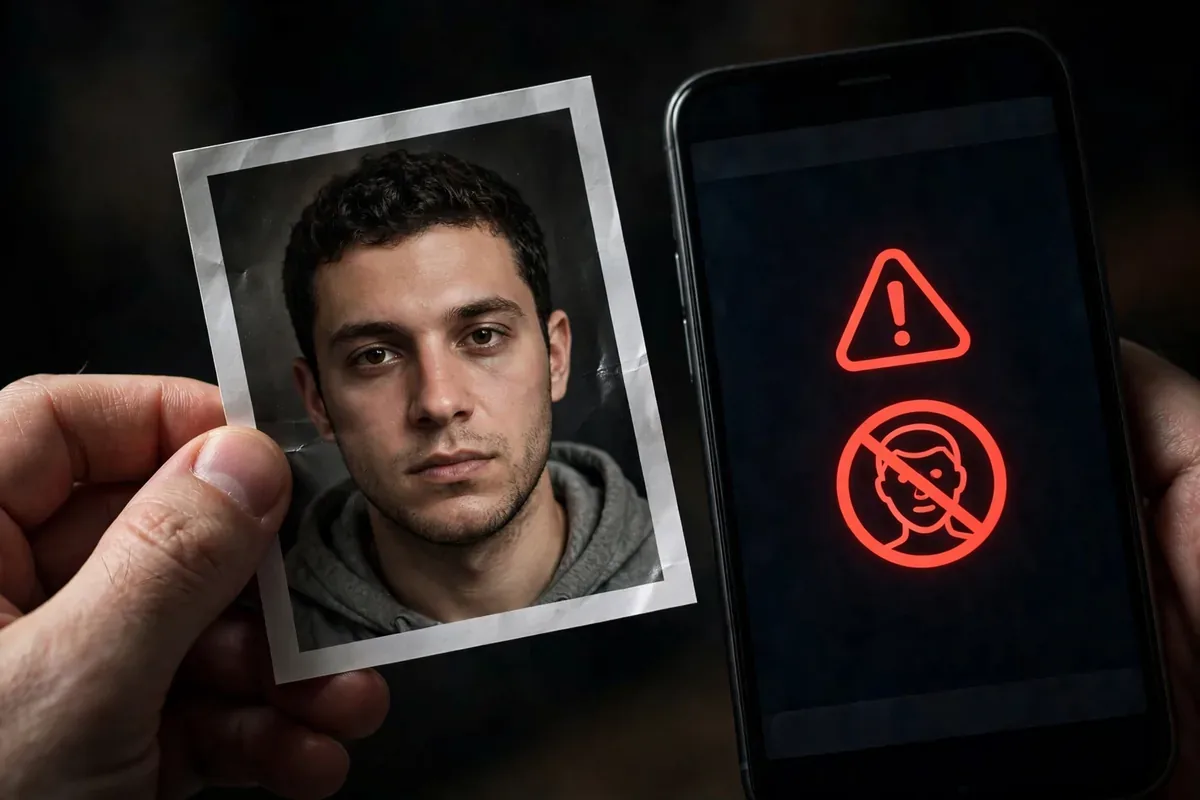
2D face unlock: not safe against determined spoofing. Researchers and journalists have repeatedly unlocked 2D-only phones with printed photos, and in some cases with images displayed on another screen or even video. Some implementations add “liveness” checks (blink detection), but these have been bypassed with simple tricks. If your phone’s face unlock works with a photo of you, it is 2D and insecure.
3D face unlock: very safe. Depth-sensing systems resist photos, masks (basic ones), and video replay. They have been tested against sophisticated silicone masks with limited success by well-funded labs, but for real-world threats, 3D face unlock is excellent.
How to tell which you have: check your phone’s specs for “3D face unlock,” “structured light,” “ToF,” or “Face ID”-style depth sensing. If the specs just say “face unlock” or “face recognition” with no depth hardware mentioned, assume 2D. A quick test (that you should not rely on for security decisions): try unlocking with a high-quality printed photo of yourself in good light. If it works, your face unlock is 2D.
Is Face Unlock Safe? Spoofing Risks by Type
2D face unlock: not safe against determined spoofing. Researchers and journalists have repeatedly unlocked 2D-only phones with printed photos, and in some cases with images displayed on another screen or even video. Some implementations add “liveness” checks (blink detection), but these have been bypassed with simple tricks. If your phone’s face unlock works with a photo of you, it is 2D and insecure.
3D face unlock: very safe. Depth-sensing systems resist photos, masks (basic ones), and video replay. They have been tested against sophisticated silicone masks with limited success by well-funded labs, but for real-world threats, 3D face unlock is excellent.
How to tell which you have: check your phone’s specs for “3D face unlock,” “structured light,” “ToF,” or “Face ID”-style depth sensing. If the specs just say “face unlock” or “face recognition” with no depth hardware mentioned, assume 2D. A quick test (that you should not rely on for security decisions): try unlocking with a high-quality printed photo of yourself in good light. If it works, your face unlock is 2D.
Documented Spoofing Demonstrationsis face unlock safe illustration
The question “is face unlock safe” has been tested publicly many times. Notable demonstrations include journalists unlocking flagship phones with printed photos within minutes of unboxing, researchers bypassing blink-based liveness with video loops, and consumer organizations rating dozens of phones’ face unlock systems, finding many vulnerable to simple photo attacks.
These demonstrations matter because they calibrate the threat realistically. The attacker does not need Hollywood equipment; they need a photo of you, and photos of everyone are abundant. This is the fundamental asymmetry of 2D face unlock: the “secret” it checks is public information.
Which Android Phones Have Secure Face Unlock?
Secure (3D/depth-based) face unlock is rare on Android:
Google Pixel 4 / 4 XL: had Soli radar + IR dot projection (discontinued in later Pixels).
Pixel 8 and later: face unlock certified for payments (Class 3 biometric), using improved algorithms, though hardware depth sensing varies.
Select Huawei, Xiaomi, Oppo flagships: some models include structured-light 3D systems.
Android classifies biometrics: Class 3 (Strong) can authorize payments and is spoof-resistant; Class 2 (Weak) is convenience-only. Check your phone’s biometric class in developer documentation or reviews. If your face unlock cannot authorize Google Pay, it is Class 2, convenience only.
When Face Unlock Is Fine (and When It Is Not)
is face unlock safe illustration
Fine for: quickly unlocking a phone whose real security is a strong PIN/password fallback, in low-risk environments.
Not fine for:
As your only protection on a 2D system. A photo unlock means anyone with your picture gets in.
Banking and payments on Class 2 systems. Android itself restricts this, but do not work around it.
High-risk travel or protests, where compelled unlocking is a concern. Biometrics can be physically coerced; memorize-able credentials cannot be taken from you as easily.
Shared or family devices where photos of you are readily available to others in the household.
Fingerprint vs. Face: Which Biometric Wins?
Factor
Fingerprint
2D Face
3D Face
Spoof resistance
Good
Poor
Excellent
Speed
Very fast
Fast
Fast
Works with mask/gloves
Gloves no
Mask varies
Mask varies
Legal compulsion risk
Yes
Yes
Yes
Availability on Android
Universal
Common
Rare
For most Android users, fingerprint is the better biometric: widely available, spoof-resistant enough for real threats, and fast. Use face unlock as a secondary convenience if you enjoy it, but let fingerprint (and a strong PIN) carry the security load.
The Privacy Angle: Where Does Your Face Data Go?
On reputable Android phones, biometric templates are stored in secure hardware (Titan M, Knox Vault) and never leave the device. They are mathematical templates, not photographs, and cannot be reverse-engineered into your likeness by the phone’s normal processes.
The concern is not your phone but other people’s cameras and databases: your face is public in a way your fingerprint is not. Photos of you exist across social media, and facial recognition databases have been built from scraped images. This does not make your phone’s face unlock less safe, but it is worth knowing that “something you are” is less secret than “something you know.”
Optimal Biometric Setup
Register fingerprints (multiple fingers) as your primary biometric.
Enable face unlock only if it is Class 3 or you accept it as convenience-only.
It depends on the type. 3D/depth-based face unlock is very safe; 2D camera-based face unlock can be fooled by photos and should be treated as convenience only.
Can someone unlock my phone with a photo of me?
If your phone uses 2D face unlock, possibly yes. If it uses 3D depth sensing, effectively no. Test your phone’s biometric class rather than assuming.
Is face unlock safer than fingerprint?
On Android, generally no: fingerprint sensors are more spoof-resistant than the 2D face unlock most Android phones offer. True 3D face unlock rivals or beats fingerprint but is rare on Android.
Does face unlock work in the dark?
IR-based systems (3D and some 2D with IR illumination) work in the dark. Pure camera-based 2D unlock needs light and fails in darkness.
Should I use face unlock for banking apps?
Only if your phone’s face unlock is Class 3 (Strong) biometric. Android enforces this for payment authorization; do not bypass it.
Can police force me to unlock with my face?
Laws vary by jurisdiction, but in many places biometrics receive less legal protection than memorized passwords. In sensitive situations, use Lockdown mode to require your PIN.
Conclusion
Is face unlock safe? The 3D kind, yes, genuinely. The 2D kind found on most Android phones, no, not against anyone with a photo of you. Know which one you have, treat 2D as convenience, and let a strong PIN plus fingerprint do the real security work.
Biometrics are about balancing speed and safety. With the right setup, you get both: a glance for the hundred daily unlocks, and a credential nobody can photograph for the moments that matter. The next time someone asks you “is face unlock safe,” you will know the only answer that matters: which kind?
Qamar Abbas is the founder and CEO of Qamar Digital Ventures LLC, a New Mexico-based web design and SEO agency. He writes hands-on, research-backed guides about Android apps, APK guides and mobile how-tos for a US audience, tested on real devices and updated regularly.






What do you think?
Share your experience or ask a question. A useful conversation starts with you.
Join the discussion