

Finding the best video editing apps for Android used to mean settling for watered-down mobile toys. Not anymore. Today’s Android editors handle 4K timelines, multi-layer compositing, auto-captions, and color grading that would have required a desktop just a few years ago. Whether you are cutting TikToks, YouTube videos, or family memories, there is an Android video editor that fits your skill level and your budget.
We installed, tested, and compared dozens of contenders to narrow the field to the eight best video editing apps for Android in 2026. Every pick below was judged on real-world performance: export speed, stability on mid-range phones, the quality of free features, and how annoying the upsells are. Here is what made the cut.
How We Tested the Best Video Editing Apps for Android
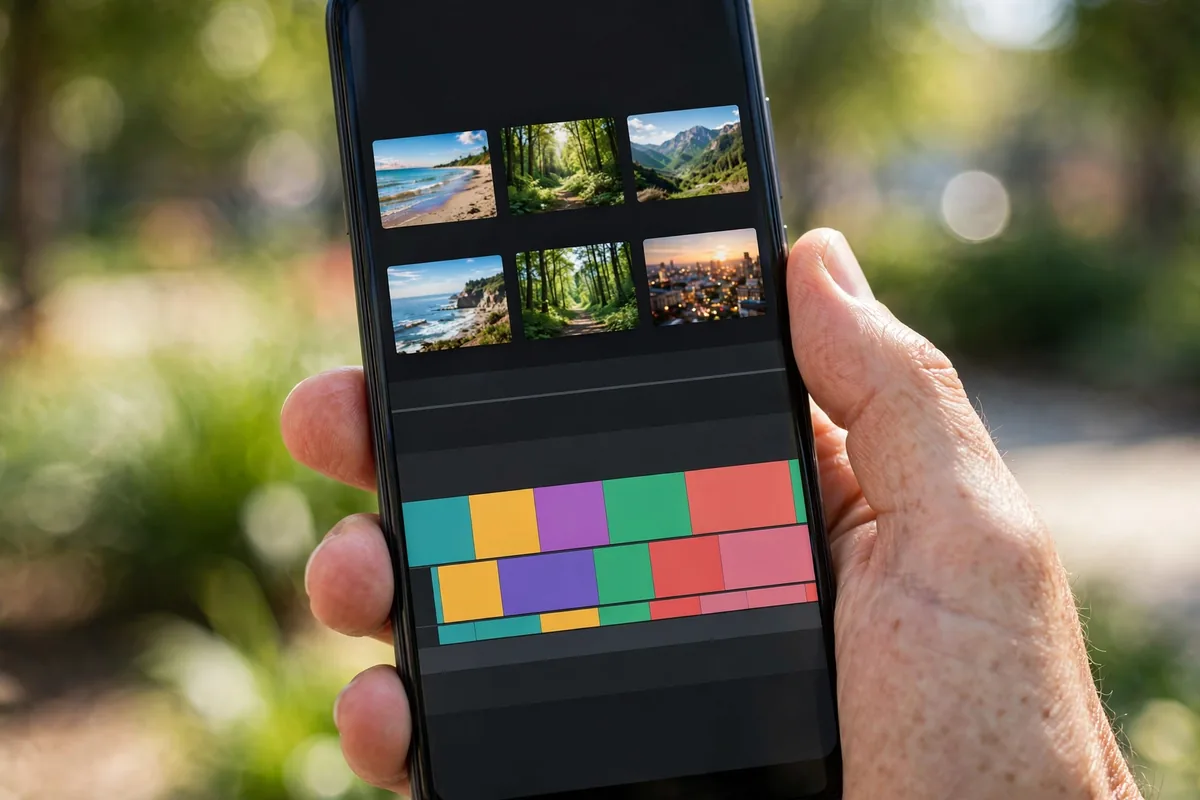
To keep this roundup honest, we ran every app through the same gauntlet on both a flagship and a mid-range Android phone. Each of the best video editing apps for Android had to prove itself across five criteria before earning a spot.
First, we edited a real project: a 3-minute 4K travel montage with cuts, transitions, text overlays, background music, and color correction. We timed the export, watched for crashes, and checked the output quality frame by frame. Second, we evaluated the free tier. Many “free” editors watermark your exports or lock basic tools behind subscriptions, so we noted exactly what you get without paying. Third, we tested the learning curve. A powerful app you cannot figure out is useless, so we scored interface clarity and the quality of in-app tutorials.
Fourth, we checked format support and sharing. The best video editing apps for Android export cleanly to the aspect ratios social platforms demand, including 9:16 vertical, 1:1 square, and 16:9 widescreen. Finally, we reviewed the subscription pricing. A great app with a predatory price still loses points.
The 8 Best Video Editing Apps for Android in 2026
1. CapCut — Best Free All-Rounder
CapCut remains the benchmark for free mobile editing, and the 2026 version is stronger than ever. Owned by the same company behind TikTok, it is optimized for short-form content but handles longer projects surprisingly well. The template library alone, thousands of trending formats you can apply with one tap, makes it the fastest way to produce polished social videos.
Key features include auto-captions with impressive accuracy, background removal without a green screen, a massive royalty-free music and effects library, and smooth 4K export. The desktop-class keyframe animation tools let you build custom motion graphics if you outgrow the templates. Performance is excellent even on mid-range hardware.
The catch is the account system. You will want to sign in to sync projects across devices, and some premium effects require the Pro subscription. For pure value, though, no free editor comes close.
- Price: Free; Pro subscription available
- Best for: TikTok, Reels, and Shorts creators
- Pros: Generous free tier; best-in-class templates; accurate auto-captions
- Cons: Some effects locked behind Pro; requires sign-in for cloud features
2. KineMaster — Best for Multi-Layer Editing
KineMaster has been a mobile editing staple for years, and it still leads for creators who think in layers. Video, images, stickers, text, and handwriting can all stack on an intuitive timeline, and the chroma key tool is genuinely good for a phone app. If you composite green-screen footage or build picture-in-picture layouts, this is your app.
The 2026 update improved the asset store, added more professional transitions, and tightened up the audio tools with ducking and EQ presets. Export options cover 4K at 60fps, and the frame-by-frame trimming is precise enough for serious work.
The free version exports with a watermark, which is the main downside. The subscription removes it and unlocks the full asset library. For hobbyists who need layer-based editing without a desktop, the price is fair.
- Price: Free with watermark; subscription removes watermark
- Best for: Layered edits, green screen, and precise trimming
- Pros: True multi-layer timeline; strong chroma key; 4K 60fps export
- Cons: Watermark on free exports; subscription needed for full assets
3. PowerDirector — Best for Effects and Templates
CyberLink’s PowerDirector brings desktop DNA to Android. It is the effects powerhouse of this list, with AI-powered tools like sky replacement, object detection, and motion tracking that genuinely work on a phone. The intro designer and transition packs give videos a professional sheen with minimal effort.
We were impressed by the stabilization tool, which salvaged shaky handheld footage remarkably well, and the denoise feature for low-light clips. The interface is denser than CapCut’s, but the built-in tutorials walk you through the advanced features. Export supports 4K, and the direct upload to YouTube and TikTok saves steps.
PowerDirector’s subscription is pricier than some rivals, and the free tier limits resolution. But if you want the most capable effects engine among the best video editing apps for Android, this is it.
- Price: Free limited; subscription unlocks 4K and effects
- Best for: Creators who want pro-level effects on mobile
- Pros: AI effects that actually work; great stabilization; desktop heritage
- Cons: Higher subscription cost; free tier resolution-capped
4. Adobe Premiere Rush — Best for Adobe Ecosystem Users
If you already live in Adobe’s world, Premiere Rush is the obvious mobile companion. Projects sync with Premiere Pro on desktop, so you can rough-cut on your phone and finish on your computer without missing a beat. The simplified timeline keeps the Adobe power accessible.
Rush shines at quick turnaround work. Auto-reframe converts horizontal footage to vertical for social platforms, the audio tools clean up voice recordings nicely, and the built-in title templates look sharp. Color presets give footage a consistent look with one tap.
The free tier includes three exports, after which you will need a Creative Cloud subscription. That makes Rush a poor pick if you are not already paying for Adobe, but an excellent one if you are.
- Price: 3 free exports; then Creative Cloud subscription
- Best for: Adobe subscribers and cross-device workflows
- Pros: Seamless Premiere Pro handoff; auto-reframe; clean interface
- Cons: Effectively requires a paid Adobe plan for regular use
5. VN Video Editor — Best Free Editor Without Watermark
VN is the sleeper hit of the free editing world. It offers a genuinely pro-grade timeline, multi-track editing, keyframes, curves for speed ramping, and 4K export, all without a watermark and without a subscription. For a free app, the feature list reads like a paid product.
The interface takes a day to learn, but it rewards the effort. The curve-based speed controls are the best we have used on mobile, and the music beat markers make editing to a soundtrack intuitive. It handles LUTs, picture-in-picture, and green screen without breaking a sweat.
Monetization is refreshingly honest: there is no aggressive upsell wall. The tradeoff is a smaller effects and template library than CapCut, and no cloud sync. If you want maximum capability for zero dollars, VN is unbeatable.
- Price: Completely free, no watermark
- Best for: Budget creators who want pro features free
- Pros: No watermark; pro timeline and keyframes; no subscription pressure
- Cons: Smaller template library; no cloud project sync
6. Filmora — Best for Beginners Who Want Polish
Wondershare’s Filmora targets beginners who want their videos to look expensive with minimal learning. The guided workflows, themed templates, and one-tap enhancements make it the friendliest app on this list for first-time editors.
Standout features include AI portrait cutout, auto-beat sync for music videos, and a huge stock media library built in. The text animation presets are genuinely attractive, which matters for creators who rely on on-screen captions and titles. Export quality is solid through 4K.
The free version watermarks exports, and the subscription is mid-range in price. But for anyone intimidated by timelines and keyframes, Filmora’s hand-holding approach earns its place among the best video editing apps for Android.
- Price: Free with watermark; subscription available
- Best for: Beginners who want polished results fast
- Pros: Easiest learning curve; great templates; AI portrait tools
- Cons: Watermark on free plan; fewer advanced controls
7. InShot — Best for Quick Social Edits
InShot is the veteran of fast social editing, and millions of creators still swear by it. It is not trying to replace a desktop suite. It is trying to get your video trimmed, captioned, musicked, and posted in five minutes, and it succeeds brilliantly.
The canvas tools make reframing for different platforms painless, the sticker and emoji library is enormous, and the speed controls are simple and effective. Recent updates added AI background blur and improved the text tools. It launches fast and never feels bloated.
Power users will outgrow it, and the free version shows ads. But as a quick-turnaround companion app, even alongside a heavier editor, InShot earns its keep.
- Price: Free with ads; Pro removes ads and watermark
- Best for: Fast Reels, Stories, and Shorts edits
- Pros: Extremely fast workflow; great canvas tools; lightweight
- Cons: Ads in free version; limited advanced features
8. LumaFusion — Best Pro-Grade Mobile Editor
LumaFusion built its reputation on iPad, and the Android version brings that pro pedigree to our platform. This is the closest thing to a desktop NLE on a phone: six video tracks, six audio tracks, advanced color grading, keyframing on every effect, and XML project export for finishing in desktop software.
The magnetic timeline keeps complex edits organized, the audio tools include real EQ and panning, and the title designer is far beyond what other mobile apps offer. It handled our 4K test project without a stutter on the flagship phone.
It is a one-time purchase rather than a subscription, which is refreshing, but the price is the highest upfront cost on this list and the learning curve is real. For serious mobile filmmakers, though, nothing else on Android comes this close to desktop power.
- Price: One-time purchase (premium tier)
- Best for: Serious creators and mobile filmmakers
- Pros: Desktop-class timeline; one-time purchase; XML export
- Cons: Expensive upfront; steep learning curve
Side-by-Side Comparison
| App | Best For | Free Tier | 4K Export | Price Model |
|---|---|---|---|---|
| CapCut | Free all-rounder | Excellent | Yes | Free / Pro sub |
| KineMaster | Multi-layer editing | Watermarked | Yes | Free / sub |
| PowerDirector | Effects | Resolution-limited | Yes | Free / sub |
| Premiere Rush | Adobe users | 3 exports | Yes | Subscription |
| VN Video Editor | Free, no watermark | Full, no watermark | Yes | Free |
| Filmora | Beginners | Watermarked | Yes | Free / sub |
| InShot | Quick social edits | Ads | Yes | Free / Pro |
| LumaFusion | Pro filmmakers | None (paid) | Yes | One-time |
If you edit stills as well as video, pair your pick with one of the best photo editing apps for Android to cover both sides of your content workflow.
How to Choose the Right Video Editing App
Start with your content. Short-form creators who post daily should prioritize speed and templates, which points to CapCut or InShot among the best video editing apps for Android. Long-form YouTubers need robust timelines and audio tools, favoring KineMaster, PowerDirector, or LumaFusion. Beginners should weight ease of learning above raw power, making Filmora or CapCut the smart start.
Next, check your hardware. The heavier apps on this list, especially PowerDirector and LumaFusion, want a recent mid-range phone or better for smooth 4K work. If your phone is older, VN and InShot are lighter and still capable. If your device struggles generally, our guide on how to speed up your Android phone can help before you blame the editor.
Consider the total cost honestly. A “free” app with a watermark tax on every export can cost more in frustration than a modest subscription. VN proves you can get pro features free, but if you need templates and cloud sync, CapCut’s free tier or a paid plan elsewhere may serve you better. And think about where you edit: if a bigger screen would help, the best Android tablets for 2026 make excellent portable editing stations.
Finally, match the app to your platform specs. YouTube’s recommended upload encoding settings, documented on Google’s official support page, reward clean high-bitrate exports, so pick an editor whose export settings you can control. You can browse the full catalog of editors on the Google Play Store to compare current ratings before you commit.
FAQ
Which is the best free video editing app for Android without a watermark?
VN Video Editor is the standout free option with no watermark, and our top recommendation among the best video editing apps for Android for budget creators. It offers a pro-grade multi-track timeline, keyframes, speed curves, and 4K export completely free. CapCut is also excellent and free, though some premium effects require its Pro tier.
Can I edit 4K videos on my Android phone?
Yes. All eight of the best video editing apps for Android on this list support 4K export, though some reserve it for paid tiers. For smooth 4K editing you will want a phone from the last two to three years with at least 6GB of RAM; older devices may stutter on complex timelines.
Which video editing app is best for YouTube?
For YouTube, KineMaster and PowerDirector are strong choices thanks to their multi-layer timelines, audio ducking, and precise trimming. If you are in the Adobe ecosystem, Premiere Rush hands projects off to Premiere Pro on desktop seamlessly.
Do I need to pay for a good Android video editor?
No. VN Video Editor and CapCut both deliver genuinely capable editing for free. Paid tiers mainly remove watermarks, unlock template libraries, or add cloud features. Start free, and only subscribe when you hit a specific limitation.
What is the easiest video editing app for beginners?
Filmora has the gentlest learning curve, with guided workflows and one-tap enhancements. CapCut is a close second thanks to its templates. Both let a complete beginner produce a polished video in under an hour.
Conclusion
The best video editing apps for Android in 2026 cover every need and budget. CapCut is our top overall pick for its unbeatable free feature set, VN Video Editor is the best truly free option with no watermark, and LumaFusion is the choice for creators who want desktop-class power in their pocket. KineMaster, PowerDirector, Premiere Rush, Filmora, and InShot each own a niche, from layered compositing to five-minute social edits.
Download two or three free options from our list of the best video editing apps for Android, cut the same test project in each, and keep the one whose workflow clicks with you. The best editor is the one you will actually open every day.




What do you think?
Share your experience or ask a question. A useful conversation starts with you.
Join the discussion