MyFitnessPal vs Lose It: Better Calorie Tracker in 2026?
Food logging works — study after study confirms it — and the MyFitnessPal vs Lose It choice determines whether you’ll stick with it. MyFitnessPal is the database giant: 14+ million foods, barcode scanning, restaurant nutrition, and deep fitness integrations. Lose It is the weight-loss specialist: simpler interface, photo logging, macro-focused design, and behavioral psychology baked in. This MyFitnessPal vs Lose It comparison examines food databases, ease of logging, weight-loss features, and pricing to find the better calorie tracker in 2026.
Calorie Tracker FAQ
How accurate are calorie databases? Within 10-20% for packaged foods with barcodes; worse for restaurant meals and homemade dishes. Consistency matters more than precision — log the same way daily and the trend is what counts.
Do I need to log forever? No — most people internalize portions after 4-8 weeks of logging. The app is training wheels; the habit is the goal.
Free vs. paid tiers? Free covers logging and basic reports. Paid ($50-80/year) buys macro targets, meal planning, and no ads. Try free for a month before paying.
Which is better for keto/low-carb? Both handle macros, but dedicated apps (Carb Manager) track net carbs better. MyFitnessPal and Lose It are calorie-first with macros secondary.
Database Size: The Hidden Deciding Factor
Calorie trackers live or die on food databases. MyFitnessPal’s database exceeds 18 million foods with heavy user contributions — great coverage, but entries are inconsistent (the same “grilled chicken breast” appears 40 times with calorie counts ranging from 120 to 300). Lose It’s database is smaller but verified, with each entry checked by the team — fewer choices, more trustworthy numbers. The practical test: search five foods you actually eat weekly. Whichever app returns accurate entries fastest is the one you will stick with.
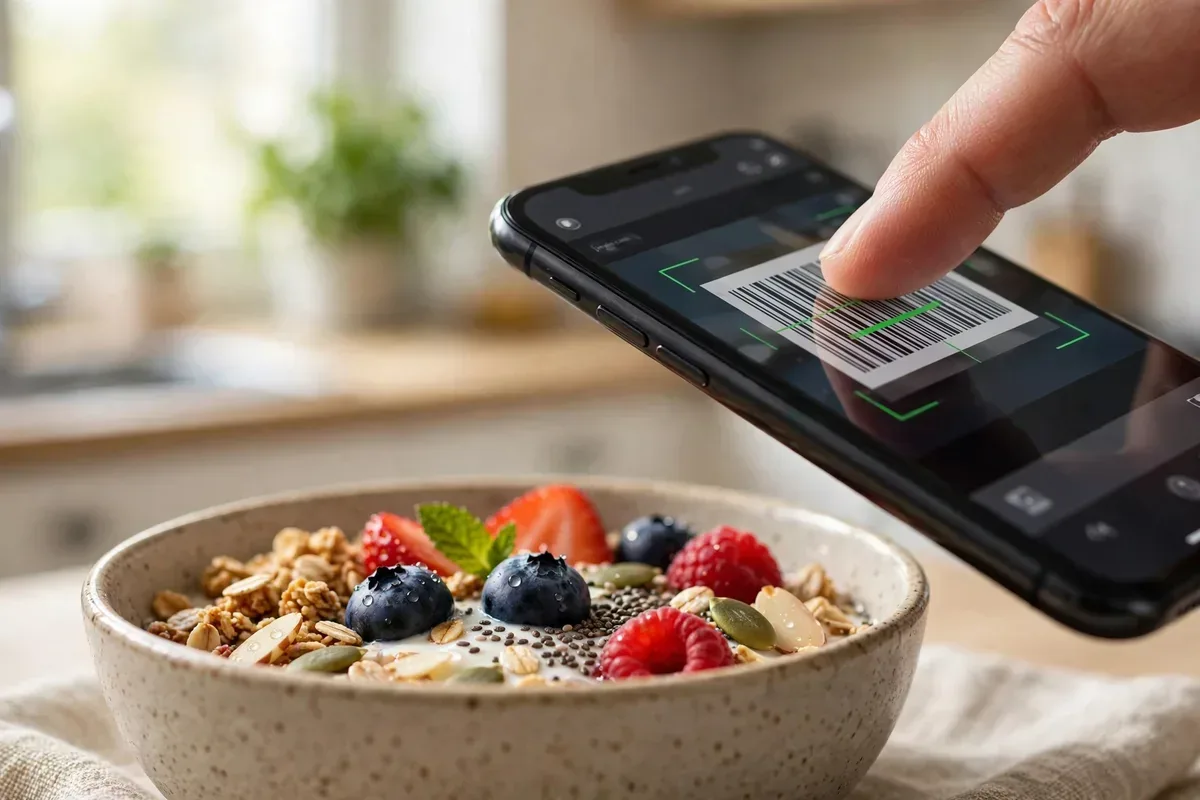
Barcode scanning quality differs too. MyFitnessPal’s scanner recognizes most US packaged foods instantly; Lose It is comparable but occasionally misses store brands. Both let you create custom foods and recipes — do this for your five most-eaten homemade meals in week one and logging drops from 5 minutes to 30 seconds per meal. The app you configure in the first week is the app you still use in month three.
MyFitnessPal vs Lose It: Food Database Compared
myfitnesspal vs lose it illustration
MyFitnessPal’s database is unmatched: 14+ million foods including restaurant chains, international cuisines, and user-submitted entries. Barcode scanning recognizes nearly everything in a grocery store. The breadth means you rarely log manually — search usually finds it. The downside: user entries vary in accuracy, so verified (green checkmark) entries are worth preferring.
Lose It’s database is smaller but curated: millions of foods with stronger verification and a cleaner search experience. Its Snap It photo logging (AI identifies foods from photos) and barcode scanner cover daily needs well. You’ll occasionally miss obscure items, but core foods are all there and accurate.
For exotic diets and restaurant variety, MyFitnessPal’s sheer size wins. For accuracy and clean logging of common foods, Lose It’s curation feels better. Both beat manual estimation — the best database is the one you’ll actually use daily.
Ease of Daily Logging
Lose It wins on logging speed: the interface is streamlined — big buttons, recent foods front and center, photo logging for lazy days. Logging a full day takes minutes. The design philosophy is “friction kills diets,” and it shows. Macro rings (protein/carbs/fat) visualize nutrition at a glance.
MyFitnessPal’s logging is powerful but busier: more taps to navigate, more options per food, recipe builder, meal copying. Power users appreciate the depth; beginners can feel overwhelmed. Recent redesigns improved things, but Lose It remains the simpler daily driver.
Adherence is everything in food logging — the app you’ll use for 200 days beats the “better” app you abandon in two weeks. Be honest about your patience: minimalists belong with Lose It, detail-lovers with MyFitnessPal. Keep the app running smoothly with our stop background apps guide.
Weight Loss Features and Psychology
Lose It is built for weight loss specifically: goal setting with realistic timelines, weekly budget views, pattern detection (“you overeat on weekends”), challenges, and behavioral nudges. The psychology is thoughtful — it celebrates streaks and teaches habits, not just counts calories.
MyFitnessPal covers weight loss plus broader fitness: macro goals, exercise calorie adjustments, water tracking, and integrations with every fitness app imaginable. It’s the better all-around health hub, but its weight-loss coaching is less specialized than Lose It’s.
If the goal is specifically losing weight, Lose It’s focused psychology wins. If you want total nutrition/fitness tracking (gaining muscle, training for events), MyFitnessPal’s breadth wins. The MyFitnessPal vs Lose It weight-loss round goes to Lose It; the overall-health round goes to MyFitnessPal.
MyFitnessPal vs Lose It: Head-to-Head Scorecardmyfitnesspal vs lose it illustration
Category
MyFitnessPal
Lose It
Winner
Food database size
14M+ foods
Millions, curated
MyFitnessPal
Database accuracy
Variable (user entries)
Higher (curated)
Lose It
Logging speed
Good
Excellent
Lose It
Photo food logging
Basic
Snap It (AI)
Lose It
Barcode scanning
Excellent
Very good
MyFitnessPal (slightly)
Weight-loss psychology
General
Specialized
Lose It
Fitness integrations
Extensive
Good
MyFitnessPal
Macro tracking
Detailed
Visual rings
Tie
Free tier
Solid
Solid
Tie
Price (premium)
$19.99/mo or $79.99/yr
$39.99/yr
Lose It
Pricing and Free Tiers
MyFitnessPal Premium costs $19.99/month or $79.99/year — pricey, unlocking macro goals, food analysis, ad-free, and barcode scanning (yes, barcode went premium, controversially). The free tier still logs food and tracks calories adequately.
Lose It Premium is $39.99/year (often discounted) — half the price, unlocking patterns, meal planning, and advanced goals. The free tier is generous for basic calorie counting.
Value is clear: Lose It gives you more for less. MyFitnessPal’s premium is hard to justify unless you need its specific integrations. Budget dieters should start free on either; if you upgrade, Lose It’s pricing is the friendlier commitment. Setting up a new phone for your health journey? Our new Android setup guide helps.
Integrations and Ecosystem
myfitnesspal vs lose it illustration
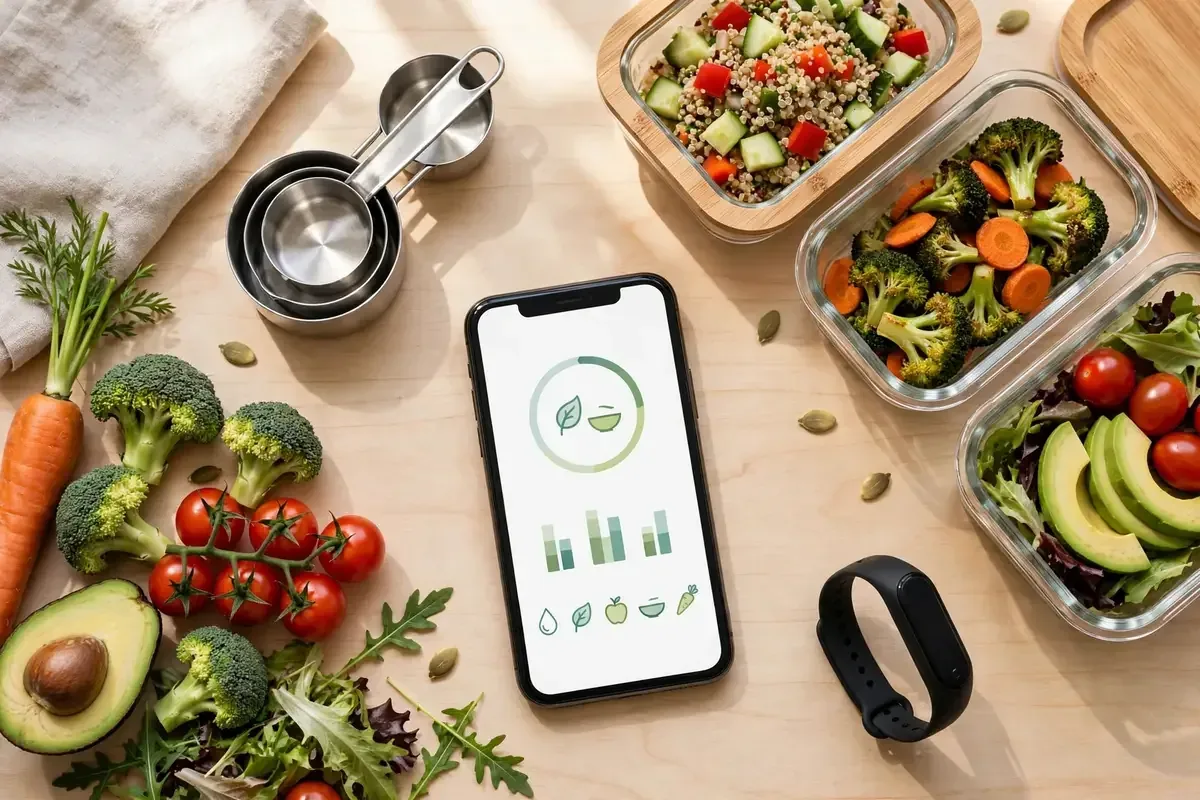
MyFitnessPal connects to everything: Fitbit, Garmin, Strava, Samsung Health, Apple Health, and hundreds more. Exercise calories auto-adjust, weight syncs from smart scales, and the data flows both ways. It’s the Switzerland of health apps.
Lose It integrates with the majors (Fitbit, Garmin, Apple Health, Google Fit) but less broadly. It covers what most users need but won’t satisfy quantified-self enthusiasts with exotic devices.
Ecosystem maximalists need MyFitnessPal. Everyone else does fine with Lose It’s core integrations. If you drive with Android Auto between gym sessions, our Android Auto setup is handy.
The Verdict
Choose MyFitnessPal if you want the biggest database and broadest integrations: unmatched food variety and the health-app hub. It is the power user’s tracker — get it at MyFitnessPal.
Choose Lose It if you want simpler weight loss: faster logging, better psychology, photo AI, and half the price. It is the dieter’s best friend — try it at Lose It.
In the MyFitnessPal vs Lose It contest, weight-loss purists win with Lose It and data-hungry athletes win with MyFitnessPal. Either way, log honestly — the app only works if you do.
Accuracy: Can You Trust the Numbers?
Calorie counts are estimates, and database quality matters. MyFitnessPal’s user-generated entries create variance — the same dish can show 300 or 600 calories across entries. The green verified checkmarks help, but diligence is required. Restaurant entries are usually accurate (chains provide data); homemade entries are guesses.
Lose It’s curated database reduces variance — fewer entries, better vetted. Its AI photo logging estimates portions visually, surprisingly well for common meals. Neither app handles homemade cooking precisely; weighing food with a kitchen scale remains the gold standard for accuracy.
Practical truth: consistency beats precision. Logging the same way daily reveals trends even if absolute numbers are off by 10%. Both apps are accurate enough for weight loss — the MyFitnessPal vs Lose It accuracy debate matters less than daily adherence.
Recipe Builder and Meal Planning
Home cooks need recipe tools. MyFitnessPal’s recipe builder is excellent: enter ingredients, set servings, and it calculates per-serving nutrition — savable and searchable. Meal prep enthusiasts can log entire weeks efficiently. The recipe database (user-shared) offers ideas.
Lose It’s recipe features are simpler but functional: basic recipe creation with nutrition breakdown. Its meal planning (premium) suggests meals fitting your calorie budget — genuinely useful for decision-fatigued dieters.
Serious meal-preppers need MyFitnessPal’s depth. Everyone else does fine with Lose It’s simpler tools. Either way, planning meals ahead beats logging reactively — the dieters who pre-log breakfast and lunch succeed more.
Community and Accountability
MyFitnessPal’s community is huge: forums, friend feeds, challenges, and blog content. The scale means active discussions on every diet approach — keto, vegan, intermittent fasting communities all thrive. Friends can view your diary (if shared) for accountability.
Lose It’s community is smaller but focused: challenges and friend groups centered on weight loss specifically. The intimacy suits people who find massive forums overwhelming.
Accountability science favors sharing progress with someone — a friend, a group, a coach. Whichever app you choose, add one accountability partner. The app tracks; the human keeps you honest.
Beyond Calories: Nutrients and Health
Weight loss isn’t the only goal. MyFitnessPal tracks 20+ nutrients: fiber, sugar, vitamins, minerals — valuable for identifying deficiencies (low iron? insufficient fiber?). Its nutrition reports reveal eating patterns beyond calories.
Lose It focuses on macros (protein/carbs/fat) with clean visualizations — enough for most dieters, less overwhelming. Micronutrient detail isn’t its game.
Health-optimizers and athletes need MyFitnessPal’s nutrient depth. Pure weight-loss dieters do fine with Lose It’s macro focus. And remember: no app replaces medical advice — consult professionals for health conditions, disordered eating concerns, or major diet changes.
Staying Motivated Past Month Two
Most dieters quit logging by week six — the apps’ retention battle. Lose It fights with streaks, challenges, and pattern insights that keep logging interesting (“you’ve logged 30 days straight!”). Its behavioral nudges are specifically designed for the motivation dip.
MyFitnessPal fights with ecosystem lock-in: your exercise, weight, and nutrition data in one place creates switching costs, and friend accountability helps. Its blog content and challenges provide ongoing engagement.
The research-backed tricks work in either app: pre-log meals in the morning, keep a “favorites” list for frequent foods, allow imperfect days (log the pizza — honesty beats perfection), and review weekly trends instead of daily noise. The MyFitnessPal vs Lose It motivation winner is whichever app’s reminders you don’t swipe away.
Privacy: Your Eating Data
Food logs are personal health data. MyFitnessPal (owned by private equity after Under Armour sold it) has faced breach history — a 2018 breach exposed 150 million accounts. Current security is improved, but the scale makes it a target. Review what’s shared publicly (diaries default private — keep them that way).
Lose It’s smaller scale means a smaller target, and its privacy practices are straightforward. Both apps share aggregated data with partners; both let you delete accounts and data.
Minimize exposure: keep diaries private, use a unique password, enable 2FA, and don’t connect unnecessary third-party apps. Your eating habits are nobody’s business but yours (and your doctor’s).
FAQ
Is MyFitnessPal free enough?
Yes for basic calorie counting. Premium ($79.99/year) adds macros, analysis, and barcode scanning — worth it only for serious trackers.
Is Lose It better for weight loss?
Its focused design, behavioral nudges, and pattern detection make it the better pure weight-loss tool for most people.
Which has better barcode scanning?
MyFitnessPal’s database is larger, but barcode scanning moved to Premium. Lose It’s scanner is very good and included more affordably.
Can I track macros on free tiers?
Both offer basic macro views free; detailed macro goals require premium on either app.
Do these apps work with fitness trackers?
Yes — both sync with Fitbit, Garmin, Apple Health, and Google Fit. MyFitnessPal supports more devices overall.
Conclusion
The MyFitnessPal vs Lose It winner depends on your goal. Lose It wins for straightforward weight loss — simpler, smarter psychology, better price. MyFitnessPal wins for comprehensive health tracking — biggest database, deepest integrations. Start free with either, log consistently for a month, and let adherence decide. The best calorie tracker is the one still on your home screen in six months — choose the one you’ll actually open after dinner. In the MyFitnessPal vs Lose It marathon, consistency wins every time.
Qamar Abbas is the founder and CEO of Qamar Digital Ventures LLC, a New Mexico-based web design and SEO agency. He writes hands-on, research-backed guides about Android apps, APK guides and mobile how-tos for a US audience, tested on real devices and updated regularly.








What do you think?
Share your experience or ask a question. A useful conversation starts with you.
Join the discussion