
Your phone is the scanner you always have with you. Modern scanning apps do far more than take pictures of paper: they detect page edges automatically, correct perspective, enhance contrast, run OCR to make text searchable, and export clean PDFs. The best document scanner apps Android offers in 2026 can genuinely replace a flatbed scanner for most needs.
We tested the leading scanner apps to find the seven best document scanner apps Android users should try this year. Each was judged on scan quality, edge detection accuracy, OCR performance, export options, and pricing. We scanned receipts, contracts, book pages, and whiteboards in varied lighting, so these picks reflect real conditions.
Our test batch included the tricky cases: crumpled receipts, glossy magazine pages that reflect light, handwritten notes, and whiteboards shot from the side of a meeting room. An app that only works on flat contracts in perfect light did not make the cut.
Scanner FAQ
Which free scanner is best? For clean documents, any major free tier works. For difficult inputs (receipts, handwriting), test Microsoft Lens and Adobe Scan free tiers first.
OCR Quality: The Real Differentiator
Every scanner app captures images; the OCR engine decides whether the text is usable. Google’s ML Kit (used by free apps like Adobe Scan’s basic tier) handles clean printed documents at 98%+ accuracy but struggles with handwriting and crumpled receipts. Microsoft Lens uses the same-class engine with better table detection — its whiteboard mode genuinely outperforms for meeting notes. Paid apps like SwiftScan license ABBYY’s engine, which reads 190+ languages and handles skewed, shadowed photos noticeably better.
Test with your actual documents before committing: scan a faded receipt, a handwritten note, and a two-column page, then check the exported text. The differences only show on difficult inputs — clean printouts look identical everywhere. For most people, the free tier of any major scanner plus Google Drive’s automatic OCR (which indexes text in uploaded PDFs for search) covers every need without payment.
What Makes a Great Scanner App
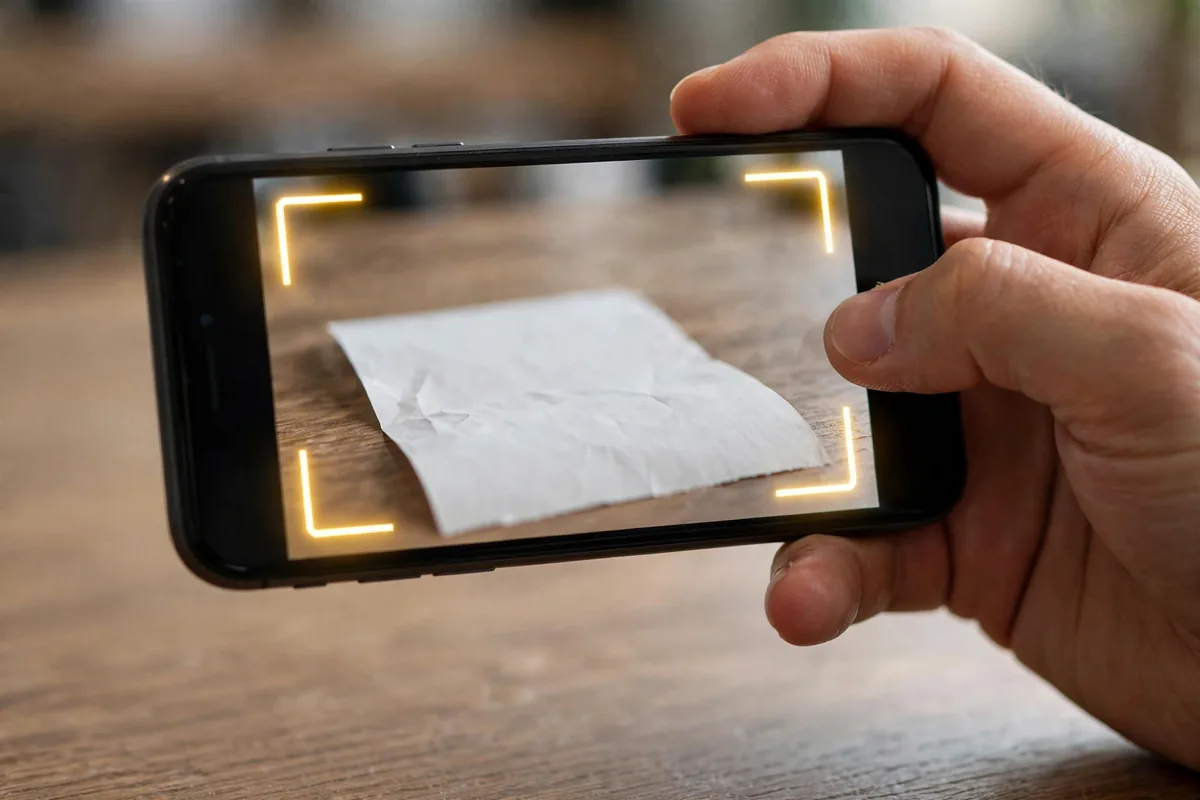
Edge detection is the foundation. The best document scanner apps Android has find page boundaries instantly and correct perspective so scans look flat even when shot at an angle. Image enhancement matters too: good apps boost contrast, remove shadows, and offer black-and-white, grayscale, and color modes.
OCR quality separates the great from the mediocre. The best apps recognize text accurately across fonts and languages, making scanned PDFs searchable. Export flexibility counts: PDF and JPEG are table stakes, while cloud integration, email, and multi-page batch scanning add real utility. Finally, consider privacy: your scans may contain sensitive documents, so data practices matter.
The 7 Best Document Scanner Apps Android Users Can Get in 2026
1. Adobe Scan — Best Free
Adobe Scan is the best free document scanner, full stop. It offers excellent edge detection, automatic enhancement, OCR, and clean PDF export at no cost. Integration with Adobe’s document cloud is seamless if you use Acrobat elsewhere.
The app detects documents quickly, handles multi-page scans well, and the text recognition is strong. Business card scanning extracts contact details neatly. It requires an Adobe account, which is the main friction, but the account is free.
For zero dollars, nothing beats it. Among the best document scanner apps Android users can download free, Adobe Scan is the clear winner.
- Price: Free (Adobe account required)
- Best for: Free high-quality scanning
- Pros: Excellent quality; free; good OCR
- Cons: Adobe account needed; cloud-focused
2. Microsoft Lens — Best for Office Users
Microsoft Lens (formerly Office Lens) is the best scanner for Microsoft 365 users. It captures documents, whiteboards, and business cards, with excellent whiteboard mode that cleans up glare and enhances writing. Scans flow directly into OneNote, OneDrive, Word, and PowerPoint.
The app is completely free with a Microsoft account, and the Office integration is genuinely useful: scan a document straight into editable Word text via OCR. Edge detection and enhancement are solid.
If you live in Microsoft’s ecosystem, it is the obvious choice among the best document scanner apps Android has.
- Price: Free (Microsoft account)
- Best for: Microsoft 365 users
- Pros: Great whiteboard mode; Office integration; free
- Cons: Microsoft account needed; fewer export options
3. CamScanner — Best Features (With Caveats)
CamScanner offers the deepest feature set: excellent scanning, strong OCR, document editing, e-signatures, fax sending, and cloud sync. For years it was the category leader, and feature-wise it still impresses.
The caveats are significant. The free version is ad-heavy with watermarks, and the app has a troubled history including a malware incident in 2019 that got it temporarily removed from Google Play. It has since cleaned up, but privacy-conscious users should weigh this.
If you need fax and e-signature features, it is uniquely capable. But for most users, the free picks above are safer bets among the best document scanner apps Android offers.
- Price: Free with ads/watermark; premium available
- Best for: Fax and e-signatures
- Pros: Deepest features; fax; e-sign
- Cons: Ads; troubled history; pricey premium
4. Google Drive Scan — Best Built-In
Google Drive’s built-in scanner is the most convenient option: it is already on your phone, free, and scans go straight to Drive. Tap the scan button in Drive, capture, enhance, and save as PDF.
Quality is good though not class-leading: edge detection and enhancement are solid, and the workflow could not be simpler. There is no OCR text extraction or advanced editing, but for quick scans to the cloud, it is perfect.
If you just need occasional scans without another app, it is the simplest of the best document scanner apps Android users already have.
- Price: Free (Google account)
- Best for: Quick Drive scans
- Pros: Built in; free; simplest workflow
- Cons: Basic features; no advanced OCR
5. Scanner Pro — Best for iPhone Converts (Readdle)
Scanner Pro by Readdle is beautifully designed with excellent auto-capture, perspective correction, and OCR. Its workflows, automatic upload to cloud services after scanning, save real time for regular scanners.
It handles receipts especially well, with expense-oriented features. The app is polished and reliable. Pricing is subscription-based, which is its main downside versus free alternatives.
For users who want a premium, refined experience, it is the most polished of the best document scanner apps Android has, though free options match its core quality.
- Price: Subscription
- Best for: Premium experience
- Pros: Beautiful; great workflows; reliable
- Cons: Subscription; free apps match core features
6. vFlat — Best for Books
vFlat specializes in scanning books: it captures facing pages, automatically splits them, flattens curved page distortion, and removes finger images from the frame. For students and researchers digitizing books, it is magical.
It is free with generous limits, and the book-specific processing genuinely works. General document scanning is fine but not its focus. If your scanning is mostly bound material, nothing else compares.
For book scanning, vFlat is unique among the best document scanner apps Android offers.
- Price: Free with limits
- Best for: Scanning books
- Pros: Book-specific magic; free; flattening works
- Cons: Niche; limited general features
7. Notebloc — Best Lightweight
Notebloc is the minimalist scanner: fast, simple, and effective. It captures documents with good edge detection, offers basic enhancement, and exports PDF or JPEG without fuss. No account, no cloud push, no bloat.
It is perfect for occasional scanners who find full apps overwhelming. The free version is capable; Pro adds OCR and removes limits. It will not replace Adobe Scan for power users, but its simplicity is refreshing.
For no-fuss scanning, Notebloc closes our list of the best document scanner apps Android users can try.
- Price: Free; Pro available
- Best for: Simple occasional scans
- Pros: Fast; simple; no account
- Cons: Basic; Pro for OCR
Side-by-Side Comparison
| App | Best For | Free Tier | OCR Quality | Price Model |
|---|---|---|---|---|
| Adobe Scan | Free overall | Full | Excellent | Free |
| Microsoft Lens | Office users | Full | Good | Free |
| CamScanner | Features/fax | Ads | Excellent | Free / premium |
| Google Drive Scan | Built-in | Full | Basic | Free |
| Scanner Pro | Premium | Trial | Excellent | Subscription |
| vFlat | Books | Generous | Good | Free |
| Notebloc | Lightweight | Good | Pro only | Free / Pro |
Going paperless pairs well with good storage habits. Scanned PDFs accumulate fast, so back them up properly; our Android backup guide covers keeping documents safe. If scans are eating your storage, our storage cleanup guide helps. And for organizing what you digitize, pair scanning with one of the best note-taking apps for Android.
Scanning Receipts and Expenses: A Practical Workflow
Receipts are the most common thing people scan, and they deserve a system. The best document scanner apps Android offers can turn a shoebox of receipts into a searchable expense archive with minimal effort.
Set up a dedicated folder in your cloud storage, organized by year and month. Scan receipts the same day you get them; a two-minute habit beats a weekend of catch-up. Use black-and-white mode for thermal receipts, which fade over time, since the scan outlives the paper. Name files with vendor and amount: “Starbucks_12-50_Oct2026.pdf” is searchable forever.
For business expenses, apps with OCR let you search by vendor or amount at tax time instead of scrolling through hundreds of images. Pair this with a simple spreadsheet or expense app, and receipt chaos becomes a non-issue. The key is consistency: the best scanner app is the one you actually use after every purchase.
Pro Tips for Perfect Scans
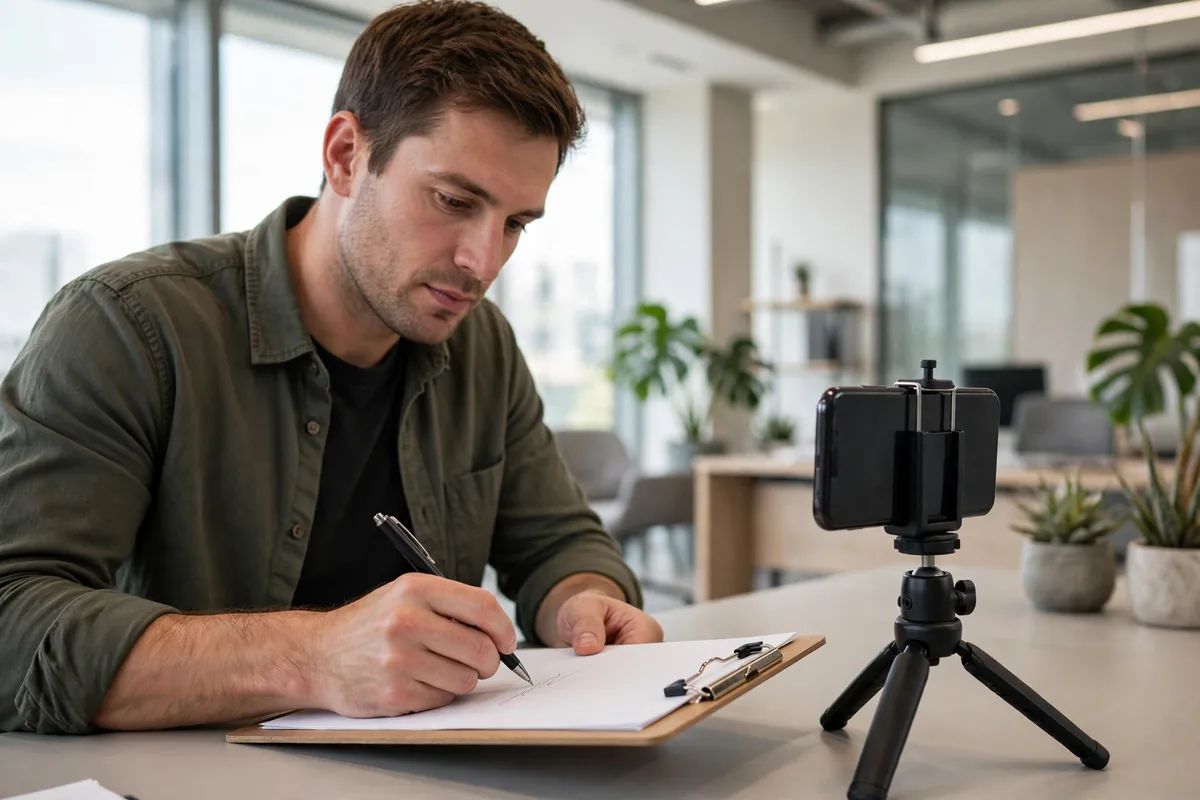
First, light matters more than the app. Scan near a window or under even overhead light; shadows are the top cause of ugly scans. The best document scanner apps Android offers can enhance, but they cannot fix terrible lighting.
Second, use a contrasting background. A dark table under white paper helps edge detection enormously. Third, hold steady and fill the frame; most apps auto-capture when aligned, so let them work.
Fourth, choose the right mode: black-and-white for text documents (smaller files, cleaner), grayscale for documents with images, color for photos. Fifth, batch related pages into single PDFs rather than scattered images; your future self will thank you.
Finally, name files immediately. “Scan_20261006_1.pdf” is useless; “Lease_Agreement_Oct2026.pdf” is findable. Good habits beat good apps.
One more habit worth building: review your scans once a month and delete what you no longer need. Digital clutter accumulates just like paper clutter, and a lean archive stays searchable. The best document scanner apps Android offers make capture effortless; curation keeps the system working.
How to Choose the Right Scanner App
Start with your volume. Occasional scanners should use Google Drive’s built-in scanner or Notebloc. Regular scanners deserve Adobe Scan or Microsoft Lens. Specialists need vFlat for books or CamScanner for fax.
Consider your cloud. Drive users fit Google’s scanner; OneDrive users fit Lens; Adobe users fit Adobe Scan. Matching your storage avoids extra steps.
Think about sensitivity. Scans of IDs, contracts, and financial documents deserve apps with clear privacy policies. And download from the Google Play Store; fake scanner apps with malware are unfortunately common. For official guidance on Drive’s scanner, check Google’s support pages.
FAQ
What is the best free document scanner for Android?
Adobe Scan is the best free scanner with excellent quality and OCR. Microsoft Lens is best for Office users, and Google Drive’s built-in scanner is simplest.
Can a phone scan replace a real scanner?
For documents, receipts, and notes, yes. Modern apps match flatbed quality for most purposes. High-volume or archival scanning still favors dedicated hardware.
How do I scan multiple pages into one PDF?
All the best document scanner apps Android offers support batch mode: keep capturing pages, then save as a single PDF. Adobe Scan and Microsoft Lens handle this seamlessly.
Is OCR accurate on phone scans?
Good apps achieve high accuracy on clean prints. Handwriting, unusual fonts, and poor lighting reduce accuracy. Always proofread critical OCR text.
Are scanner apps safe for sensitive documents?
Reputable apps are, but check privacy policies and prefer apps that process on-device or offer local-only saving for sensitive scans. Avoid obscure scanner apps.
Conclusion
The best document scanner apps Android offers in 2026 make paperless easy: Adobe Scan free for most, Microsoft Lens for Office users, Drive’s scanner for simplicity, and specialists for books and fax.
Pick one, learn its batch mode, and start clearing paper piles. Your desk will thank you.
Start today with the easiest win: scan the stack of papers nearest your desk right now. Ten minutes of scanning builds the habit, and once your first documents are searchable PDFs instead of paper piles, going back feels unthinkable.
The environmental bonus is real too. Every document you scan and recycle is paper you will never need to file, store, or lose. The best document scanner apps Android offers do not just organize your paperwork; they shrink it to nothing.




What do you think?
Share your experience or ask a question. A useful conversation starts with you.
Join the discussion