

Samsung’s Good Lock is the most powerful customization toolkit on any Android phone, and it is completely free and official. This suite of modular apps lets you redesign your lock screen, rebuild your quick settings, remap gestures, theme everything, and automate interface behaviors Samsung’s settings do not expose. The best samsung good lock modules transform One UI from Samsung’s vision of Android into your own. See the Samsung Good Lock support page for official documentation.
This guide covers the essential samsung good lock modules for 2026: what each one does, how to set it up, and the configurations that deliver the biggest impact. If you own a Galaxy phone and have never opened Good Lock, these samsung good lock modules will feel like discovering a secret second phone inside yours.
What Good Lock Is and How to Install It
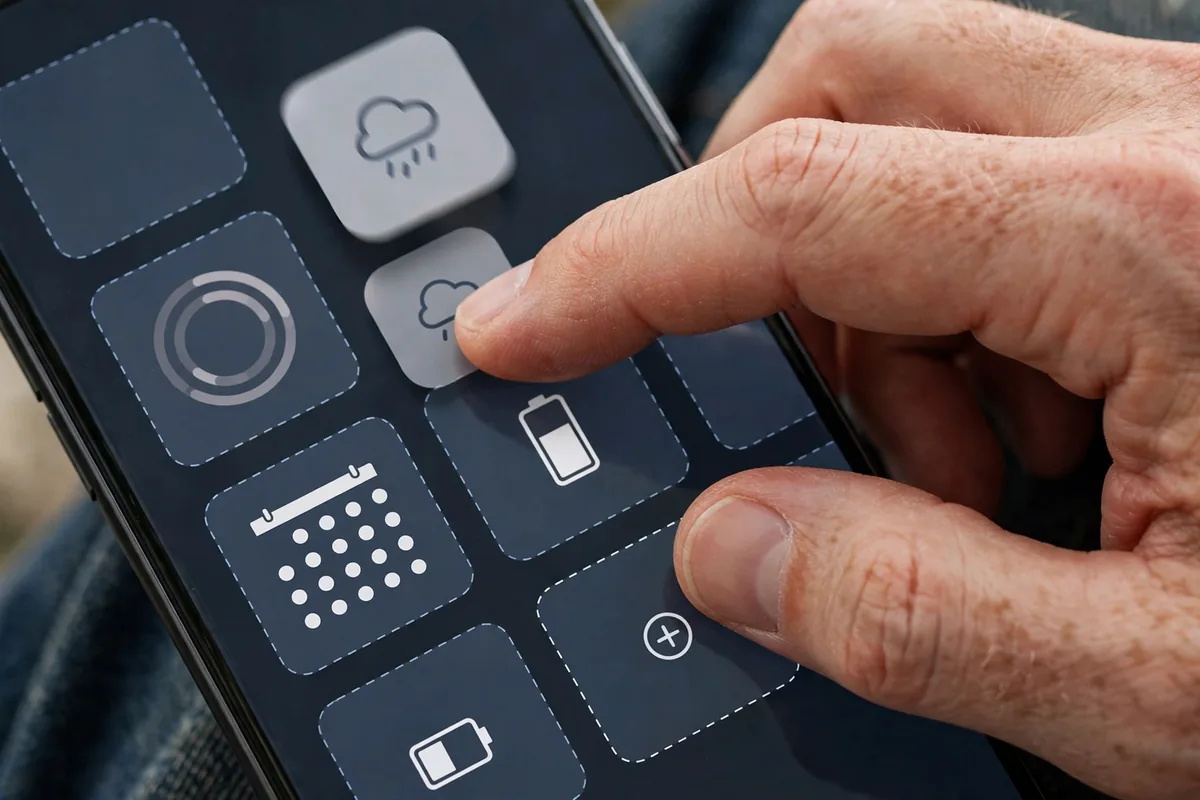
Good Lock is Samsung’s official customization suite, distributed as a hub app containing individual modules.
Installation
- Install Good Lock from the Galaxy Store (not the Play Store).
- Open it to browse available modules.
- Tap any module to install it; each is a separate app that plugs into the hub.
Important Notes
- Good Lock is official Samsung software, not a hack; it uses supported customization APIs.
- Availability varies slightly by region and One UI version; most modules work on One UI 6 and 7.
- Modules update independently, so check the hub periodically for new capabilities.
Think of Good Lock as Samsung’s love letter to tinkerers. Every one of these samsung good lock modules is safe, reversible, and uninstallable without affecting your phone.
Home Up: Redesign Your Home Screen and Recents
Home Up is the heavyweight champion of samsung good lock modules, controlling the launcher experience.
What It Does
- Custom grid sizes: break free of Samsung’s grid presets with any rows-by-columns layout.
- Recents redesign: switch the app switcher between list, grid, and stack layouts.
- Hide app labels, customize folder styles, and fine-tune icon sizing.
- Gesture tuning: adjust back-gesture sensitivity and animation styles.
Recommended Setup
Set a 5×6 grid for dense information, switch recents to the grid layout for faster app finding, and hide labels for a cleaner look. Home Up alone justifies installing Good Lock; it is the most impactful of all samsung good lock modules for daily visual satisfaction.
LockStar: Build Your Dream Lock Screen
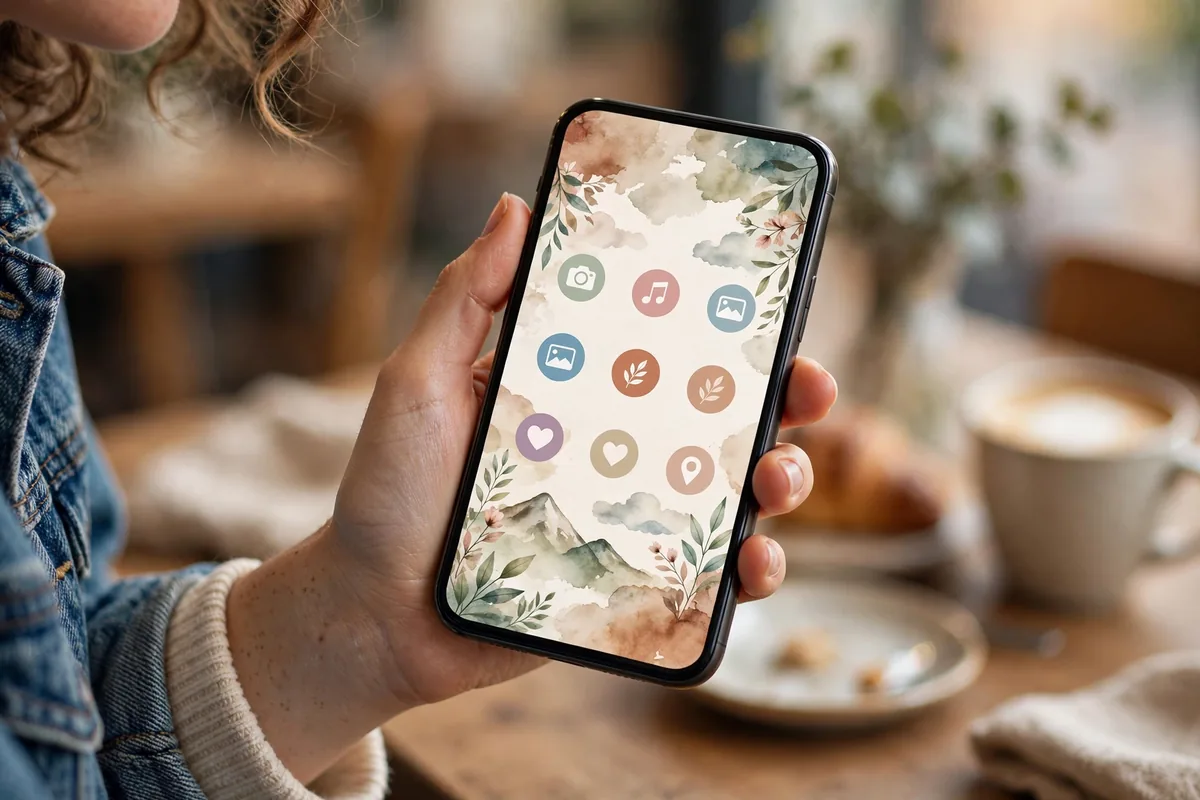
LockStar gives the lock screen the full designer treatment.
Capabilities
- Reposition everything: move the clock, notifications, and shortcuts anywhere.
- Custom clock styles: dozens of fonts, colors, and layouts beyond Samsung’s defaults.
- App shortcuts: place your most-used apps directly on the lock screen.
- Always-on Display sync: design AOD and lock screen as a matched pair.
Design Tips
Keep the clock large and high-contrast for glanceability, place two essential shortcuts (camera and phone) at the bottom, and resist cluttering with widgets you never tap. A well-designed LockStar screen is both beautiful and functional, which is why it ranks among the best samsung good lock modules year after year.
QuickStar: Take Over Quick Settings
QuickStar rebuilds the quick settings panel to your specifications.
- Custom layouts: rearrange, add, or remove quick setting tiles freely.
- Clock and date: customize the panel header’s appearance.
- Brightness and volume: reposition sliders and change their behavior.
- Blur and transparency: tune the panel’s background effects.
Power users strip the panel to their dozen essential toggles and arrange them by thumb reach. This is one of those samsung good lock modules that pays off dozens of times daily in saved swipes and taps.
One Hand Operation+: Gestures That Actually Work
One Hand Operation+ is the single most beloved of all samsung good lock modules, adding edge gestures that put everything within thumb reach.
Setup
- Install the module and enable it.
- Configure left and right handles independently.
- Assign actions to straight, diagonal up, and diagonal down swipes per side.
Recommended Gestures
- Right edge, swipe left: Back
- Right edge, diagonal up: Recent apps
- Right edge, diagonal down: Quick settings
- Left edge, swipe right: Previous app
Six gestures across two edges cover nearly all navigation without ever stretching. Tall-phone users consider this module life-changing, and it is the most-installed of all samsung good lock modules for good reason.
Samsung Good Lock Modules: Quick Comparison Table
| Module | What It Customizes | Impact Level |
|---|---|---|
| Home Up | Launcher, recents | Very high |
| LockStar | Lock screen | High |
| QuickStar | Quick settings | High |
| One Hand Operation+ | Edge gestures | Very high |
| Theme Park | Full theming | High |
| Routines+ | Advanced automation | Medium-high |
Theme Park: Theme Everything, Properly
Theme Park is Samsung’s deep theming engine, going far beyond wallpaper.
- Custom themes: build complete themes from any wallpaper, with auto-generated color palettes.
- Icon packs: apply third-party icon packs system-wide, including to Samsung apps.
- Keyboard theming: theme Samsung Keyboard to match.
- Volume panel and quick settings: style every system surface consistently.
The killer feature is palette generation: pick a wallpaper you love, and Theme Park derives a harmonious full-system theme automatically. Design-conscious users spend happy hours here, and the results look like a custom ROM without any of the risk. For launcher alternatives, our best Android launchers guide covers complementary options.
NavStar: Customize the Navigation Bar
NavStar tunes the navigation experience, whether you use buttons or gestures.
- Button order and style: rearrange back/home/recents and change their icons.
- Gesture hints: customize the gesture bar’s appearance and behavior.
- Extra buttons: add screenshot, notification shade, or power buttons to the nav bar.
Gesture users can shrink the hint bar to reclaim screen space; button loyalists can craft the perfect layout. It is a smaller module, but these samsung good lock modules for navigation remove daily friction.
NotiStar: Never Lose a Notification
NotiStar is a notification historian that logs everything.
- Full notification history: every notification, searchable and filterable.
- Per-app filtering: isolate one app’s notifications to debug issues.
- Persistent storage: history survives reboots and dismissal.
When you dismiss a notification too fast or wonder what buzzed during a meeting, NotiStar has the answer. It is one of the most practical samsung good lock modules for anyone who has ever lost an important alert to a hasty swipe.
Edge Lighting+: Notifications With Style
Edge Lighting+ turns notifications into a light show around your screen’s borders.
- Custom effects: choose from dozens of animation styles and colors.
- Per-app colors: assign colors so you know which app pinged without looking.
- Keyword triggers: light up for messages containing specific words.
Beyond the aesthetics, color-coded edge lighting is genuinely useful ambient information. These samsung good lock modules for notification style make the phone feel alive and personalized.
Samsung Good Lock Modules: SoundAssistant for Audio Control
SoundAssistant is the audiophile’s module.
- Per-app volume: set individual volumes for each app; music loud, games quiet.
- Custom volume steps: increase from 15 to 150 steps for precise control.
- Mono and balance: adjust left-right balance for hearing differences.
- Bluetooth metronome: keep audio in sync for musicians.
Per-app volume alone is worth the install for anyone who juggles media, calls, and games. It is one of those samsung good lock modules that makes you wonder why it is not standard Android.
Routines+: Automation Beyond Bixby Routines
Routines+ extends Samsung’s Modes and Routines with deeper triggers and actions.
- More conditions: add triggers standard Routines lack.
- Touch macros: record and replay touch sequences for repetitive tasks.
- Advanced actions: deeper system control than stock routines allow.
For battery-focused automation ideas, our background apps guide shows how to tame power-hungry apps with system tools.
KeysCafe: Build Your Perfect Keyboard
KeysCafe customizes Samsung Keyboard to an extraordinary degree.
- Custom layouts: rearrange keys, resize the keyboard, create your own layouts.
- Themes and effects: style every key with colors, images, and press effects.
- Game mode: a dedicated layout for gaming with macro support.
Gboard loyalists may not switch, but Samsung Keyboard users gain a playground. It is one of the more niche samsung good lock modules, beloved intensely by its fans.
Samsung Good Lock Modules: ClockFace and Always-on Display
ClockFace designs custom clock styles for the lock screen and AOD.
- Create clock designs with fonts, colors, and layouts.
- Sync with LockStar for a coherent lock screen aesthetic.
- AOD scheduling: show the always-on display on tap, schedule, or always.
A distinctive clock is the signature of a personalized Galaxy. Combined with Theme Park, these samsung good lock modules make your phone unmistakably yours.
Wonderland: Animated Wallpapers
Wonderland creates 3D animated wallpapers with parallax effects.
- Layered scenes: combine backgrounds, characters, and effects.
- Motion: wallpapers respond to tilting and time of day.
- Presets and custom: start from templates or build from your photos.
It is pure delight rather than utility, but phones should spark joy too. Battery impact is minimal on modern Galaxy phones.
Backup and Manage Your Good Lock Setup
After investing hours in customization, protect the configuration.
- Some modules offer export/import of settings; use them before resets.
- Screenshot your layouts as a visual reference for rebuilding.
- Note your gesture mappings from One Hand Operation+ somewhere safe.
Rebuilding from scratch after a factory reset is painful; these samsung good lock modules deserve the same backup discipline as your photos.
Related Guides
- Best Android Launchers 2026: Top 7 Compared
- Android Notifications: 8 Pro Management Tips
- Stop Background Apps Samsung: 8 Battery-Saving Tips
Samsung Good Lock Modules: Nice Catch for Screenshots
Nice Catch logs screenshots, screen recordings, and other system events you might otherwise miss.
- Screenshot history: find every screenshot with timestamps, even ones you took accidentally.
- Vibration history: see which apps triggered vibrations and when.
- Call history: a secondary call log with additional detail.
It is a diagnostic tool more than a customization, but when something behaves oddly, these samsung good lock modules for logging provide the evidence. Think of it as a flight recorder for your phone’s senses.
MultiStar: Split-Screen Without Limits
MultiStar removes the restrictions Samsung places on multi-window mode. The headline feature is Multi window to all apps: normally, some apps refuse to run in split-screen or pop-up view, but MultiStar forces them to comply. Streaming apps, banking apps, and games that usually block split-screen suddenly work side by side with your notes or browser.
The module also enables pop-up view shortcuts — swipe diagonally from a top corner to shrink any app into a floating window you can drag around the screen. This is the fastest way to keep a calculator or chat window floating over a document. Pair it with the rotate with our best option, which lets individual apps ignore the system rotation lock, so a video app can go landscape while everything else stays portrait.
Recommended MultiStar setup
- Enable Multi window to all apps first; it takes effect immediately without a restart.
- Turn on pop-up view action with the diagonal swipe gesture.
- Use Launcher pop-up view so apps open directly as floating windows from the home screen.
RegiStar: Rearrange the Settings App
RegiStar customizes the Settings app itself, which sounds minor until you realize how much time you spend hunting through menus. Its best feature is reordering settings groups: move Connections, Display, and Battery to the top and bury the sections you never open. You can also hide entire settings categories you never touch, decluttering the list.
The module adds practical touches too. Back-tap action lets you double or triple tap the back of the phone to open any setting directly — triple-tap to jump straight to Wi-Fi settings, for example. And press and hold the side key can be remapped per your preference. Changes apply instantly and revert cleanly if you uninstall the module, making RegiStar one of the safest modules to experiment with.
FAQ
Are samsung good lock modules safe to use?
Yes. Good Lock is official Samsung software using supported APIs. Modules cannot brick your phone, and uninstalling any module reverts its changes cleanly.
Why isn’t Good Lock in the Play Store?
Samsung distributes it through the Galaxy Store, which comes preinstalled on Galaxy phones. Some regions have limited availability; alternatives exist but the Galaxy Store version is the official path.
Do Good Lock modules drain battery?
Negligibly. They are lightweight system extensions, not background services. Animated wallpapers (Wonderland) use slightly more power, but the difference is minimal.
Will Good Lock work after a One UI update?
Usually yes, though Samsung occasionally needs a few weeks to update modules for major One UI versions. Check the Good Lock hub after updating for module updates.
Can I use Good Lock on non-Samsung phones?
No. Good Lock is exclusive to Samsung Galaxy devices running One UI. The modules hook into Samsung-specific frameworks.
What’s the best module to start with?
One Hand Operation+ for usability or Home Up for visual impact. Both deliver immediate, obvious improvements that demonstrate Good Lock’s value within minutes.
Conclusion
The best samsung good lock modules turn One UI from a good interface into your interface. Start with One Hand Operation+ and Home Up for the biggest immediate wins, then explore LockStar, QuickStar, and Theme Park as your appetite for customization grows. Everything here is official, free, and reversible, so there is no reason not to experiment. These samsung good lock modules represent Samsung at its best: giving power users the keys to the kingdom and trusting them to build something beautiful, personal, and perfectly suited to how they actually use their phones.


What do you think?
Share your experience or ask a question. A useful conversation starts with you.
Join the discussion