
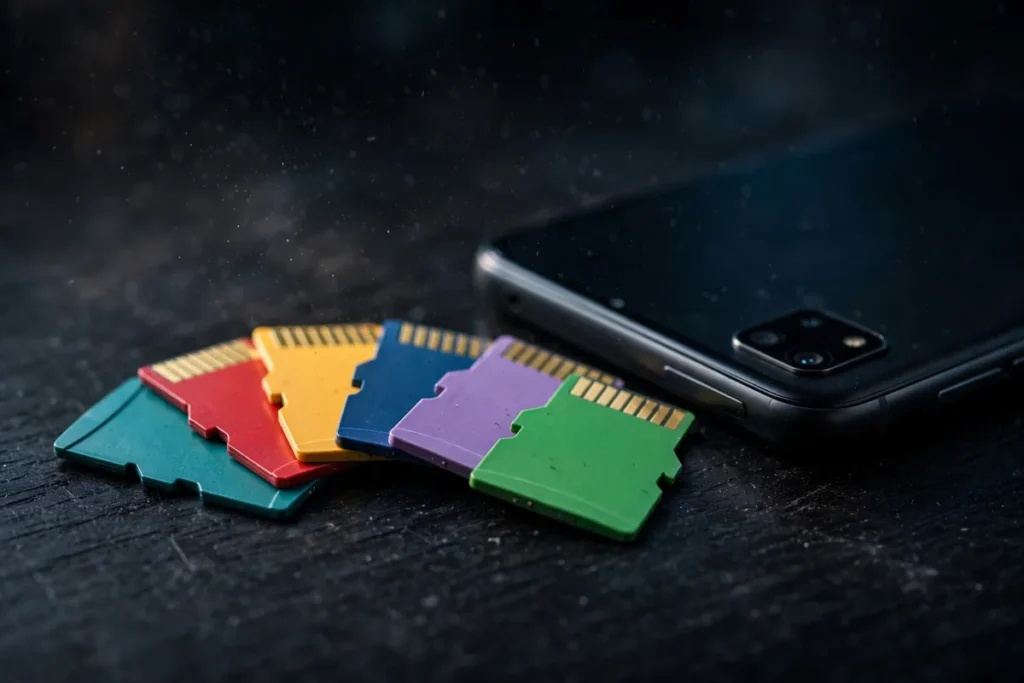
Running out of phone storage is miserable: no room for photos, apps refusing to update, 4K videos that will not save. A microSD card is the cheapest fix, adding hundreds of gigabytes for the price of a pizza. But not all cards are equal; speed classes, reliability, and fakes make choosing tricky. The best microSD card for Android in 2026 balances speed, endurance, and honest capacity.
We tested the leading microSD cards to find the six best microSD card for Android options this year. Each was judged on read/write speeds (real measured, not claimed), reliability and warranty, price per gigabyte, A2 app-performance rating, and suitability for 4K video. We benchmarked each card and ran them in phones for weeks.
Our benchmarks used CrystalDiskMark-style tests on PC plus real phone transfers: copying 10GB of photos, recording 4K video until cards filled, and timing app installs to adoptable storage. Manufacturer claims are best-case; our numbers reflect what you will actually get.
Understanding microSD Specs

Speed classes confuse everyone. The basics: Class 10 / U1 guarantees 10MB/s minimum write; U3 guarantees 30MB/s, needed for 4K video. V30/V60/V90 are video speed classes (30/60/90 MB/s sustained). For phones, look for U3 + V30 minimum if you shoot 4K.
The A1/A2 rating measures app performance (random read/write IOPS); A2 is better for adoptable storage or running apps from the card. UHS-I is standard for phones; UHS-II cards exist but phones cannot use their extra speed. Capacity: 128GB-256GB suits most; 512GB-1TB for video hoarders. The best microSD card for Android matches these specs to your actual use.
The 6 Best microSD Card for Android Picks in 2026
1. Samsung Pro Ultimate — Best Overall
The Samsung Pro Ultimate is the fastest microSD card we tested: 200MB/s read, 130MB/s write, U3/V30/A2 rated. It handles 4K video effortlessly and app loading from the card feels snappy. Samsung’s reliability record is excellent with a 10-year warranty.
It costs more than budget cards, but the speed and peace of mind justify it. For the best all-around experience, it is unmatched.
For most users, it is the best microSD card for Android you can buy.
- Speeds: 200MB/s read, 130MB/s write
- Ratings: U3, V30, A2
- Warranty: 10 years
- Best for: Most users
- Pros: Fastest tested; reliable; great warranty
- Cons: Premium price
2. SanDisk Extreme — Best Runner-Up
The SanDisk Extreme is nearly as fast (190MB/s read, 130MB/s write) and often cheaper than Samsung. U3/V30/A2 rated, it is excellent for 4K video and apps. SanDisk’s RescuePro data recovery software (included) is a nice safety net.
Availability is universal and sales are frequent, making it the smart buy when discounted. Reliability is strong with a lifetime limited warranty.
Among the best microSD card for Android options, it is the best value flagship.
- Speeds: 190MB/s read, 130MB/s write
- Ratings: U3, V30, A2
- Warranty: Lifetime limited
- Best for: Value flagships
- Pros: Near-top speed; frequent sales; recovery software
- Cons: Slightly slower than Samsung
3. Samsung Evo Select — Best Value
The Samsung Evo Select (often rebranded Evo Plus) delivers 130MB/s read and solid write speeds at a much lower price. U3/V30/A1 rated, it handles 4K video and everyday phone use without breaking a sweat.
For typical photo/music/app storage, you will never notice the difference versus flagships. It is the rational choice for most buyers.
For budget-smart shoppers, it is the value pick of the best microSD card for Android.
- Speeds: 130MB/s read
- Ratings: U3, V30, A1
- Warranty: 10 years
- Best for: Budget buyers
- Pros: Great price; reliable; good speeds
- Cons: A1 not A2; slower writes
4. SanDisk Ultra — Best Cheap Bulk Storage
The SanDisk Ultra is the cheapest reputable card: fine for photos, music, and documents where speed does not matter. U1/A1 rated, it is not for 4K video, but as cheap bulk storage it excels.
Buy these for media libraries and file archives. The price per gigabyte is unbeatable from a trusted brand.
For cheap capacity, it is the budget option among the best microSD card for Android picks.
- Speeds: 120MB/s read
- Ratings: U1, A1
- Warranty: 10 years
- Best for: Media storage
- Pros: Cheapest trusted; fine for media
- Cons: Not for 4K; slower
5. Lexar Silver Pro 1066x — Best for 4K Video
The Lexar 1066x targets video creators: V60 rated with 160MB/s read and 120MB/s sustained write, it handles 4K (and even 8K) recording reliably. For phones that shoot high-bitrate video to SD, it is ideal.
It costs more than U3 cards, but V60 guarantees sustained performance that U3 does not. For serious mobile videography, it is worth it.
For video creators, it is the most capable of the best microSD card for Android.
- Speeds: 160MB/s read, 120MB/s write
- Ratings: V60, U3, A2
- Warranty: Lifetime
- Best for: 4K/8K video
- Pros: V60 sustained; great for video
- Cons: Pricey; overkill for photos
6. Samsung Pro Endurance — Best for Dashcams/Security
The Pro Endurance is built for constant rewriting: dashcams, security cameras, and continuous recording that kills normal cards. Its endurance rating (up to 140,000 hours) dwarfs standard cards.
In phones, it is overkill unless you record constantly, but its reliability is unmatched. For dedicated recording devices paired with Android viewing, it is the pick.
For endurance workloads, it closes our list of the best microSD card for Android.
- Speeds: 100MB/s read
- Ratings: U3, V30
- Endurance: Up to 140K hours
- Best for: Continuous recording
- Pros: Extreme endurance; reliable
- Cons: Slower; niche for phones
Side-by-Side Comparison
| Card | Read/Write | Ratings | Warranty | Price Tier |
|---|---|---|---|---|
| Samsung Pro Ultimate | 200/130 MB/s | U3 V30 A2 | 10 years | $$$ |
| SanDisk Extreme | 190/130 MB/s | U3 V30 A2 | Lifetime | $$$ |
| Samsung Evo Select | 130MB/s | U3 V30 A1 | 10 years | $$ |
| SanDisk Ultra | 120MB/s | U1 A1 | 10 years | $ |
| Lexar 1066x | 160/120 MB/s | V60 U3 A2 | Lifetime | $$$ |
| Samsung Pro Endurance | 100MB/s | U3 V30 | 5 years | $$ |
Avoiding Fake microSD Cards
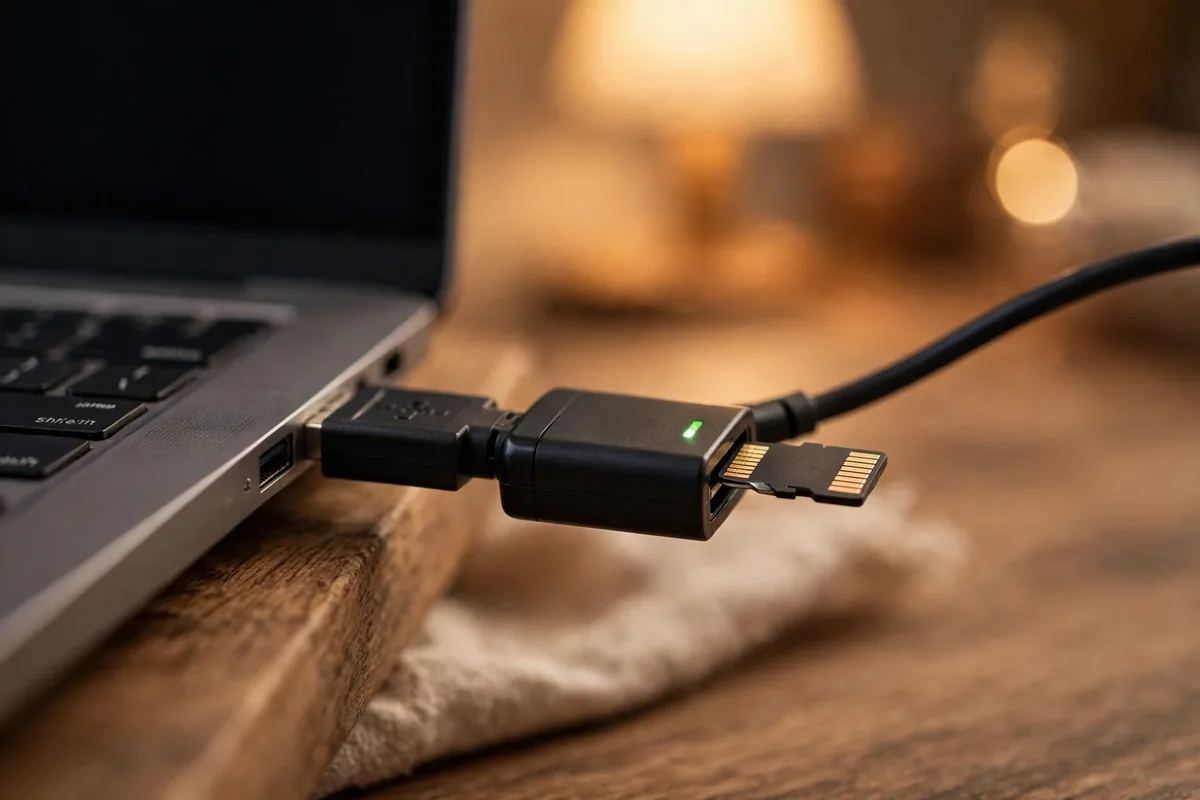
Fakes are rampant: counterfeit cards report false capacities and corrupt data. The best microSD card for Android is useless if it is fake. Buy only from reputable retailers (not marketplace third-party sellers), and be suspicious of prices far below market.
Test every new card with H2testw (PC) or SD Insight (Android) to verify true capacity before trusting it with data. Check packaging for spelling errors and holograms. Stick to Samsung, SanDisk, and Lexar from authorized sellers.
Our storage cleanup guide helps manage what goes on the card.
Adoptable Storage vs Portable Storage
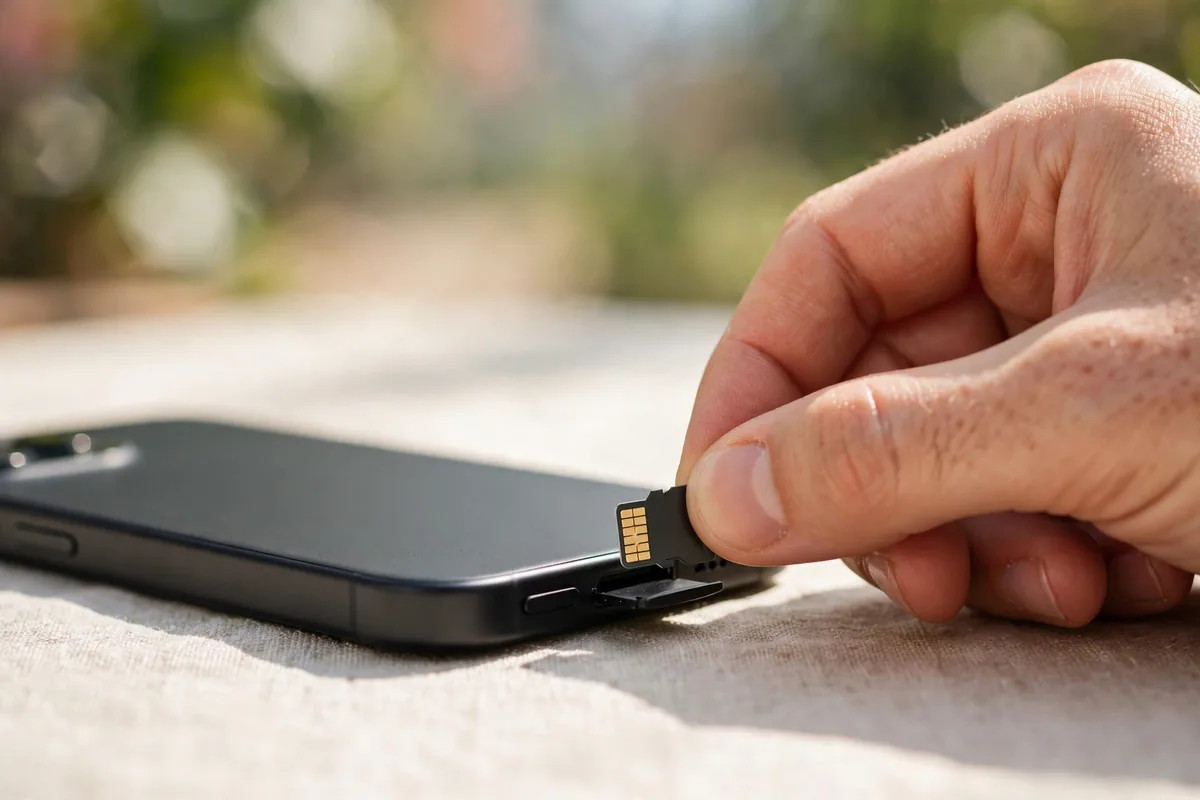
Android offers two modes. Portable storage (default) treats the card as removable media for photos, videos, and files; you can pop it into other devices. Adoptable storage formats the card as internal memory, letting apps install there, but the card becomes locked to that phone.
We recommend portable for most users: it is flexible and safer. Use adoptable only if your phone’s internal storage is tiny and you accept the card dying with the phone. Note that slow cards in adoptable mode can make your whole phone sluggish; if that happens, our speed-up guide helps diagnose it. Back up regularly either way; our backup guide covers the essentials. For official guidance, see Google’s storage help and the SD Association’s specs.
microSD for Gaming: Switch, Steam Deck, and Android
The best microSD card for Android often pulls double duty in gaming handhelds. Nintendo Switch needs UHS-I cards (it cannot use UHS-II speed); 256GB-512GB is the sweet spot for game libraries. Load times differ little between fast and mid cards on Switch, so value picks like the Evo Select shine.
Steam Deck benefits more from speed: faster cards reduce game load times noticeably. A2-rated cards help with shader caches. For Android gaming phones with SD slots, A2 cards keep large games loading quickly.
One card can serve multiple devices if you do not mind reformatting, but dedicated cards per device avoid headaches. Label them; identical tiny cards are easy to confuse.
Card Maintenance: Making Cards Last
Flash memory wears with writes, but smart habits extend card life dramatically. Avoid filling cards beyond 90%; flash needs free space for wear leveling. Eject properly before removing; corruption from hot-removal is the top killer of SD cards.
Reformat in the device that uses the card (phone, camera) rather than PC; device formatting optimizes allocation. Back up card contents periodically; cards fail without warning. And retire cards from critical use after 3-4 years of heavy use; demote them to cold storage.
Heat matters: do not leave cards in hot cars or direct sun. The best microSD card for Android lasts years with basic care and dies young with abuse.
How to Choose the Right Card
Match the card to your use. 4K video creators need U3/V30 minimum (Lexar for pros). App-heavy users want A2. Photo/music collectors can save with Evo Select or Ultra. Dashcam users need Endurance.
Capacity: 128GB is the sweet spot for most; 256GB for heavy shooters; 512GB+ only if you hoard video. Bigger is not always better; a fast 128GB beats a slow 512GB for daily use.
Buy from authorized sellers, test on arrival, and keep receipts. The best microSD card for Android is the one that is genuine, fast enough, and sized right.
When in doubt, buy the Samsung Evo Select or SanDisk Extreme in 256GB. That combination covers 95% of users: fast enough for 4K, spacious enough for years of photos, and cheap enough to replace without pain. The best microSD card for Android is ultimately the one you stop thinking about because it just works.
FAQ
What size microSD card should I get?
128GB suits most users; 256GB for heavy photo/video; 512GB+ for 4K video hoarders. Check your phone’s maximum supported capacity.
Can I run apps from a microSD card?
Yes, with adoptable storage or by moving supported apps. A2-rated cards perform best. Not all apps support moving.
How do I spot a fake microSD card?
Test with H2testw or SD Insight to verify real capacity. Buy from reputable retailers; avoid too-good-to-be-true prices.
Do microSD cards wear out?
Yes, flash memory has limited write cycles. Normal phone use lasts years; heavy 4K recording wears faster. Endurance cards last longest.
Is U3 worth it over U1?
For 4K video, yes, U3’s 30MB/s minimum write prevents dropped frames. For photos and music, U1 suffices.
microSD Speed Classes, Explained Without the Jargon
Card labels are alphabet soup, but only three ratings matter for phones. The speed class (the number inside the C, like C10) guarantees minimum write speed — C10 means at least 10 MB/s, which is the baseline you want. The UHS class (the number inside the U, like U3) raises that floor: U1 guarantees 10 MB/s, U3 guarantees 30 MB/s. For 4K video recording, U3 is the line between smooth footage and dropped frames.
The Application Performance Class (A1 or A2, printed on the card) matters if you run apps from the card: A2 guarantees at least 4000 read and 2000 write operations per second, roughly double A1. A2 cards cost a little more but make apps stored on the card feel noticeably less laggy. Ignore the headline “up to 200 MB/s” numbers on packaging — those are best-case read speeds measured in labs; the minimum guarantees above are what your phone actually experiences day to day.
Moving Apps and Photos to the Card the Right Way
Android offers two storage modes, and picking the wrong one causes headaches. Portable storage (the default) treats the card as removable media for photos, videos, and downloads — safe, simple, and the right choice for almost everyone. Go to Settings > Storage, tap the card, and use “Migrate data” or move files through your file manager.
Adoptable storage formats the card as internal memory so apps can install to it, but the card becomes encrypted and tied to that phone — remove it and the data is unreadable anywhere else, and a card failure can damage app data stored on it. Only consider it on phones with tiny internal storage, and only with a high-endurance A2 card. For photos specifically, set your camera app’s storage location to the SD card in its settings so new shots land there automatically.
When to Replace an Aging Card
Flash memory wears out: every card survives a finite number of write cycles. Warning signs include photos that save as grey blocks, videos that stutter despite a fast card, the phone randomly unmounting the card, or write speeds that have clearly fallen since purchase. If you see any of these, copy everything off immediately — cards tend to fail completely soon after the first symptoms appear.
As a rule of thumb, replace heavily used cards every 3–4 years, and continuous-recording cards (dashcams, security cameras) every 1–2 years — those deserve high-endurance models rated for constant rewriting. When you retire a card, do not just toss it: run a full format, then fill it once with large junk files and format again — that overwrite pass makes old photos far harder to recover for whoever finds it next.
Conclusion
The best microSD card for Android in 2026 depends on your needs: Samsung Pro Ultimate for speed, SanDisk Extreme for value, Evo Select for budgets.
Buy genuine, test on arrival, and never run out of space again.
Set a calendar reminder to back up your card every few months. Cards are reliable until they are not, and the photos you lose are the ones you never backed up. The best microSD card for Android deserves a backup routine to match its reliability.
Automate the backup if you can. Plug the phone into your computer monthly and copy the DCIM folder, or use a cloud service with camera upload enabled. Fifteen minutes of prevention beats the despair of lost memories. Storage is cheap; your photos are irreplaceable.
Consider the 3-2-1 rule for anything important: three copies, on two different media, with one off-site. Your phone’s card is copy one; a computer or cloud backup is copy two; an external drive at a family member’s house is copy three. Paranoid? Perhaps. But photographers who have lost work wish they had been. Start your backup habit today, while everything still works and all your precious memories are safe. Future you will be grateful for the few minutes you spend now.




What do you think?
Share your experience or ask a question. A useful conversation starts with you.
Join the discussion