

A warm phone after gaming or video calls is normal. A phone too hot to hold comfortably is not. If you are dealing with android phone overheating, the first step is understanding the difference between normal warmth and genuine overheating — because the fixes differ, and so does the urgency.
Modern phones are designed to manage heat: they throttle performance, dim screens, and in extreme cases shut down to protect the battery. But chronic overheating degrades battery health, shortens component lifespan, and makes the phone unpleasant to use. This guide explains what causes overheating, when to worry, and 12 practical fixes ordered from quickest to most involved.
Normal Warmth vs. Dangerous Overheating
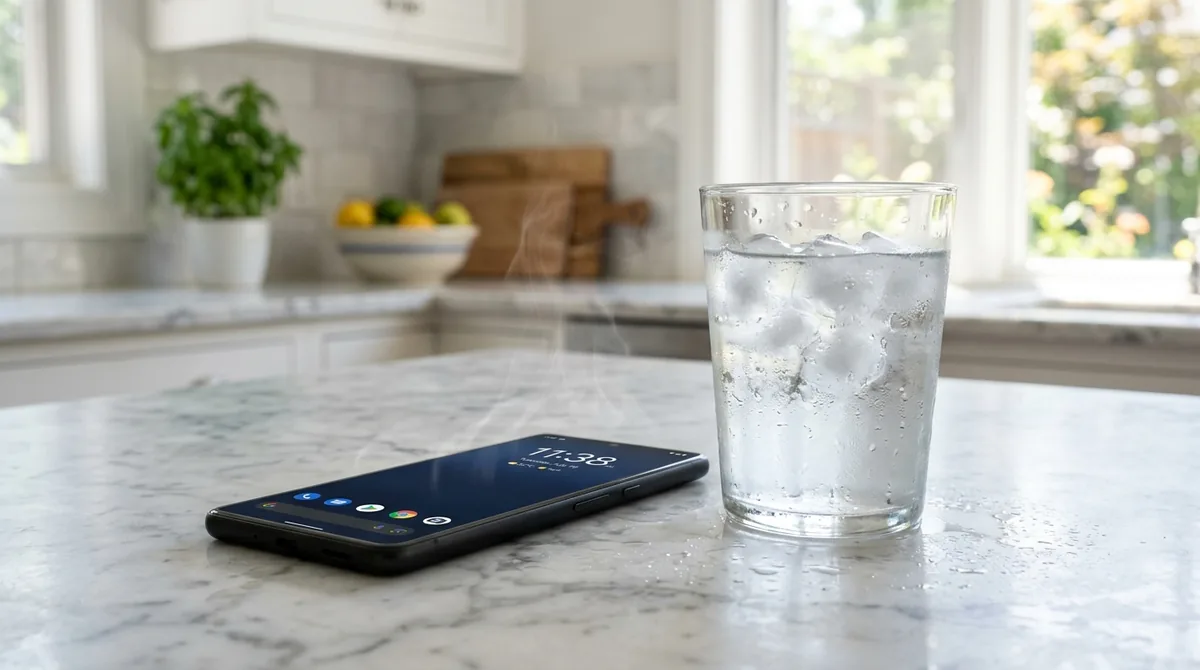
Not all heat is a problem. Here is how to tell:
Normal (no action needed):
- Mild warmth during charging, especially fast charging.
- Warmth during gaming, video calls, GPS navigation, or 4K video recording.
- Slight heat in hot weather or direct sunlight.
- The phone cools down within 10–15 minutes after you stop the intensive task.
Concerning (act now):
- The phone is uncomfortably hot to touch during light use (browsing, texting).
- Overheating warnings appear on screen.
- The phone shuts down by itself or refuses to charge.
- Heat persists long after you stop using it, or the phone is hot while idle in your pocket.
- You notice battery swelling (screen separating from the frame, case not fitting) — stop using the phone immediately and seek professional service; a swollen battery is a safety hazard.
Most users land in the middle: the phone runs hotter than it used to, or gets hot during specific activities. That is fixable.
Android Phone Overheating: What Causes It
Heat comes from exactly three places: the processor working hard, the battery charging or discharging rapidly, and the environment adding heat faster than the phone can shed it. Common triggers:
- Intensive apps: games, video editing, AR apps, and long video calls push the CPU and GPU hard.
- Background activity: rogue apps syncing, uploading, or tracking location continuously.
- Fast charging: pushing 25W, 45W, or more into a battery generates real heat — by design, managed by the phone.
- Poor signal: when cellular signal is weak, the radio amplifies power to stay connected, generating significant heat.
- Direct sunlight and hot environments: a phone on a car dashboard in summer can overheat without running a single app.
- Software bugs: a stuck process can pin the CPU at 100% indefinitely.
- Charging while gaming: the worst combination — maximum processor load plus maximum charging heat simultaneously.
- Thick cases: some heavy-duty cases trap heat that would otherwise dissipate through the phone's body.
Fix 1: Close Intensive Apps and Give It a Break
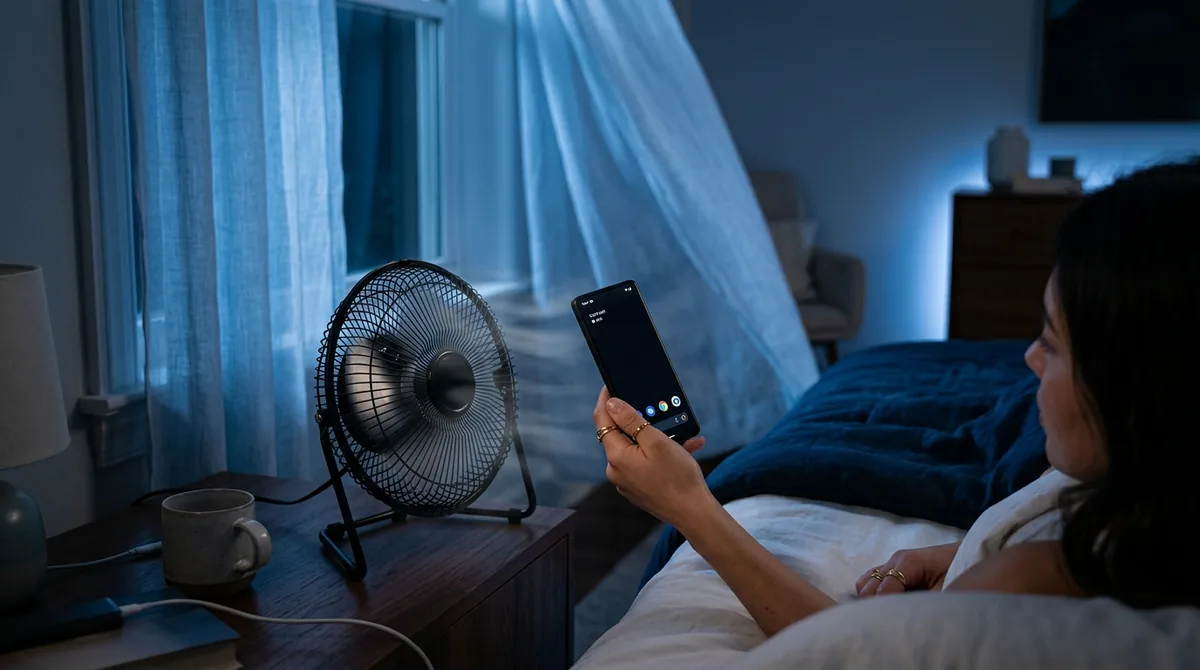
The fastest fix is the simplest: stop what is generating the heat. Close the game, end the video call, pause the 4K recording. Remove the phone from direct sunlight. Then leave it alone for 10–15 minutes — ideally on a cool, hard surface (not a bed or couch cushion, which insulates).
Resist the urge to "help" by putting it in the freezer or refrigerator. Rapid cooling causes condensation inside the phone, which can damage components far worse than the heat would have.
Fix 2: Restart Your Phone
A stuck background process consuming CPU cycles is a classic overheating cause — and it is invisible. The phone feels hot, battery drains fast, but no app appears to be doing anything. A restart kills every process and starts clean.
If overheating stops after a reboot but returns hours later, some app is likely misbehaving in the background. That leads to the next fixes.
Fix 3: Find the Battery-Hogging App

Android tracks exactly what is using your battery, which correlates strongly with heat generation.
- Go to Settings > Battery > Battery usage.
- Look for apps with disproportionate usage — especially ones you have not actively used.
- Tap the offender: you can Force stop it, restrict its background activity, or uninstall it if you do not need it.
Pay special attention after app updates; a buggy update can send a previously well-behaved app into a background loop — a classic trigger for android phone overheating. Social media, shopping, and "free" utility apps are frequent offenders.
Fix 4: Turn Down Screen Brightness
The display is one of the biggest power consumers in any phone, and on maximum brightness outdoors it generates meaningful heat. Lower brightness manually, or better, enable Adaptive brightness (Settings > Display) so the phone manages it intelligently.
Also shorten the Screen timeout — a screen left on at full brightness in a pocket or on a desk wastes power and generates heat for no reason.
Fix 5: Disable Unused Radios and Features
Every active radio generates heat: cellular, Wi-Fi, Bluetooth, GPS, NFC, mobile hotspot. Turn off what you are not using:
- Bluetooth and NFC: off when not actively paired or paying.
- Location services: set to While using the app for most apps rather than Always. Constant background GPS is a major heat source — check Settings > Location > App location permissions for abusers.
- Mobile hotspot: extremely heat-intensive. Use it sparingly and never with the phone wrapped in bedding.
- 5G: in areas with weak 5G, the phone works hard hunting for signal. If 5G is spotty where you are, dropping to 4G/LTE (Settings > Network & internet > SIMs > Preferred network type) often runs cooler with negligible speed difference.
Fix 6: Charge Smarter
Charging generates heat, and heat during charging accelerates battery aging. Optimize the habit:
- Use the charger that came with the phone or a reputable equivalent. Cheap chargers can deliver dirty power and excess heat.
- Remove thick cases while fast charging to let heat escape.
- Avoid intensive use while charging. Gaming while fast-charging is the single hottest normal-use scenario.
- Charge on hard, ventilated surfaces — not under a pillow or inside a bag.
- Use built-in battery protection features: most phones now offer Adaptive charging or an 80–85% charge limit (Settings > Battery > Battery protection). Less time at 100% means less heat stress and longer battery lifespan.
- Overnight charging is fine with adaptive charging enabled — the phone trickles the last stretch to finish just before your alarm.
Fix 7: Update Software and Apps
Manufacturers regularly ship thermal-management improvements: better CPU scheduling, fixed background bugs, more efficient drivers. An outdated system may simply manage heat worse than a current one. Google's Android developer documentation explains how the platform handles thermals under the hood.
- System update: Settings > System > System update.
- App updates: Play Store > profile > Manage apps & device > Update all. A single buggy app version can be the entire problem.
If overheating started immediately after a system update, check the manufacturer's support forums — occasionally an update introduces a thermal regression that gets hotfixed within days.
Fix 8: Reduce Background Activity System-Wide
Beyond individual rogue apps, general background churn is another driver of android phone overheating:
- Turn off auto-sync for accounts you do not need constantly updated (Settings > Accounts).
- Disable background data for apps that do not need it (Settings > Apps > [app] > Mobile data & Wi-Fi).
- Turn off automatic app updates over mobile data; let them happen on Wi-Fi overnight.
- Review notification-heavy apps — every buzz wakes the phone, lights the screen, and burns power.
On Samsung devices, Device care > Battery > Background usage limits lets you put unused apps to sleep automatically — a genuinely useful feature for thermal management.
Fix 9: Take Off the Case (Temporarily)
Cases protect phones, but thick rugged cases and wallet cases insulate them. If your phone runs hot, try using it caseless for a day — especially while charging or gaming — and observe the difference. If the improvement is dramatic, consider a thinner case with better ventilation for daily use, keeping the rugged case for genuinely risky environments.
This is diagnostic as much as it is a fix: it tells you how much of the problem is trapped heat versus generated heat.
Fix 10: Avoid Heat-Trapping Situations
Environmental heat stacks on top of generated heat:
- Never leave the phone in a parked car in warm weather. Cabin temperatures can exceed 60°C (140°F), which can permanently damage the battery.
- Car mounts: dashboard mounts in direct sun plus GPS navigation plus charging is a triple heat threat. Use a vent mount that blows air conditioning over the phone, or at least a shaded mount position.
- Pocket heat: tight pockets against your body in summer add degrees. A bag or loose pocket runs cooler.
- Gaming sessions: take breaks, lower in-game graphics settings, and consider removing the case during long sessions.
Fix 11: Check for Malware or Cryptominers
Persistent overheating with rapid battery drain — especially when the phone is idle — can indicate malicious software mining cryptocurrency or running hidden processes in the background. Warning signs:
- The phone is hot and draining while you are not using it.
- Unknown apps appear in the battery usage list.
- Data usage is inexplicably high.
Run a scan with Google Play Protect (Play Store > profile icon > Play Protect > Scan), uninstall any app you do not recognize or that came from outside the Play Store, and review device-admin apps under Settings > Security. Genuine malware is uncommon on phones that stick to the Play Store, but sideloaded apps change the odds considerably.
Fix 12: Factory Reset (Last Resort) and Hardware Check
If the phone overheats during light use after all software fixes, two possibilities remain: deeply corrupted system software, or failing hardware (usually the battery).
- Factory reset: back up everything, then Settings > System > Reset options > Erase all data. Set the phone up fresh and test before reinstalling apps — if it still overheats with almost nothing installed, it is hardware.
- Battery health: some manufacturers show battery health in Settings (Settings > Battery > Battery health on Pixels and newer Samsung phones). Below 80% capacity, batteries behave worse thermally.
- Professional service: for battery replacement or diagnosis, use the manufacturer or an authorized repair shop. Do not attempt battery replacement yourself unless you know exactly what you are doing — punctured lithium batteries are dangerous.
Long-Term Habits for a Cooler Phone
- Keep software updated.
- Charge to 80–85% for daily use; save 100% for travel days.
- Restart the phone weekly.
- Audit battery usage monthly and cull background abusers.
- Use adaptive brightness and reasonable screen timeouts.
- Keep the phone out of direct sun and hot cars — always.
FAQ — How To Fix Android Phone Overheating
Is it normal for my phone to get hot while fast charging?
Yes, within reason. Fast charging pushes a lot of power quickly, and warmth — even noticeable warmth — is expected. What is not normal: the phone becoming too hot to hold, charging stopping with a temperature warning, or heat that persists long after unplugging. If any of those happen regularly, try a slower charger and check battery health.
Can overheating damage my phone permanently?
Occasional heat spikes are handled by built-in protections (throttling, shutdown). Chronic overheating is the real enemy: sustained high temperatures accelerate battery capacity loss and can degrade adhesives and solder over time. That is why fixing the cause matters more than any single cooling trick.
Should I put my overheating phone in the fridge?
No. Rapid cooling causes condensation to form inside the phone, and moisture plus electronics is a far worse problem than heat. Cool it gradually: shade, airflow, a cool (not cold) hard surface, and patience.
Why does my phone overheat when I'm not even using it?
Something is running in the background: a stuck sync, a rogue app, constant location polling, or poor cellular signal forcing the radio to work overtime. Idle android phone overheating is almost always one of these. Check battery usage for the culprit, restrict background activity, and try airplane mode as a diagnostic — if the heat stops in airplane mode, a radio or network process is responsible.
Does 5G make phones hotter than 4G?
It can, especially in areas with weak or inconsistent 5G coverage — the modem works harder searching for and holding the signal. In strong 5G areas the difference is minimal. If you notice heat correlating with 5G use, switching the preferred network type to 4G/LTE is a reasonable tradeoff.
At what temperature should I actually worry?
Phones typically warn around 40–45°C internal temperature and may shut down above that. As a rule of thumb: warm is fine, hot-but-holdable deserves attention, too-hot-to-hold-comfortably means stop what you are doing and let it cool. Any battery swelling means stop using the device entirely and get professional help.
Conclusion — How To Fix Android Phone Overheating
An android phone overheating fix is rarely one magic setting — it is about removing the stacked causes: the intensive app, the background hog, the thick case, the fast charger, the direct sun. Work through the fixes in order, watch your battery-usage screen like a detective, and build the long-term habits that keep heat down.
Your phone has sophisticated thermal protection, but it should not need to use it daily. A phone that runs cool is a phone whose battery lasts longer, whose performance stays consistent, and whose owner is not nervously checking whether it is about to shut down. Twenty minutes of troubleshooting now pays off for the remaining life of the device.


What do you think?
Share your experience or ask a question. A useful conversation starts with you.
Join the discussion